
Direct View LED Display: Difference between revisions
From ViewSonic Documentation
// via Wikitext Extension for VSCode |
// via Wikitext Extension for VSCode |
||
| Line 1: | Line 1: | ||
{{Product | {{Product | ||
|1=<div class="res-img">[[File:LDC031_Series.png|center|link=]]</div> | |1=<div class="res-img">[[File:LDC031_Series.png|center|link=]]</div> | ||
|2=LDC031 | |2=LDC031-120/-150/-180/-250 | ||
|3=<ol style="list-style-type:square; color:#DB0025;"> | |3=<ol style="list-style-type:square; color:#DB0025;"> | ||
<li>[[LDC031_Series_Introduction|Introduction]]</li> | <li>[[LDC031_Series_Introduction|Introduction]]</li> | ||
Revision as of 01:44, 20 September 2024
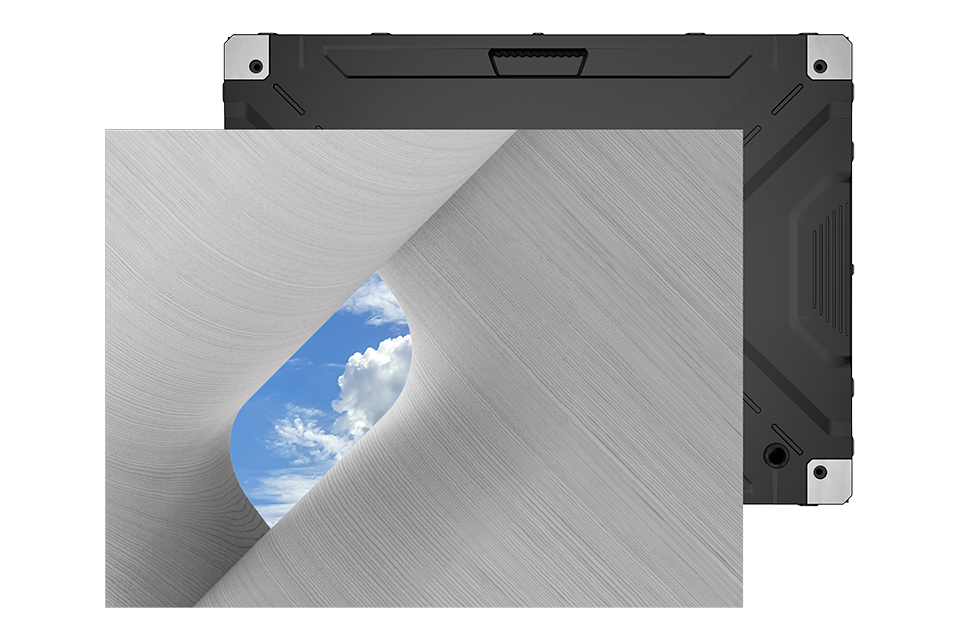
- Introduction
- Remote Control
- Wall Installation
- Floor Stand Installation
- Connecting Devices
- Using the Display
- On-Screen Display Menu
- Pre-installed Applications
- Specifications
- Regulatory and Service Information
- Safety Precautions
- Troubleshooting
- Maintenance
- RS-232 Protocol
- System Control Box Maintenance Tool
- Full Guide
- Download
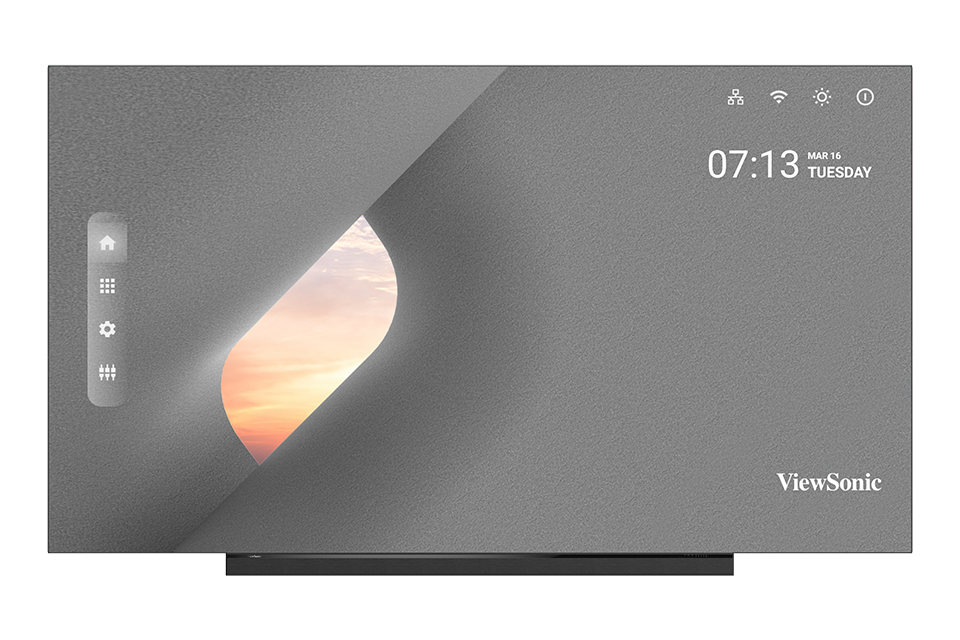
- Introduction
- Remote Control
- Wall Installation
- Floor Stand Installation
- Connecting Devices
- Using the Display
- On-Screen Display Menu
- Pre-installed Applications
- Specifications
- Regulatory and Service Information
- Safety Precautions
- Troubleshooting
- Maintenance
- RS-232 Protocol
- Maintenance Tools
- Full Guide
- Download
- Introduction
- Remote Control
- Wall Installation
- Floor Stand Installation
- Connecting Devices
- Using the Display
- On-Screen Display Menu
- Pre-installed Applications
- Specifications
- Regulatory and Service Information
- Safety Precautions
- Troubleshooting
- Maintenance
- RS-232 Protocol
- Maintenance Tools
- Full Guide
- Download
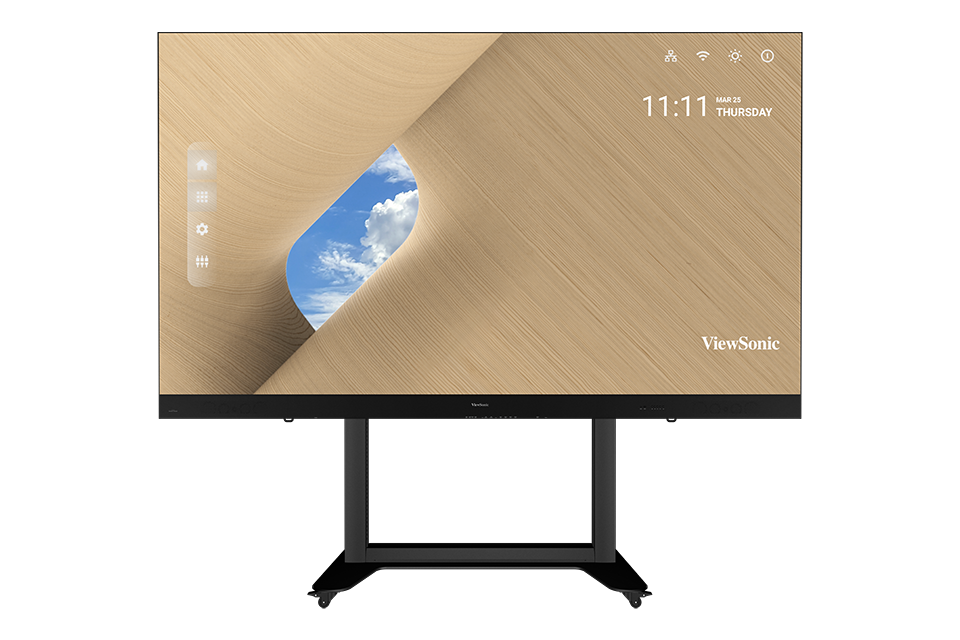
- Introduction
- Remote Control
- Trolley Control Panel
- Flight Case Handling
- Flight Case Unboxing
- Flight Case Packing
- Connecting Devices
- Using the Display
- On-Screen Display Menu
- Pre-installed Applications
- Specifications
- Regulatory and Service Information
- Safety Precautions
- Troubleshooting
- Maintenance
- Vacuum Suction Tool (LD-MK-005)
- Full Guide
- Download
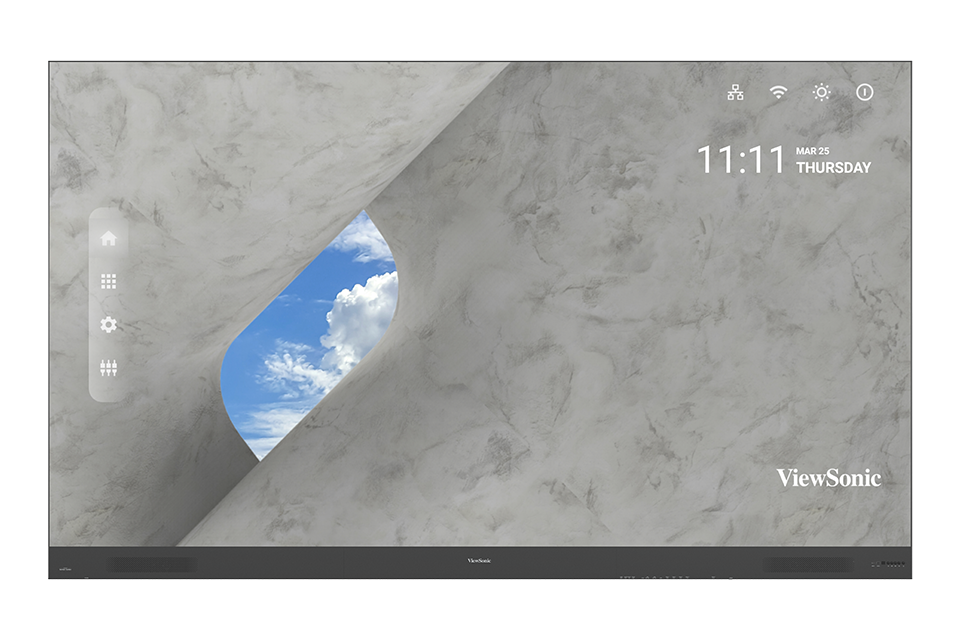
- Introduction
- Remote Control
- Wall Installation
- Detachable System Control Box
- Dual-Screen Splicing
- Portrait Mode
- Connecting Devices
- Using the Display
- On-Screen Display Menu
- Pre-installed Applications
- RS-232 Protocol
- Specifications
- Regulatory and Service Information
- Safety Precautions
- Troubleshooting
- Maintenance
- LED Maintenance Tool (LD-MK-002)
- Full Guide
- Download
- Introduction
- Remote Control
- Trolley Control Panel
- Flight Case Handling
- Flight Case Unboxing
- Flight Case Packing
- Connecting Devices
- Using the Display
- On-Screen Display Menu
- Pre-installed Applications
- Specifications
- Regulatory and Service Information
- Safety Precautions
- Troubleshooting
- Maintenance
- Vacuum Suction Tool (LD-MK-001)
- Full Guide
- Download
- Introduction
- Remote Control
- Wall Installation
- Floor Stand Installation
- Detachable System Control Box
- Dual-Screen Splicing
- Portrait Mode
- Connecting Devices
- Using the Display
- On-Screen Display Menu
- Pre-installed Applications
- RS-232 Protocol
- Specifications
- Regulatory and Service Information
- Safety Precautions
- Troubleshooting
- Maintenance
- Vacuum Suction Tool (LD-MK-001)
- Full Guide
- Download
- Introduction
- Remote Control
- Wall Installation
- Floor Stand Installation
- Detachable System Control Box
- Dual-Screen Splicing
- Connecting Devices
- Using the Display
- On-Screen Display Menu
- Pre-installed Applications
- RS-232 Protocol
- Specifications
- Regulatory and Service Information
- Safety Precautions
- Troubleshooting
- Maintenance
- Vacuum Suction Tool (LD-MK-001)
- Full Guide
- Download
- Introduction
- Remote Control
- Wall Installation
- Detachable System Control Box
- Dual-Screen Splicing
- Portrait Mode
- Connecting Devices
- Using the Display
- On-Screen Display Menu
- Pre-installed Applications
- RS-232 Protocol
- Specifications
- Regulatory and Service Information
- Safety Precautions
- Troubleshooting
- Maintenance
- LED Maintenance Tool (LD-MK-002)
- Full Guide
- Download
- Introduction
- Remote Control
- Wall Installation
- Floor Stand Installation
- Connecting Devices
- Using the Display
- On-Screen Display Menu
- Pre-installed Applications
- RS-232 Protocol
- Specifications
- Regulatory and Service Information
- Safety Precautions
- Troubleshooting
- Maintenance
- Vacuum Suction Tool (LD-MK-001)
- Full Guide
- Download
- Introduction
- Remote Control
- Wall Installation
- Floor Stand Installation
- Connecting Devices
- Using the Display
- On-Screen Display Menu
- Pre-installed Applications
- RS-232 Protocol
- Specifications
- Regulatory and Service Information
- Safety Precautions
- Troubleshooting
- Maintenance
- Vacuum Suction Tool (LD-MK-001)
- Full Guide
- Download
- Introduction
- Remote Control
- Wall Installation
- Floor Stand Installation
- Connecting Devices
- Using the Display
- On-Screen Display Menu
- Pre-installed Applications
- RS-232 Protocol
- Specifications
- Regulatory and Service Information
- Safety Precautions
- Troubleshooting
- Maintenance
- Vacuum Suction Tool (LD-MK-001)
- Full Guide
- Download
- Introduction
- Remote Control
- Wall Installation
- Floor Stand Installation
- Connecting Devices
- Using the Display
- On-Screen Display Menu
- Pre-installed Applications
- RS-232 Protocol
- Specifications
- Regulatory and Service Information
- Safety Precautions
- Troubleshooting
- Maintenance
- Vacuum Suction Tool (LD-MK-001)
- Full Guide
- Download
- Introduction
- Remote Control
- Wall Installation
- Floor Stand Installation
- Connecting Devices
- Using the Display
- On-Screen Display Menu
- Pre-installed Applications
- RS-232 Protocol
- Specifications
- Regulatory and Service Information
- Safety Precautions
- Troubleshooting
- Maintenance
- Vacuum Suction Tool (LD-MK-001)
- Full Guide
- Download
- Introduction
- Remote Control
- Wall Installation
- Floor Stand Installation
- Connecting Devices
- Using the Display
- On-Screen Display Menu
- Pre-installed Applications
- RS-232 Protocol
- Specifications
- Regulatory and Service Information
- Safety Precautions
- Troubleshooting
- Maintenance
- Vacuum Suction Tool (LD-MK-001)
- Full Guide
- Download
If your device is not listed, please Search here