
Direct View LED Display: Difference between revisions
From ViewSonic Documentation
No edit summary |
No edit summary |
||
| Line 1: | Line 1: | ||
{{Product | |||
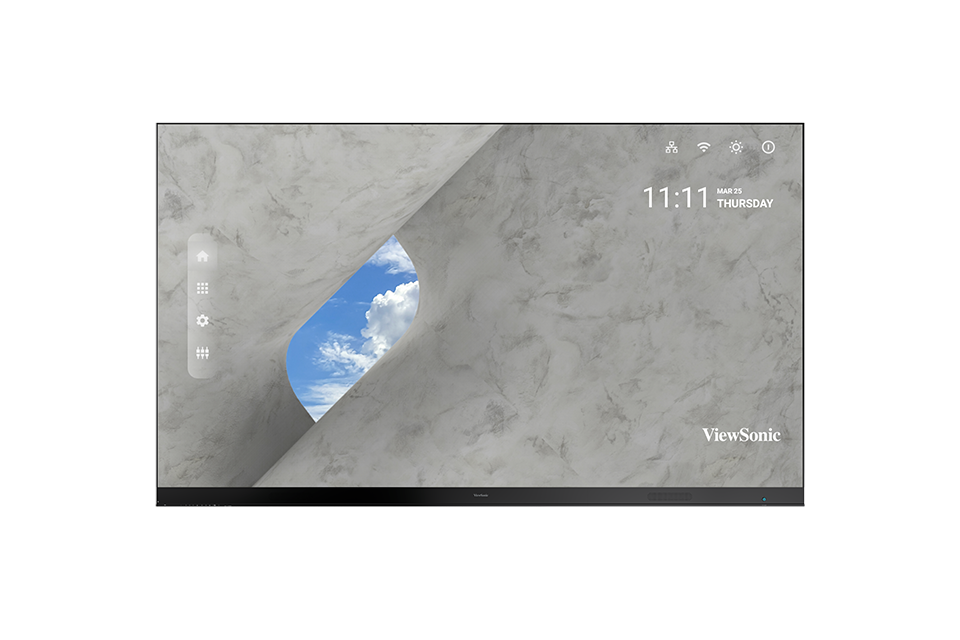
|1=<div class="res-img">[[File:LDP216-251.png|center|link=]]</div> | |||
|2=LDP216-251 | |||
|3=<ol style="list-style-type:square; color:#DB0025;"> | |||
<li>[[LDP216-251_Introduction|Introduction]]</li> | |||
<li>[[LDP216-251_Remote_Control|Remote Control]]</li> | |||
<li>[[LDP216-251_Wall_Installation|Wall Installation]]</li> | |||
<li>[[LDP216-251_Floor_Stand_Installation|Floor Stand Installation]]</li> | |||
<li>[[LDP216-251_Detachable_System_Control_Box|Detachable System Control Box]]</li> | |||
<li>[[LDP216-251_Dual-Screen_Splicing|Dual-Screen Splicing]]</li> | |||
<li>[[LDP216-251_Portrait_Mode|Portrait Mode]]</li> | |||
<li>[[LDP216-251_Connecting_Devices|Connecting Devices]]</li> | |||
<li>[[LDP216-251_Using_the_Display|Using the Display]]</li> | |||
<li>[[LDP216-251_On-Screen_Display_Menu|On-Screen Display Menu]]</li> | |||
<li>[[LDP216-251_Embedded_Applications|Embedded Applications]]</li> | |||
<li>[[LDP216-251_RS-232_Protocol|RS-232 Protocol]]</li> | |||
<li>[[LDP216-251_Specifications|Specifications]]</li> | |||
<li>[[LDP216-251_Regulatory_and_Service_Information|Regulatory and Service Information]]</li> | |||
<hr> | |||
<li>[[Direct_View_LED_Display_Safety_Precautions|Safety Precautions]]</li> | |||
<li>[[Direct_View_LED_Display_Troubleshooting|Troubleshooting]]</li> | |||
<li>[[Direct_View_LED_Display_General_Maintenance|Maintenance]]</li> | |||
<hr> | |||
<li>[[LD-MK-001|Vacuum Suction Tool (LD-MK-001)]]</li> | |||
<hr> | |||
<li>[[LDP216-251_Full_Guide|'''Full Guide Download''']]</li></ol> | |||
}} | |||
{{Product | {{Product | ||
|1=<div class="res-img">[[File:LDS135-151.png|center|link=]]</div> | |1=<div class="res-img">[[File:LDS135-151.png|center|link=]]</div> | ||
Revision as of 06:54, 27 March 2023
- Introduction
- Remote Control
- Wall Installation
- Floor Stand Installation
- Detachable System Control Box
- Dual-Screen Splicing
- Portrait Mode
- Connecting Devices
- Using the Display
- On-Screen Display Menu
- Embedded Applications
- RS-232 Protocol
- Specifications
- Regulatory and Service Information
- Safety Precautions
- Troubleshooting
- Maintenance
- Vacuum Suction Tool (LD-MK-001)
- Full Guide Download
- Introduction
- Remote Control
- Trolley Control Panel
- Flight Case Handling
- Flight Case Unboxing
- Flight Case Packing
- Connecting Devices
- Using the Display
- On-Screen Display Menu
- Embedded Applications
- Specifications
- Regulatory and Service Information
- Safety Precautions
- Troubleshooting
- Maintenance
- Vacuum Suction Tool (LD-MK-001)
- Full Guide Download
- Introduction
- Remote Control
- Wall Installation
- Floor Stand Installation
- Detachable System Control Box
- Dual-Screen Splicing
- Portrait Mode
- Connecting Devices
- Using the Display
- On-Screen Display Menu
- Embedded Applications
- RS-232 Protocol
- Specifications
- Regulatory and Service Information
- Safety Precautions
- Troubleshooting
- Maintenance
- Vacuum Suction Tool (LD-MK-001)
- Full Guide Download
- Introduction
- Remote Control
- Wall Installation
- Floor Stand Installation
- Detachable System Control Box
- Dual-Screen Splicing
- Portrait Mode
- Connecting Devices
- Using the Display
- On-Screen Display Menu
- Embedded Applications
- RS-232 Protocol
- Specifications
- Regulatory and Service Information
- Safety Precautions
- Troubleshooting
- Maintenance
- Vacuum Suction Tool (LD-MK-001)
- Full Guide Download
- Introduction
- Remote Control
- Wall Installation
- Floor Stand Installation
- Detachable System Control Box
- Dual-Screen Splicing
- Portrait Mode
- Connecting Devices
- Using the Display
- On-Screen Display Menu
- Embedded Applications
- RS-232 Protocol
- Specifications
- Regulatory and Service Information
- Safety Precautions
- Troubleshooting
- Maintenance
- Vacuum Suction Tool (LD-MK-001)
- Full Guide Download
- Introduction
- Remote Control
- Wall Installation
- Detachable System Control Box
- Dual-Screen Splicing
- Portrait Mode
- Connecting Devices
- Using the Display
- On-Screen Display Menu
- Embedded Applications
- RS-232 Protocol
- Specifications
- Regulatory and Service Information
- Safety Precautions
- Troubleshooting
- Maintenance
- LED Maintenance Tool (LD-MK-002)
- Full Guide Download
- Introduction
- Remote Control
- Wall Installation
- Floor Stand Installation
- Connecting Devices
- Using the Display
- On-Screen Display Menu
- Embedded Applications
- RS-232 Protocol
- Specifications
- Regulatory and Service Information
- Safety Precautions
- Troubleshooting
- Maintenance
- Vacuum Suction Tool (LD-MK-001)
- Full Guide Download
- Introduction
- Remote Control
- Wall Installation
- Floor Stand Installation
- Connecting Devices
- Using the Display
- On-Screen Display Menu
- Embedded Applications
- RS-232 Protocol
- Specifications
- Regulatory and Service Information
- Safety Precautions
- Troubleshooting
- Maintenance
- Vacuum Suction Tool (LD-MK-001)
- Full Guide Download
- Introduction
- Remote Control
- Wall Installation
- Floor Stand Installation
- Connecting Devices
- Using the Display
- On-Screen Display Menu
- Embedded Applications
- RS-232 Protocol
- Specifications
- Regulatory and Service Information
- Safety Precautions
- Troubleshooting
- Maintenance
- Vacuum Suction Tool (LD-MK-001)
- Full Guide Download
- Introduction
- Remote Control
- Wall Installation
- Floor Stand Installation
- Connecting Devices
- Using the Display
- On-Screen Display Menu
- Embedded Applications
- RS-232 Protocol
- Specifications
- Regulatory and Service Information
- Safety Precautions
- Troubleshooting
- Maintenance
- Vacuum Suction Tool (LD-MK-001)
- Full Guide Download
- Introduction
- Remote Control
- Wall Installation
- Floor Stand Installation
- Connecting Devices
- Using the Display
- On-Screen Display Menu
- Embedded Applications
- RS-232 Protocol
- Specifications
- Regulatory and Service Information
- Safety Precautions
- Troubleshooting
- Maintenance
- Vacuum Suction Tool (LD-MK-001)
- Full Guide Download
- Introduction
- Remote Control
- Wall Installation
- Floor Stand Installation
- Connecting Devices
- Using the Display
- On-Screen Display Menu
- Embedded Applications
- RS-232 Protocol
- Specifications
- Regulatory and Service Information
- Safety Precautions
- Troubleshooting
- Maintenance
- Vacuum Suction Tool (LD-MK-001)
- Full Guide Download
If your device is not listed, please Search here