
VP Series
From ViewSonic Documentation
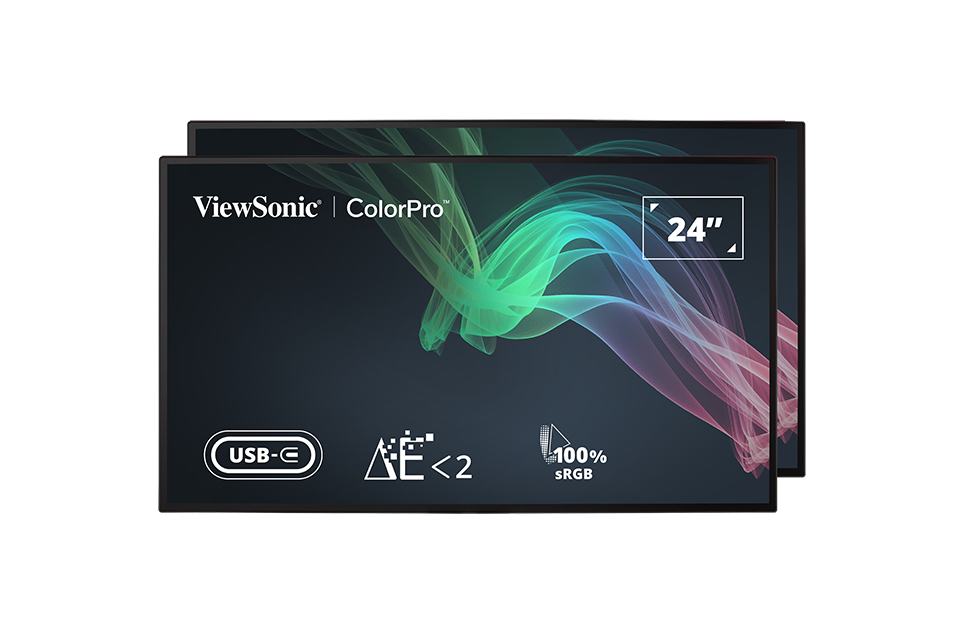
VP2468a_H2
- Introduction
- Initial Setup
- Connecting Power and Devices
- Quick Menu
- Hot Keys
- On-Screen Display Menu Operation
- On-Screen Display Menu Tree
- On-Screen Display Menu Options
- Advanced Features and Settings
- Specifications
- Regulatory and Service Information
- Safety Precautions
- Glossary
- Troubleshooting
- Maintenance
- Full Guide Download
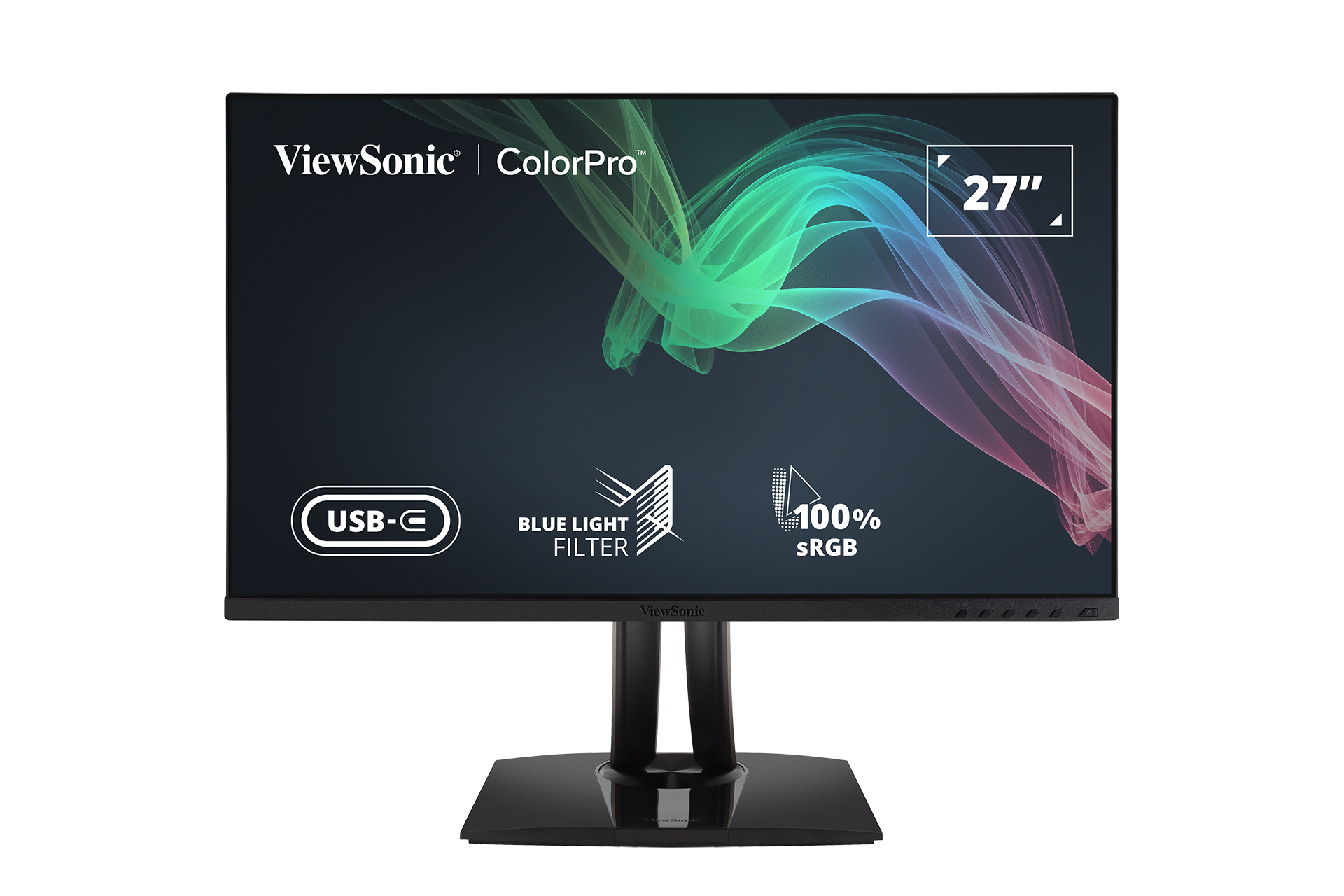
VP2456
- Introduction
- Initial Setup
- Connecting Power and Devices
- Adjusting the Viewing Angle
- Quick Menu
- Hot Keys
- On-Screen Display Menu Operation
- On-Screen Display Menu Tree
- On-Screen Display Menu Options
- Advanced Features and Settings
- Specifications
- Regulatory and Service Information
- Safety Precautions
- Glossary
- Troubleshooting
- Maintenance
- Full Guide Download
VP2786-4K
- Introduction
- Initial Setup
- Connecting Power and Devices
- Adjusting the Viewing Angle
- Quick Menu
- Hot Keys
- On-Screen Display Menu Operation
- On-Screen Display Menu Tree
- On-Screen Display Menu Options
- Advanced Features and Settings
- Specifications
- Regulatory and Service Information
- Safety Precautions
- Glossary
- Troubleshooting
- Maintenance
- Full Guide Download

VP3881a
- Introduction
- Initial Setup
- Connecting Power and Devices
- Adjusting the Viewing Angle
- Quick Menu
- Hot Keys
- On-Screen Display Menu Operation
- On-Screen Display Menu Tree
- On-Screen Display Menu Options
- Advanced Features and Settings
- Specifications
- Regulatory and Service Information
- Safety Precautions
- Glossary
- Troubleshooting
- Maintenance
- Full Guide Download
VP2776
- Introduction
- Initial Setup
- Connecting Power and Devices
- Adjusting the Viewing Angle
- Quick Menu
- Hot Keys
- On-Screen Display Menu Operation
- On-Screen Display Menu Tree
- On-Screen Display Menu Options
- Advanced Features and Settings
- Specifications
- Regulatory and Service Information
- Safety Precautions
- Glossary
- Troubleshooting
- Maintenance
- Full Guide Download
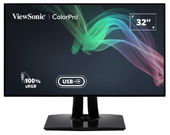
VP3256-4K
- Introduction
- Initial Setup
- Connecting Power and Devices
- Adjusting the Viewing Angle
- Quick Menu
- Hot Keys
- On-Screen Display Menu Operation
- On-Screen Display Menu Tree
- On-Screen Display Menu Options
- Advanced Features and Settings
- Specifications
- Regulatory and Service Information
- Safety Precautions
- Glossary
- Troubleshooting
- Maintenance
- Full Guide Download
VP2756-4K
- Introduction
- Initial Setup
- Connecting Power and Devices
- Adjusting the Viewing Angle
- Quick Menu
- Hot Keys
- On-Screen Display Menu Operation
- On-Screen Display Menu Tree
- On-Screen Display Menu Options
- Advanced Features and Settings
- Specifications
- Regulatory and Service Information
- Safety Precautions
- Glossary
- Troubleshooting
- Maintenance
- Full Guide Download
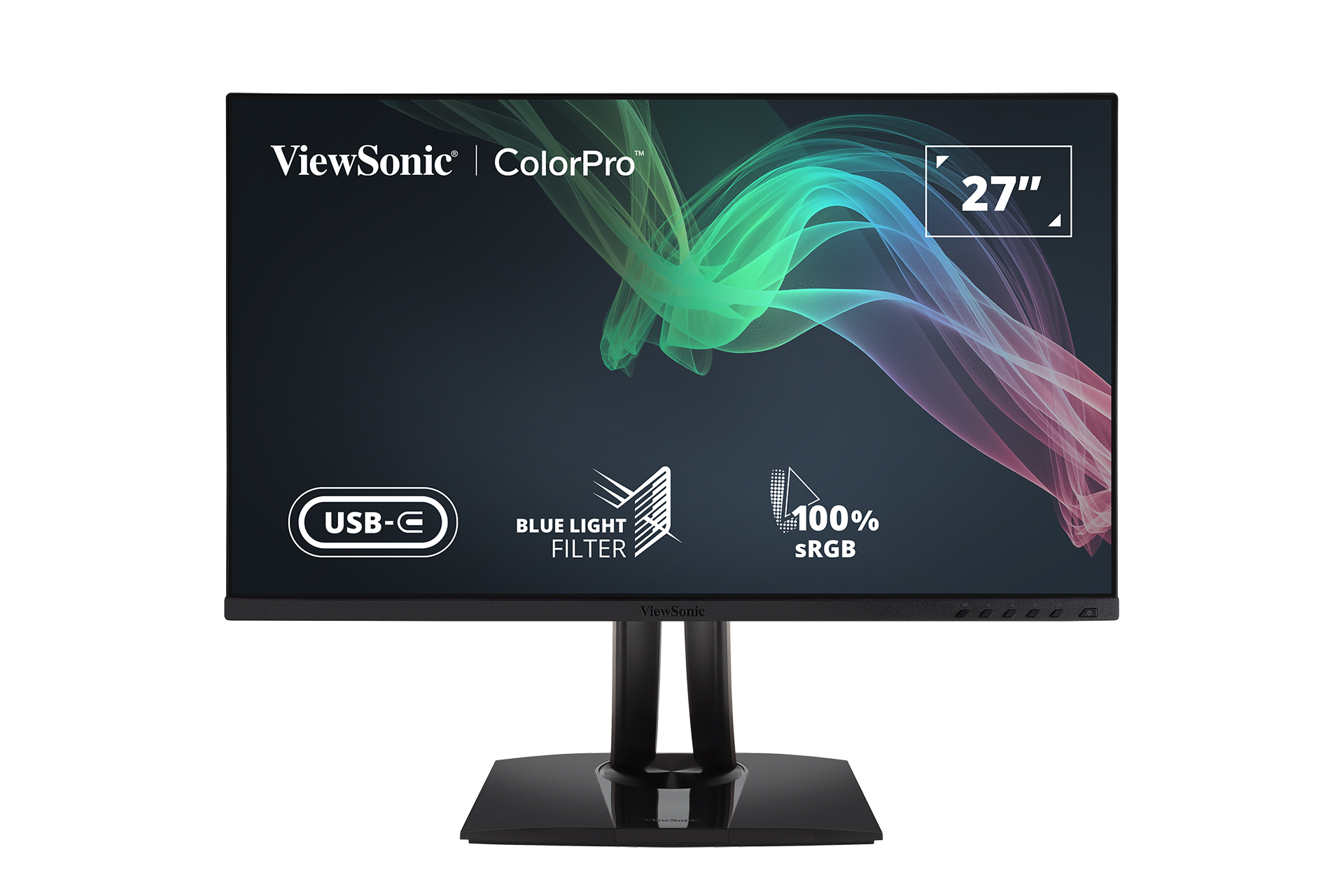
VP2756-2K
- Introduction
- Initial Setup
- Connecting Power and Devices
- Adjusting the Viewing Angle
- Quick Menu
- Hot Keys
- On-Screen Display Menu Operation
- On-Screen Display Menu Tree
- On-Screen Display Menu Options
- Advanced Features and Settings
- Specifications
- Regulatory and Service Information
- Safety Precautions
- Glossary
- Troubleshooting
- Maintenance
- Full Guide Download
VP3268a-4K
- Introduction
- Initial Setup
- Connecting Power and Devices
- Adjusting the Viewing Angle
- Quick Menu
- Hot Keys
- On-Screen Display Menu Operation
- On-Screen Display Menu Tree
- On-Screen Display Menu Options
- Advanced Features and Settings
- Specifications
- Regulatory and Service Information
- Safety Precautions
- Glossary
- Troubleshooting
- Maintenance
- Full Guide Download

VP2768a-4K
- Introduction
- Initial Setup
- Connecting Power and Devices
- Adjusting the Viewing Angle
- Quick Menu
- Hot Keys
- On-Screen Display Menu Operation
- On-Screen Display Menu Tree
- On-Screen Display Menu Options
- Advanced Features and Settings
- Specifications
- Regulatory and Service Information
- Safety Precautions
- Glossary
- Troubleshooting
- Maintenance
- Full Guide Download

VP2468a
- Introduction
- Initial Setup
- Connecting Power and Devices
- Adjusting the Viewing Angle
- Quick Menu
- Hot Keys
- On-Screen Display Menu Operation
- On-Screen Display Menu Tree
- On-Screen Display Menu Options
- Advanced Features and Settings
- Specifications
- Regulatory and Service Information
- Safety Precautions
- Glossary
- Troubleshooting
- Maintenance
- Full Guide Download

VP2768a
- Introduction
- Initial Setup
- Connecting Power and Devices
- Adjusting the Viewing Angle
- Quick Menu
- Hot Keys
- On-Screen Display Menu Operation
- On-Screen Display Menu Tree
- On-Screen Display Menu Options
- Advanced Features and Settings
- Specifications
- Regulatory and Service Information
- Safety Precautions
- Glossary
- Troubleshooting
- Maintenance
- Full Guide Download
VP3481
- Introduction
- Initial Setup
- Connecting Power and Devices
- Adjusting the Viewing Angle
- Quick Menu
- Hot Keys
- On-Screen Display Menu Operation
- On-Screen Display Menu Tree
- On-Screen Display Menu Options
- Advanced Features and Settings
- Specifications
- Regulatory and Service Information
- Safety Precautions
- Glossary
- Troubleshooting
- Maintenance
- Full Guide Download
VP3481a
- Introduction
- Initial Setup
- Connecting Power and Devices
- Adjusting the Viewing Angle
- Quick Menu
- Hot Keys
- On-Screen Display Menu Operation
- On-Screen Display Menu Tree
- On-Screen Display Menu Options
- Advanced Features and Settings
- Specifications
- Regulatory and Service Information
- Safety Precautions
- Glossary
- Troubleshooting
- Maintenance
- Full Guide Download

VP2785-4K
VP2458
VP3881
VP2768

VP3268-4K

VP2785-2K
If your device is not listed, please Search here