
XG Series: Difference between revisions
From ViewSonic Documentation
No edit summary |
No edit summary |
||
| Line 1: | Line 1: | ||
{{Product | {{Product | ||
|1=<div class="res-img">[[File:XG341C-2K.png|center|link=]]</div> | |1=<div class="res-img">[[File:XG341C-2K.png|center|link=]]</div> | ||
|2= | |2=XG341C-2K | ||
|3=<ol style="list-style-type:square; color:#C8102E;"> | |3=<ol style="list-style-type:square; color:#C8102E;"> | ||
<li>[[XG341C-2K_Introduction|Introduction]]</li> | <li>[[XG341C-2K_Introduction|Introduction]]</li> | ||
| Line 26: | Line 26: | ||
{{Product | {{Product | ||
|1=<div class="res-img">[[File:XG340C-2K.png|center|link=]]</div> | |1=<div class="res-img">[[File:XG340C-2K.png|center|link=]]</div> | ||
|2= | |2=XG340C-2K | ||
|3=<ol style="list-style-type:square; color:#C8102E;"> | |3=<ol style="list-style-type:square; color:#C8102E;"> | ||
<li>[[XG340C-2K_Introduction|Introduction]]</li> | <li>[[XG340C-2K_Introduction|Introduction]]</li> | ||
| Line 51: | Line 51: | ||
{{Product | {{Product | ||
|1=<div class="res-img">[[File:XG2431.png|center|link=]]</div> | |1=<div class="res-img">[[File:XG2431.png|center|link=]]</div> | ||
|2= | |2=XG2407 | ||
|3=<ol style="list-style-type:square; color:#C8102E;"> | |3=<ol style="list-style-type:square; color:#C8102E;"> | ||
<li>[[XG2407_Introduction|Introduction]]</li> | <li>[[XG2407_Introduction|Introduction]]</li> | ||
| Line 74: | Line 74: | ||
{{Product | {{Product | ||
|1=<div class="res-img">[[File:XG321UG.png|center|link=]]</div> | |1=<div class="res-img">[[File:XG321UG.png|center|link=]]</div> | ||
|2= | |2=XG321UG | ||
|3=<ol style="list-style-type:square; color:#C8102E;"> | |3=<ol style="list-style-type:square; color:#C8102E;"> | ||
<li>[[XG321UG_Introduction|Introduction]]</li> | <li>[[XG321UG_Introduction|Introduction]]</li> | ||
| Line 99: | Line 99: | ||
{{Product | {{Product | ||
|1=<div class="res-img">[[File:XG320U.png|center|link=]]</div> | |1=<div class="res-img">[[File:XG320U.png|center|link=]]</div> | ||
|2= | |2=XG320U | ||
|3=<ol style="list-style-type:square; color:#C8102E;"> | |3=<ol style="list-style-type:square; color:#C8102E;"> | ||
<li>[[XG320U_Introduction|Introduction]]</li> | <li>[[XG320U_Introduction|Introduction]]</li> | ||
| Line 124: | Line 124: | ||
{{Product | {{Product | ||
|1=<div class="res-img">[[File:XG270QG.png|center|link=]]</div> | |1=<div class="res-img">[[File:XG270QG.png|center|link=]]</div> | ||
|2= | |2=XG320Q | ||
|3=<ol style="list-style-type:square; color:#C8102E;"> | |3=<ol style="list-style-type:square; color:#C8102E;"> | ||
<li>[[XG320Q_Introduction|Introduction]]</li> | <li>[[XG320Q_Introduction|Introduction]]</li> | ||
| Line 149: | Line 149: | ||
{{Product | {{Product | ||
|1=<div class="res-img">[[File:XG271QG.png|center|link=]]</div> | |1=<div class="res-img">[[File:XG271QG.png|center|link=]]</div> | ||
|2= | |2=XG271QG | ||
|3=<ol style="list-style-type:square; color:#C8102E;"> | |3=<ol style="list-style-type:square; color:#C8102E;"> | ||
<li>[[XG271QG_Introduction|Introduction]]</li> | <li>[[XG271QG_Introduction|Introduction]]</li> | ||
| Line 174: | Line 174: | ||
{{Product | {{Product | ||
|1=<div class="res-img">[[File:XG270QG.png|center|link=]]</div> | |1=<div class="res-img">[[File:XG270QG.png|center|link=]]</div> | ||
|2= | |2=XG251G | ||
|3=<ol style="list-style-type:square; color:#C8102E;"> | |3=<ol style="list-style-type:square; color:#C8102E;"> | ||
<li>[[XG251G_Introduction|Introduction]]</li> | <li>[[XG251G_Introduction|Introduction]]</li> | ||
| Line 199: | Line 199: | ||
{{Product | {{Product | ||
|1=<div class="res-img">[[File:XG270QG.png|center|link=]]</div> | |1=<div class="res-img">[[File:XG270QG.png|center|link=]]</div> | ||
|2= | |2=XG250 | ||
|3=<ol style="list-style-type:square; color:#C8102E;"> | |3=<ol style="list-style-type:square; color:#C8102E;"> | ||
<li>[[XG250_Introduction|Introduction]]</li> | <li>[[XG250_Introduction|Introduction]]</li> | ||
| Line 224: | Line 224: | ||
{{Product | {{Product | ||
|1=<div class="res-img">[[File:XG2431.png|center|link=]]</div> | |1=<div class="res-img">[[File:XG2431.png|center|link=]]</div> | ||
|2= | |2=XG2431 | ||
|3=<ol style="list-style-type:square; color:#C8102E;"> | |3=<ol style="list-style-type:square; color:#C8102E;"> | ||
<li>[[XG2431_Introduction|Introduction]]</li> | <li>[[XG2431_Introduction|Introduction]]</li> | ||
| Line 247: | Line 247: | ||
{{Product | {{Product | ||
|1=<div class="res-img">[[File:XG270QG.png|center|link=]]</div> | |1=<div class="res-img">[[File:XG270QG.png|center|link=]]</div> | ||
|2= | |2=XG270QG | ||
|3=<ol style="list-style-type:square; color:#C8102E;"> | |3=<ol style="list-style-type:square; color:#C8102E;"> | ||
<li>[[XG270QG_Introduction|Introduction]]</li> | <li>[[XG270QG_Introduction|Introduction]]</li> | ||
| Line 272: | Line 272: | ||
{{Product | {{Product | ||
|1=<div class="res-img">[[File:XG05.png|center|link=]]</div> | |1=<div class="res-img">[[File:XG05.png|center|link=]]</div> | ||
|2= | |2=XG2405 | ||
|3=<ol style="list-style-type:square; color:#C8102E;"> | |3=<ol style="list-style-type:square; color:#C8102E;"> | ||
<li>[http://www.viewsonicglobal.com/public/products_download/user_guide/Display/XG2405/XG2405_UG_ENG.pdf '''Full Guide Download''']</li></ol> | <li>[http://www.viewsonicglobal.com/public/products_download/user_guide/Display/XG2405/XG2405_UG_ENG.pdf '''Full Guide Download''']</li></ol> | ||
| Line 279: | Line 279: | ||
{{Product | {{Product | ||
|1=<div class="res-img">[[File:XG270.png|center|link=]]</div> | |1=<div class="res-img">[[File:XG270.png|center|link=]]</div> | ||
|2= | |2=XG270 | ||
|3=<ol style="list-style-type:square; color:#C8102E;"> | |3=<ol style="list-style-type:square; color:#C8102E;"> | ||
<li>[http://www.viewsonicglobal.com/public/products_download/user_guide/Display/XG270/XG270_UG_ENG.pdf '''Full Guide Download''']</li></ol> | <li>[http://www.viewsonicglobal.com/public/products_download/user_guide/Display/XG270/XG270_UG_ENG.pdf '''Full Guide Download''']</li></ol> | ||
| Line 286: | Line 286: | ||
{{Product | {{Product | ||
|1=<div class="res-img">[[File:XG2401.png|center|link=]]</div> | |1=<div class="res-img">[[File:XG2401.png|center|link=]]</div> | ||
|2= | |2=XG2401 | ||
|3=<ol style="list-style-type:square; color:#C8102E;"> | |3=<ol style="list-style-type:square; color:#C8102E;"> | ||
<li>[http://www.viewsonicglobal.com/public/products_download/user_guide/display/xg2401/english.pdf '''Full Guide Download''']</li></ol> | <li>[http://www.viewsonicglobal.com/public/products_download/user_guide/display/xg2401/english.pdf '''Full Guide Download''']</li></ol> | ||
| Line 293: | Line 293: | ||
{{Product | {{Product | ||
|1=<div class="res-img">[[File:XG05.png|center|link=]]</div> | |1=<div class="res-img">[[File:XG05.png|center|link=]]</div> | ||
|2= | |2=XG2705 | ||
|3=<ol style="list-style-type:square; color:#C8102E;"> | |3=<ol style="list-style-type:square; color:#C8102E;"> | ||
<li>[http://www.viewsonicglobal.com/public/products_download/user_guide/Display/XG2705/XG2705_UG_ENG.pdf '''Full Guide Download''']</li></ol> | <li>[http://www.viewsonicglobal.com/public/products_download/user_guide/Display/XG2705/XG2705_UG_ENG.pdf '''Full Guide Download''']</li></ol> | ||
| Line 300: | Line 300: | ||
{{Product | {{Product | ||
|1=<div class="res-img">[[File:XG2703-GS.png|center|link=]]</div> | |1=<div class="res-img">[[File:XG2703-GS.png|center|link=]]</div> | ||
|2= | |2=XG2703-GS | ||
|3=<ol style="list-style-type:square; color:#C8102E;"> | |3=<ol style="list-style-type:square; color:#C8102E;"> | ||
<li>[http://www.viewsonicglobal.com/public/products_download/user_guide/Display/XG2703-GS_XG2703-GS-CN/XG2703-GS_XG2703-GS-CN_UG_ENG.pdf '''Full Guide Download''']</li></ol> | <li>[http://www.viewsonicglobal.com/public/products_download/user_guide/Display/XG2703-GS_XG2703-GS-CN/XG2703-GS_XG2703-GS-CN_UG_ENG.pdf '''Full Guide Download''']</li></ol> | ||
Revision as of 09:00, 26 August 2022
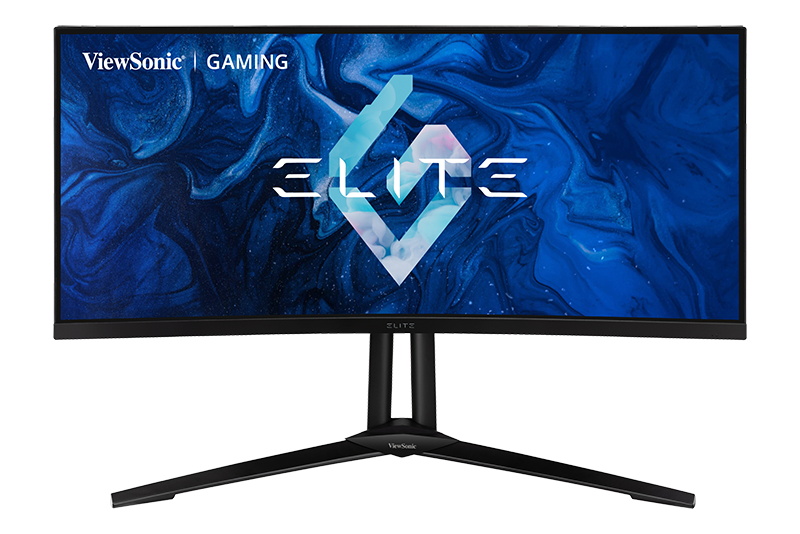
- Introduction
- Initial Setup
- Connecting Power and Devices
- Adjusting the Viewing Angle
- Quick Menu
- Hot Keys
- On-Screen Display Menu Operation
- On-Screen Display Menu Tree
- On-Screen Display Menu Options
- Advanced Features and Settings
- Specifications
- Regulatory and Service Information
- Safety Precautions
- Glossary
- Troubleshooting
- Maintenance
- Full Guide Download
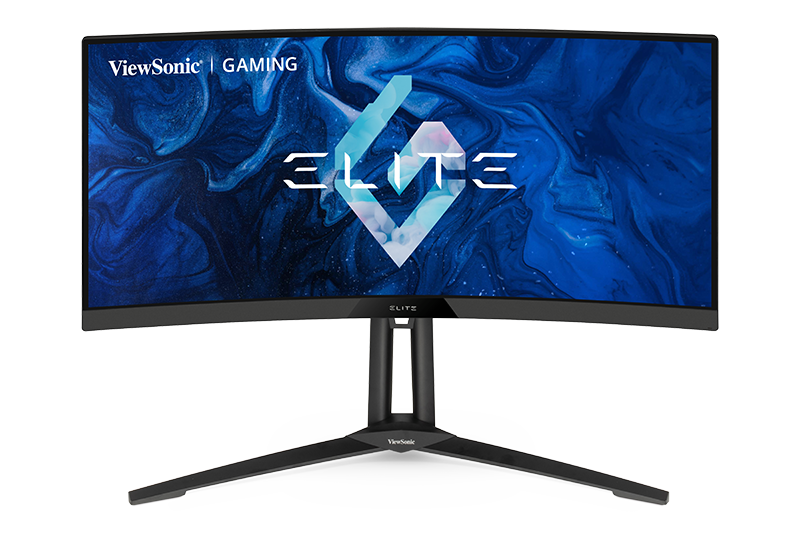
- Introduction
- Initial Setup
- Connecting Power and Devices
- Adjusting the Viewing Angle
- Quick Menu
- Hot Keys
- On-Screen Display Menu Operation
- On-Screen Display Menu Tree
- On-Screen Display Menu Options
- Advanced Features and Settings
- Specifications
- Regulatory and Service Information
- Safety Precautions
- Glossary
- Troubleshooting
- Maintenance
- Full Guide Download
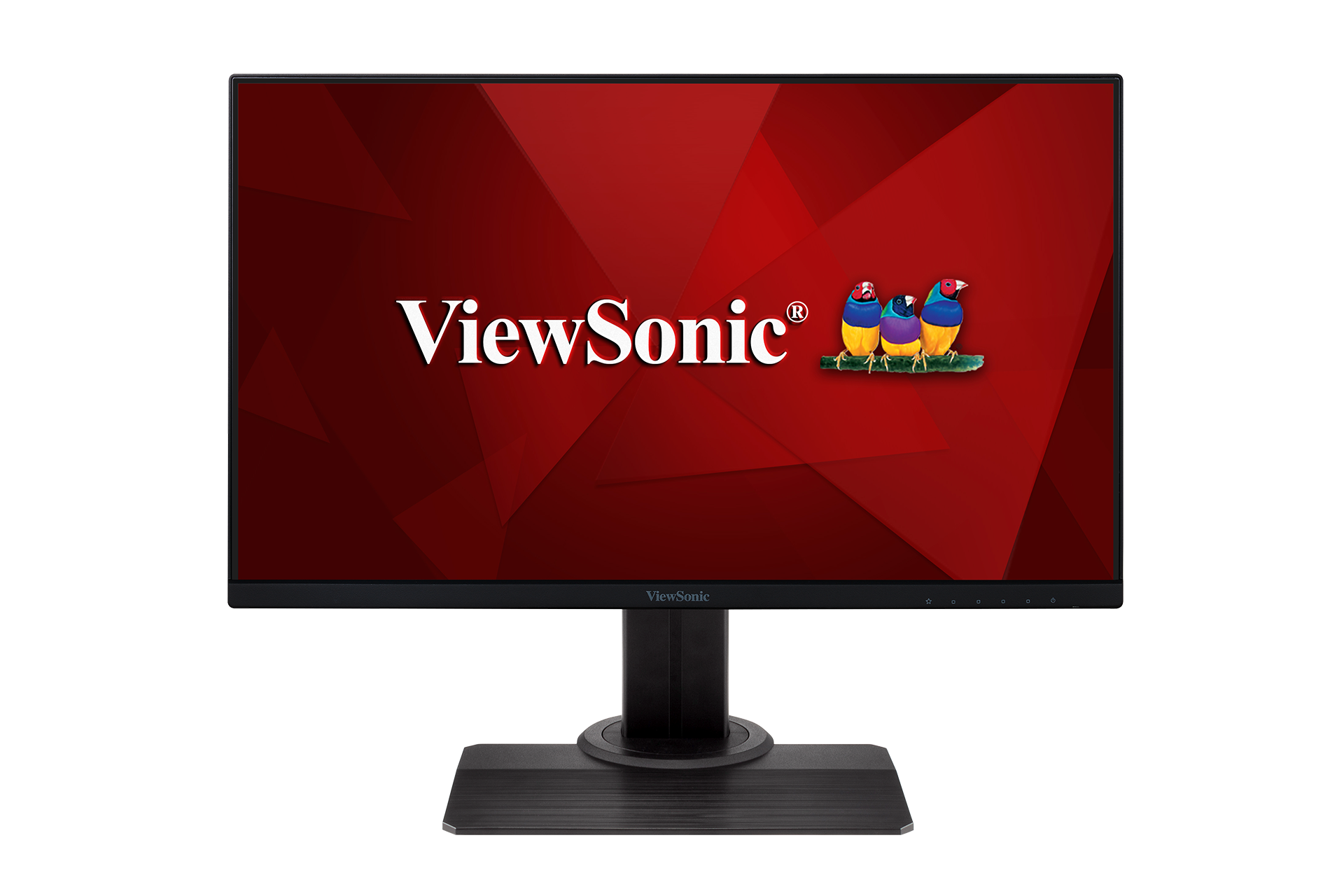
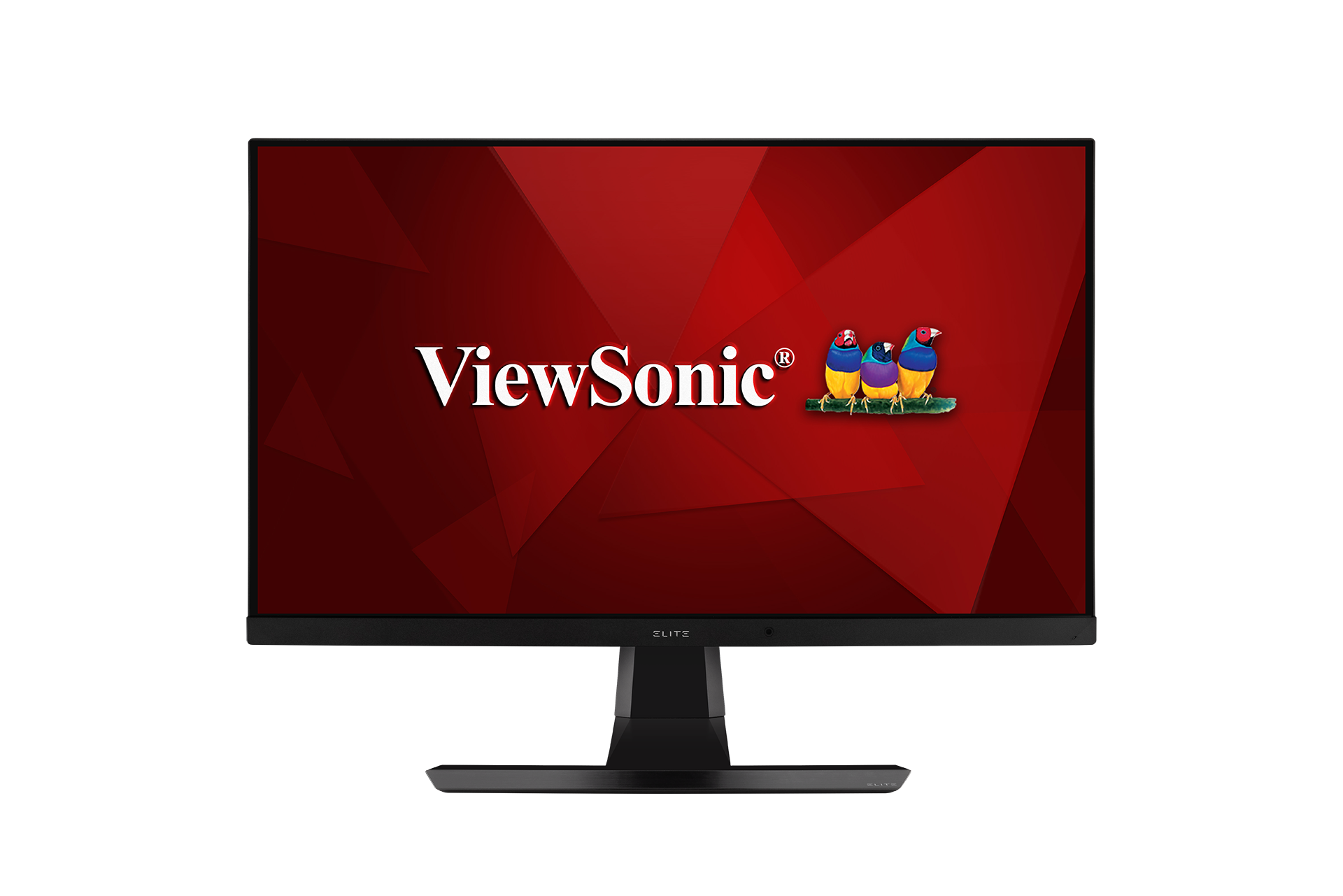
- Introduction
- Initial Setup
- Connecting Power and Devices
- Adjusting the Viewing Angle
- Quick Menu
- Hot Keys
- On-Screen Display Menu Operation
- On-Screen Display Menu Tree
- On-Screen Display Menu Options
- Advanced Features and Settings
- Specifications
- Regulatory and Service Information
- Safety Precautions
- Glossary
- Troubleshooting
- Maintenance
- Full Guide Download
- Introduction
- Initial Setup
- Connecting Power and Devices
- Adjusting the Viewing Angle
- Quick Menu
- Hot Keys
- On-Screen Display Menu Operation
- On-Screen Display Menu Tree
- On-Screen Display Menu Options
- Advanced Features and Settings
- Specifications
- Regulatory and Service Information
- Safety Precautions
- Glossary
- Troubleshooting
- Maintenance
- Full Guide Download
- Introduction
- Initial Setup
- Connecting Power and Devices
- Adjusting the Viewing Angle
- Quick Menu
- Hot Keys
- On-Screen Display Menu Operation
- On-Screen Display Menu Tree
- On-Screen Display Menu Options
- Advanced Features and Settings
- Specifications
- Regulatory and Service Information
- Safety Precautions
- Glossary
- Troubleshooting
- Maintenance
- Full Guide Download
- Introduction
- Initial Setup
- Connecting Power and Devices
- Adjusting the Viewing Angle
- Quick Menu
- Hot Keys
- On-Screen Display Menu Operation
- On-Screen Display Menu Tree
- On-Screen Display Menu Options
- Advanced Features and Settings
- Specifications
- Regulatory and Service Information
- Safety Precautions
- Glossary
- Troubleshooting
- Maintenance
- Full Guide Download
- Introduction
- Initial Setup
- Connecting Power and Devices
- Adjusting the Viewing Angle
- Quick Menu
- Hot Keys
- On-Screen Display Menu Operation
- On-Screen Display Menu Tree
- On-Screen Display Menu Options
- Advanced Features and Settings
- Specifications
- Regulatory and Service Information
- Safety Precautions
- Glossary
- Troubleshooting
- Maintenance
- Full Guide Download
- Introduction
- Initial Setup
- Connecting Power and Devices
- Adjusting the Viewing Angle
- Quick Menu
- Hot Keys
- On-Screen Display Menu Operation
- On-Screen Display Menu Tree
- On-Screen Display Menu Options
- Advanced Features and Settings
- Specifications
- Regulatory and Service Information
- Safety Precautions
- Glossary
- Troubleshooting
- Maintenance
- Full Guide Download
- Introduction
- Initial Setup
- Connecting Power and Devices
- Adjusting the Viewing Angle
- Quick Menu
- Hot Keys
- On-Screen Display Menu Operation
- On-Screen Display Menu Tree
- On-Screen Display Menu Options
- Advanced Features and Settings
- Specifications
- Regulatory and Service Information
- Safety Precautions
- Glossary
- Troubleshooting
- Maintenance
- Full Guide Download


If your device is not listed, please Search here