
Profi VP-Serie
From ViewSonic Documentation
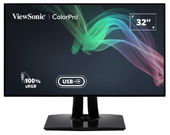
VP3256-4K
- Introduction
- Initial Setup
- Connecting Power and Devices
- Adjusting the Viewing Angle
- Quick Menu
- Hot Keys
- On-Screen Display Menu Operation
- On-Screen Display Menu Tree
- On-Screen Display Menu Options
- Advanced Features and Settings
- Specifications
- Regulatory and Service Information
- Safety Precautions
- Glossary
- Troubleshooting
- Maintenance
- Full Guide Download
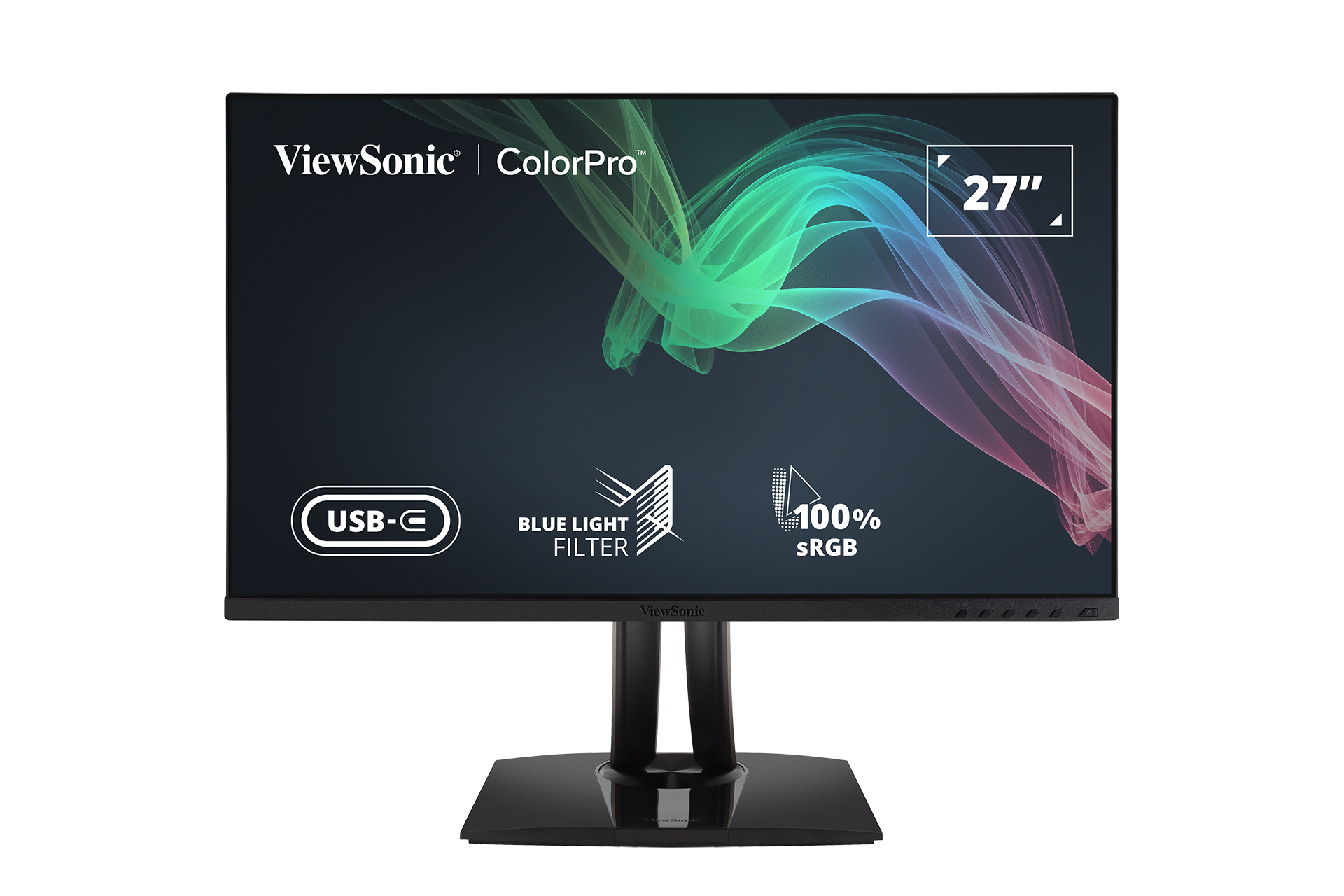
VP2756-4K
- Introduction
- Initial Setup
- Connecting Power and Devices
- Adjusting the Viewing Angle
- Quick Menu
- Hot Keys
- On-Screen Display Menu Operation
- On-Screen Display Menu Tree
- On-Screen Display Menu Options
- Advanced Features and Settings
- Specifications
- Regulatory and Service Information
- Safety Precautions
- Glossary
- Troubleshooting
- Maintenance
- Full Guide Download
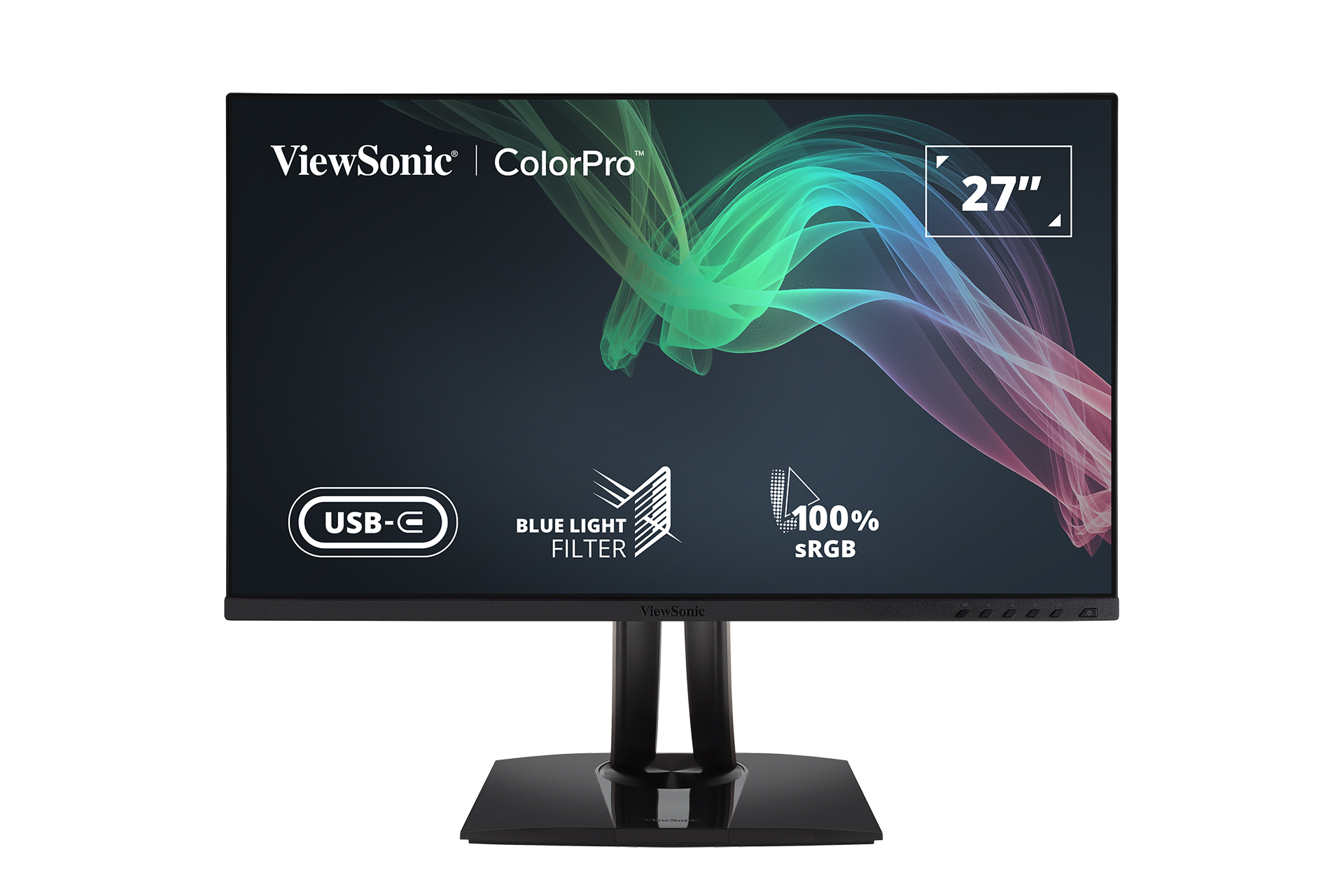
VP2756-2K
- Introduction
- Initial Setup
- Connecting Power and Devices
- Adjusting the Viewing Angle
- Quick Menu
- Hot Keys
- On-Screen Display Menu Operation
- On-Screen Display Menu Tree
- On-Screen Display Menu Options
- Advanced Features and Settings
- Specifications
- Regulatory and Service Information
- Safety Precautions
- Glossary
- Troubleshooting
- Maintenance
- Full Guide Download
VP3268a-4K
- Introduction
- Initial Setup
- Connecting Power and Devices
- Adjusting the Viewing Angle
- Quick Menu
- Hot Keys
- On-Screen Display Menu Operation
- On-Screen Display Menu Tree
- On-Screen Display Menu Options
- Advanced Features and Settings
- Specifications
- Regulatory and Service Information
- Safety Precautions
- Glossary
- Troubleshooting
- Maintenance
- Full Guide Download

VP2768a-4K
- Introduction
- Initial Setup
- Connecting Power and Devices
- Adjusting the Viewing Angle
- Quick Menu
- Hot Keys
- On-Screen Display Menu Operation
- On-Screen Display Menu Tree
- On-Screen Display Menu Options
- Advanced Features and Settings
- Specifications
- Regulatory and Service Information
- Safety Precautions
- Glossary
- Troubleshooting
- Maintenance
- Full Guide Download

VP2468a
- Einleitung
- Grundeinstellungen
- Verbindungen herstellen
- Betrachtungswinkel anpassen
- Schnellmenü
- Schnelltasten
- Allgemeine Aktionen
- Bildschirmmenübaum
- Menüoption
- Erweiterte Funktionen und Einstellungen
- Technische Daten
- Informationen zu Richtlinien und Service
- Sicherheitshinweise
- Glossar
- Problemlösung
- Wartung
- Vollständige Anleitung herunterladen

VP2768a
- Einleitung
- Grundeinstellungen
- Verbindungen herstellen
- Betrachtungswinkel anpassen
- Schnellmenü
- Schnelltasten
- Allgemeine Aktionen
- Bildschirmmenübaum
- Menüoption
- Erweiterte Funktionen und Einstellungen
- Technische Daten
- Informationen zu Richtlinien und Service
- Sicherheitshinweise
- Glossar
- Problemlösung
- Wartung
- Vollständige Anleitung herunterladen
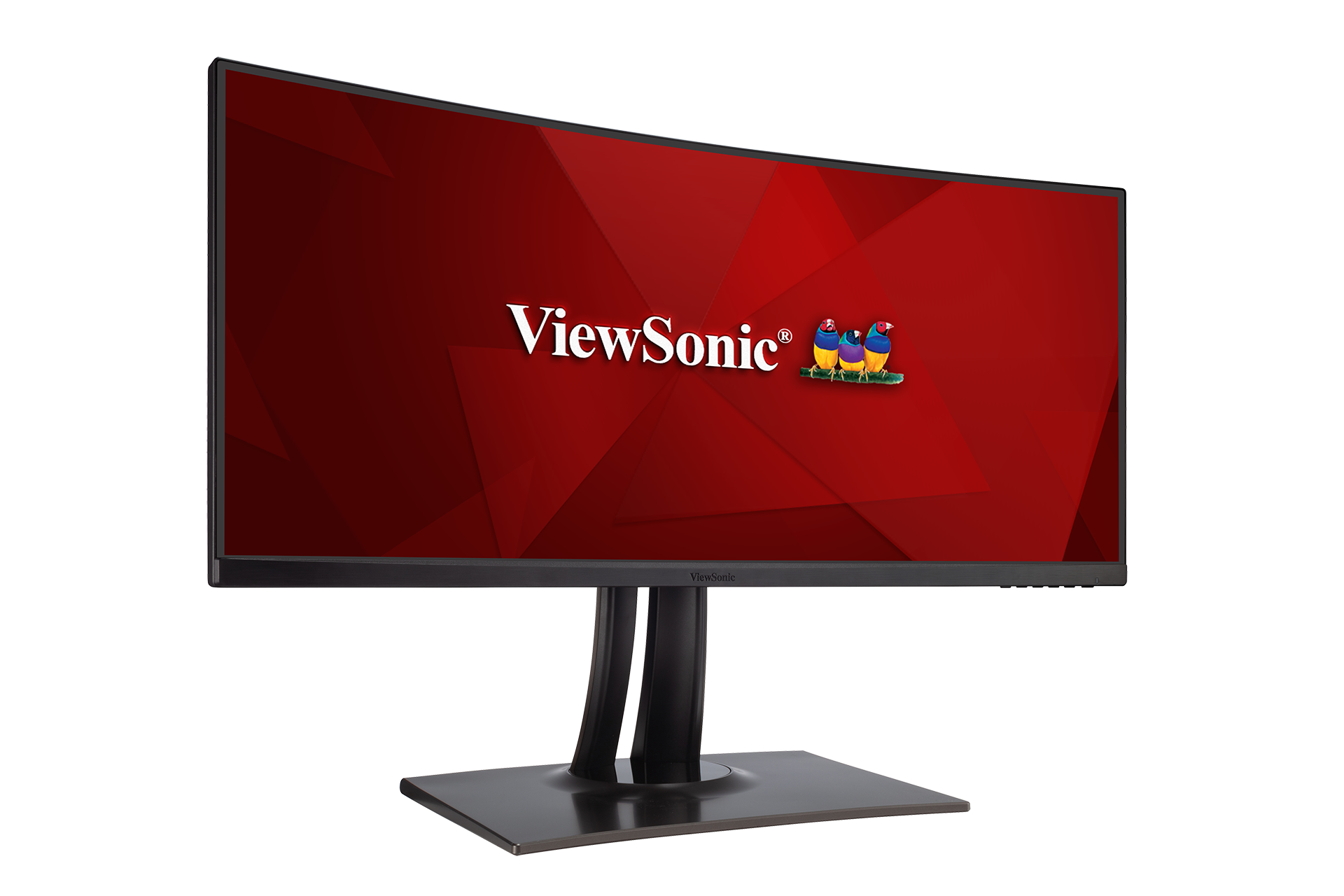
VP3481
- Einleitung
- Grundeinstellungen
- Verbindungen herstellen
- Betrachtungswinkel anpassen
- Schnellmenü
- Schnelltasten
- Allgemeine Aktion
- Bildschirmmenübaum
- Menüoption
- Erweiterte Funktionen und Einstellungen
- Technische Daten
- Informationen zu Richtlinien und Service
- Sicherheitshinweise
- Glossar
- Problemlösung
- Wartung
- Vollständige Anleitung herunterladen
VP3481a
- Einleitung
- Grundeinstellungen
- Verbindungen herstellen
- Betrachtungswinkel anpassen
- Schnellmenü
- Schnelltasten
- Allgemeine Aktionen
- Bildschirmmenübaum
- Menüoption
- Erweiterte Funktionen und Einstellungen
- Technische Daten
- Informationen zu Richtlinien und Service
- Sicherheitshinweise
- Glossar
- Problemlösung
- Wartung
- Vollständige Anleitung herunterladen

VP2785-4K

VP3268-4K

VP2785-2K
Falls Ihr Gerät nicht aufgelistet ist, suchen Sie bitte hier.