ViewSonic Documentation

IFP70 Serie

From ViewSonic Documentation
Jump to: navigation, search
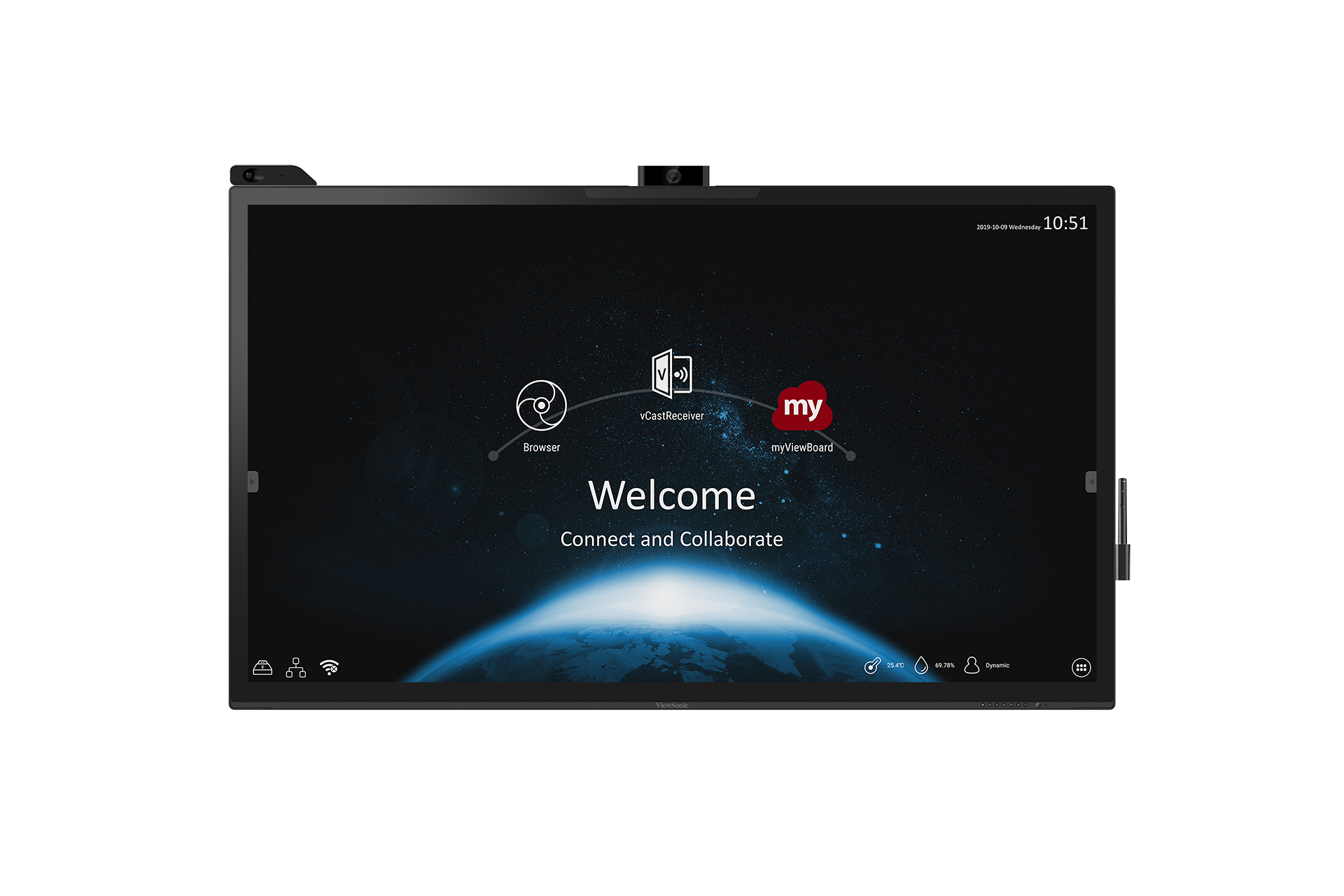
IFP70
IFP70
IFP70
  1. Introduzione serie
  2. Accessori
  3. Introduzione prodotto
  4. Remote Control
  5. Using Gestures
  6. Connecting Devices
  7. Using the ViewBoard
  8. On-Screen Display Menu
  9. Embedded Player
  10. Embedded Applications
  11. RS-232 Protocols
  12. Specifications
  13. Regulatory and Service Information

  14. Safety Precautions
  15. Troubleshooting
  16. Maintenance

  17. Download della guida completa

Se il dispositivo non è elencato, cercare qui.

Retrieved from "https://manuals.viewsonic.com/index.php?title=it:IFP70_Series&oldid=22666"
Hidden categories:
  • Template
  • ViewBoard
  • ViewSonic
  • FOLLOW US ON
  • ViewSonic
  • ViewSonic
  • ViewSonic
  • ViewSonic
  • ViewSonic

    PRODUCTS
  • Hardware
  • LCD Monitors
  • Projectors
  • ViewBoard Interactive Displays
  • All-in-One dvLED Displays
  • Commercial Displays
  • Pen Displays
  • Software
  • myViewBoard
  • Manager
  • ClassSwift
  • TeamOne
  • AirSync
    SOLUTIONS
  • For Education
  • Education Home
  • Higher Education
  • Teacher's Community
  • 3D Campus
  • For Business
  • Business Home
  • Meeting Rooms
  • Personal Workspaces
  • Office Communication
  • Remote Device Management
  • Digital Whiteboarding
  • Microsoft Teams Rooms
  • For Consumer
  • Consumer Home
  • ColorPro
  • Gaming
  • Personal Display Solutions
  • Reimagine Your Space
    RESOURCES
  • Library
  • Case Studies
  • Solution Briefs
  • Brochures
  • White Papers
  • Reports
    SUPPORT
  • Contact Us
  • Support Center
  • Downloads
  • Hardware Quick Start Guide
  • Software Knowledge Base
    COMPANY
  • About ViewSonic
  • Environmental Social and Governance
  • Awards
  • News
  • Careers
  • Partnerships

  • Privacy Policy
  • Terms of Use
  • Accessibility
Programs, specifications, pricing and availability are subject to change without notice. Selections, offers and programs may vary by country; see your ViewSonic representative for complete details. Copyright © ViewSonic Corporation 2000-2026. All rights reserved.