
VP Series: Difference between revisions
From ViewSonic Documentation
No edit summary |
No edit summary |
||
| Line 22: | Line 22: | ||
<hr> | <hr> | ||
<li>[[VP2468a_Full_Guide|'''Full Guide Download''']]</li></ol> | <li>[[VP2468a_Full_Guide|'''Full Guide Download''']]</li></ol> | ||
}} | |||
{{Product | |||
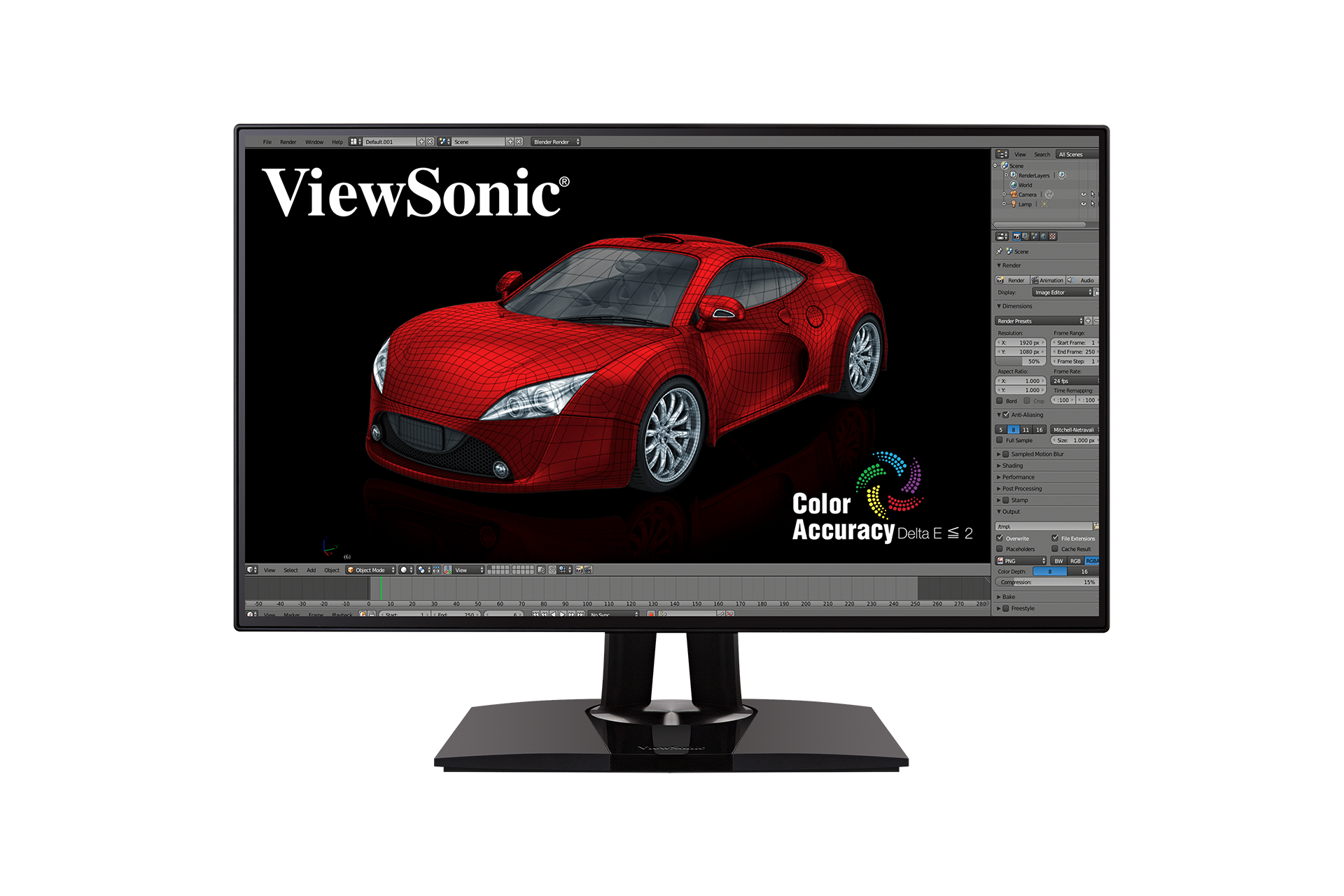
|1=<div class="res-img">[[File:VP2768a.png|165px|center|link=]]</div> | |||
|2=<div><span style="color:#990000;">'''VP2768a'''</div> | |||
|3=<ol style="list-style-type:square"> | |||
<li>[[VP2768a_Introduction|Introduction]]</li> | |||
<li>[[VP2768a_Initial_Setup|Initial Setup]]</li> | |||
<li>[[VP2768a_Connecting_Power_and_Devices|Connecting Power and Devices]]</li> | |||
<li>[[VP2768a_Adjusting_the_Viewing_Angle|Adjusting the Viewing Angle]]</li> | |||
<li>[[VP2768a_Quick_Menu|Quick Menu]]</li> | |||
<li>[[VP2768a_Hot_Keys|Hot Keys]]</li> | |||
<li>[[VP2768a_On-Screen_Display_Menu|On-Screen Display Menu Operation]]</li> | |||
<li>[[VP2768a_On-Screen_Display_Menu_Tree|On-Screen Display Menu Tree]]</li> | |||
<li>[[VP2768a_On-Screen_Display_Menu_Options|On-Screen Display Menu Options]]</li> | |||
<li>[[VP2768a_Advanced_Features_and_Settings|Advanced Features and Settings]]</li> | |||
<li>[[VP2768a_Specifications|Specifications]]</li> | |||
<li>[[VP2768a_Regulatory_and_Service_Information|Regulatory and Service Information]]</li> | |||
<hr> | |||
<li>[[Monitor_Safety_Precautions|Safety Precautions]]</li> | |||
<li>[[Monitor_Glossary|Glossary]]</li> | |||
<li>[[Monitor_Troubleshooting|Troubleshooting]]</li> | |||
<li>[[Monitor_Maintenance|Maintenance]]</li> | |||
<hr> | |||
<li>[[VP2768a_Full_Guide|'''Full Guide Download''']]</li></ol> | |||
}} | }} | ||
Revision as of 06:53, 11 November 2020
VP2468a
- Introduction
- Initial Setup
- Connecting Power and Devices
- Adjusting the Viewing Angle
- Quick Menu
- Hot Keys
- On-Screen Display Menu Operation
- On-Screen Display Menu Tree
- On-Screen Display Menu Options
- Advanced Features and Settings
- Specifications
- Regulatory and Service Information
- Safety Precautions
- Glossary
- Troubleshooting
- Maintenance
- Full Guide Download

VP2768a
- Introduction
- Initial Setup
- Connecting Power and Devices
- Adjusting the Viewing Angle
- Quick Menu
- Hot Keys
- On-Screen Display Menu Operation
- On-Screen Display Menu Tree
- On-Screen Display Menu Options
- Advanced Features and Settings
- Specifications
- Regulatory and Service Information
- Safety Precautions
- Glossary
- Troubleshooting
- Maintenance
- Full Guide Download
VP3481
- Introduction
- Initial Setup
- Connecting Power and Devices
- Adjusting the Viewing Angle
- Quick Menu
- Hot Keys
- On-Screen Display Menu Operation
- On-Screen Display Menu Tree
- On-Screen Display Menu Options
- Advanced Features and Settings
- Specifications
- Regulatory and Service Information
- Safety Precautions
- Glossary
- Troubleshooting
- Maintenance
- Full Guide Download

VP2785-4K
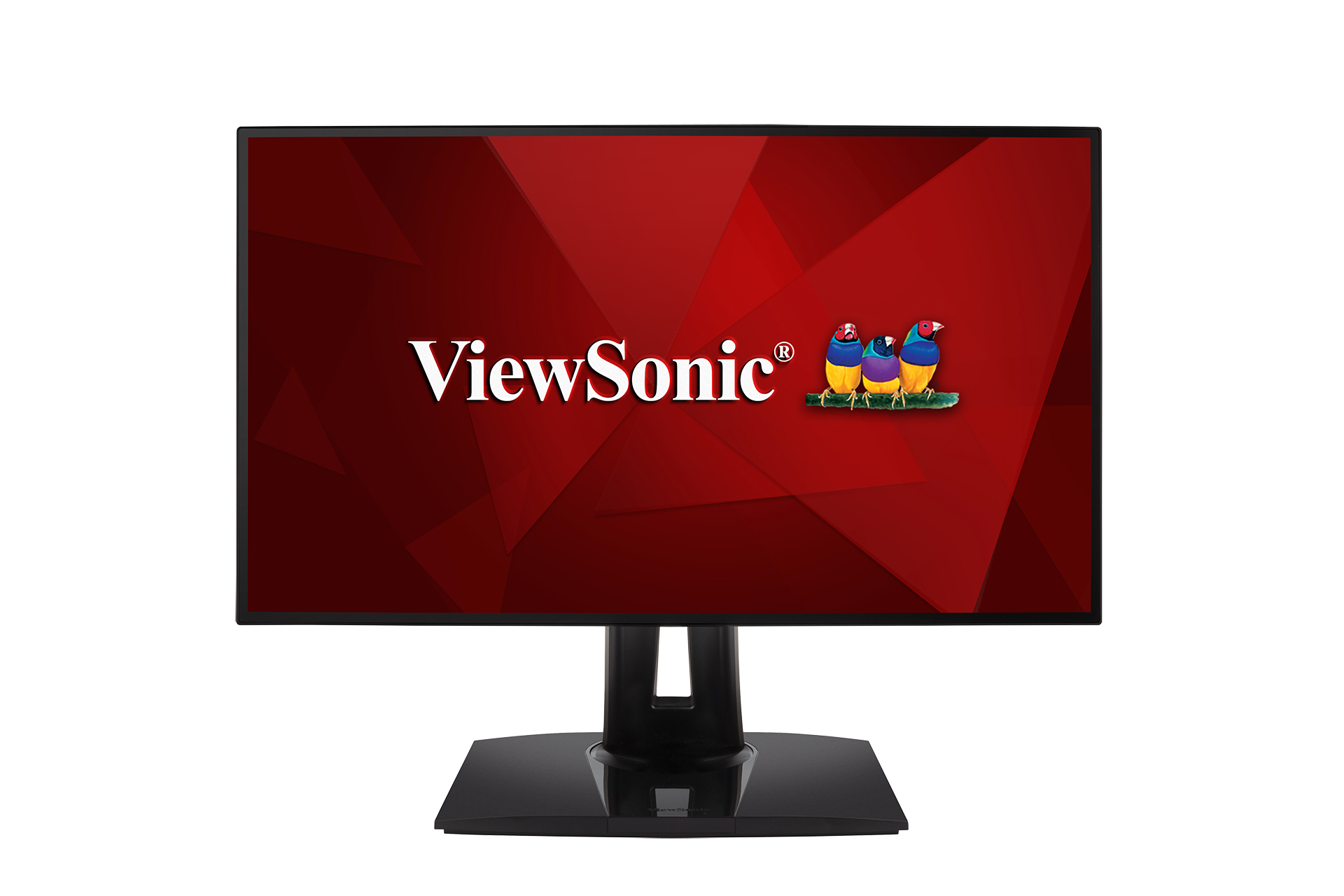
VP2458
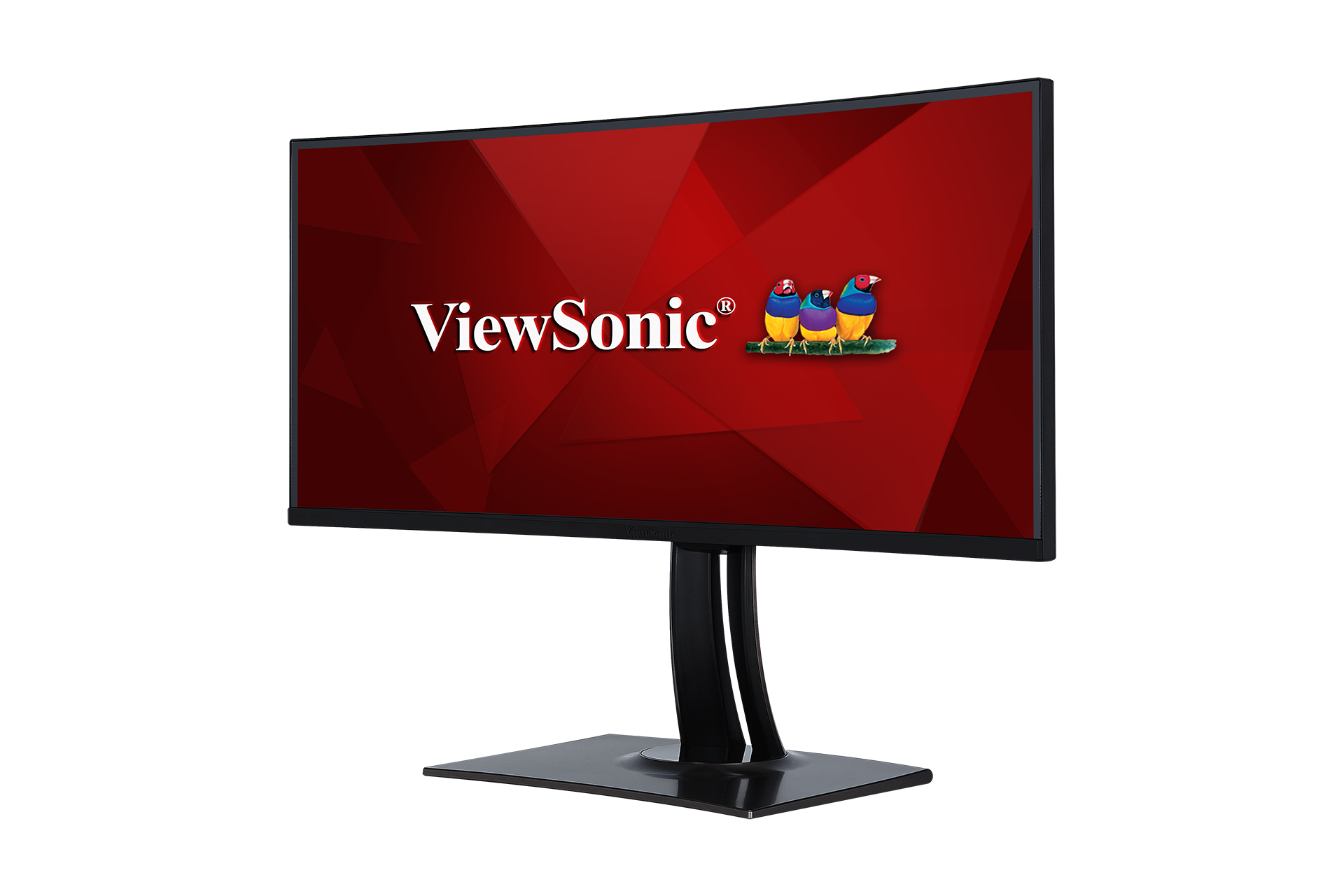
VP3881
VP2768

VP3268-4K

VP2785-2K
If your device is not listed, please Search here