|
|
| Line 3: |
Line 3: |
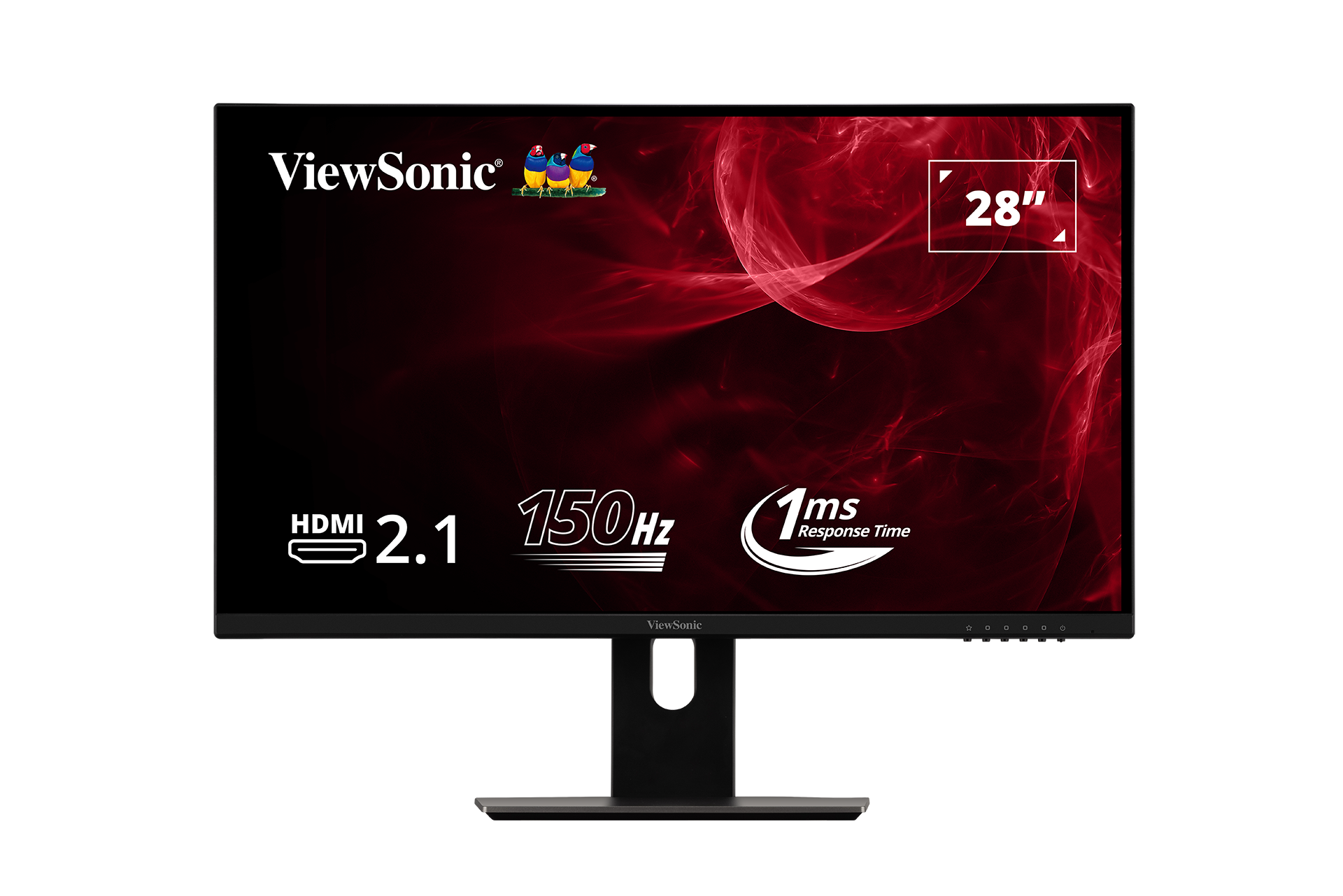
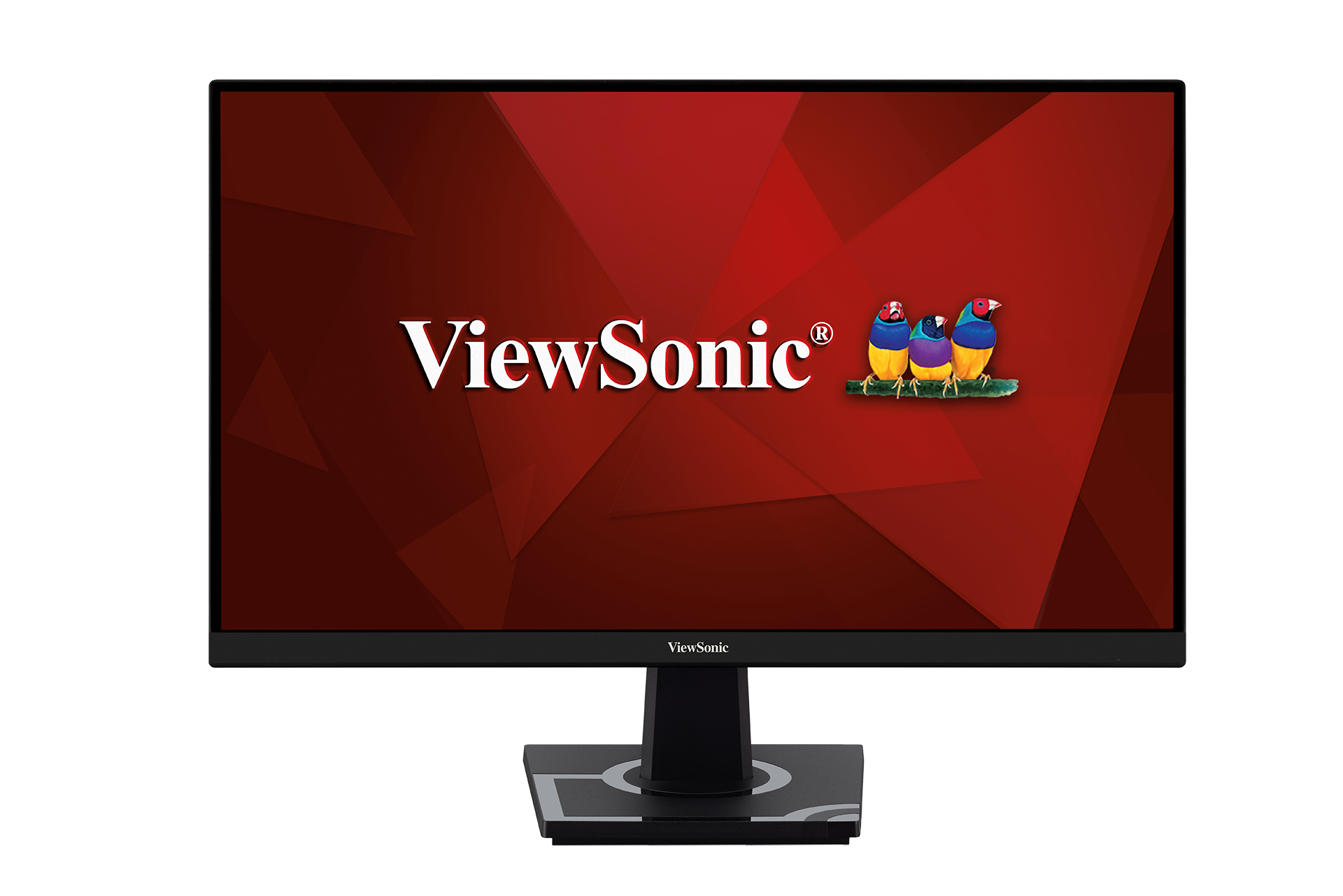
| |2=VX2528 | | |2=VX2528 |
| |3=<ol style="list-style-type:square; color:#DB0025;"> | | |3=<ol style="list-style-type:square; color:#DB0025;"> |
| <li>[[VX2528_Introduction|Introduction]]</li> | | <li>[[VX2528_Full_Guide|'''User Guide ''']]</li> |
| <li>[[VX2528_Initial_Setup|Initial Setup]]</li> | | <li>[https://www.viewsonicglobal.com/public/products_download/user_guide/display/VX2528/VX2528_UG_ENG.pdf '''PDF Download''']</li> |
| <li>[[VX2528_Connecting_Power_and_Devices|Connecting Power and Devices]]</li>
| |
| <li>[[VX2528_Adjusting_the_Viewing_Angle|Adjusting the Viewing Angle]]</li>
| |
| <li>[[VX2528_Quick_Menu|Quick Menu]]</li>
| |
| <li>[[VX2528_Hot_Keys|Hot Keys]]</li>
| |
| <li>[[VX2528_On-Screen_Display_Menu|On-Screen Display Menu Operation]]</li>
| |
| <li>[[VX2528_On-Screen_Display_Menu_Tree|On-Screen Display Menu Tree]]</li>
| |
| <li>[[VX2528_Specifications|Specifications]]</li>
| |
| <li>[[VX2528_Regulatory_and_Service_Information|Regulatory and Service Information]]</li>
| |
| <hr> | | <hr> |
| <li>[[Monitor_Safety_Precautions_SU|Safety Precautions]]</li> | | <li>[[Monitor_Safety_Precautions_SU|Safety Precautions]]</li> |
| <li>[[Monitor_Glossary|Glossary]]</li> | | <li>[[Monitor_Glossary|Glossary]]</li> |
| <li>[[Monitor_Troubleshooting|Troubleshooting]]</li> | | <li>[[Monitor_Troubleshooting|Troubleshooting]]</li> |
| <li>[[Monitor_Maintenance|Maintenance]]</li> | | <li>[[Monitor_Maintenance|Maintenance]]</li></ol> |
| <hr>
| | }} |
| <li>[[VX2528_Full_Guide|'''Full Guide ''']]</li>
| | |
| <li>[https://www.viewsonicglobal.com/public/products_download/user_guide/display/VX2528/VX2528_UG_ENG.pdf '''PDF Download''']</li></ol>
| | {{Product |
| }}{{Product | |
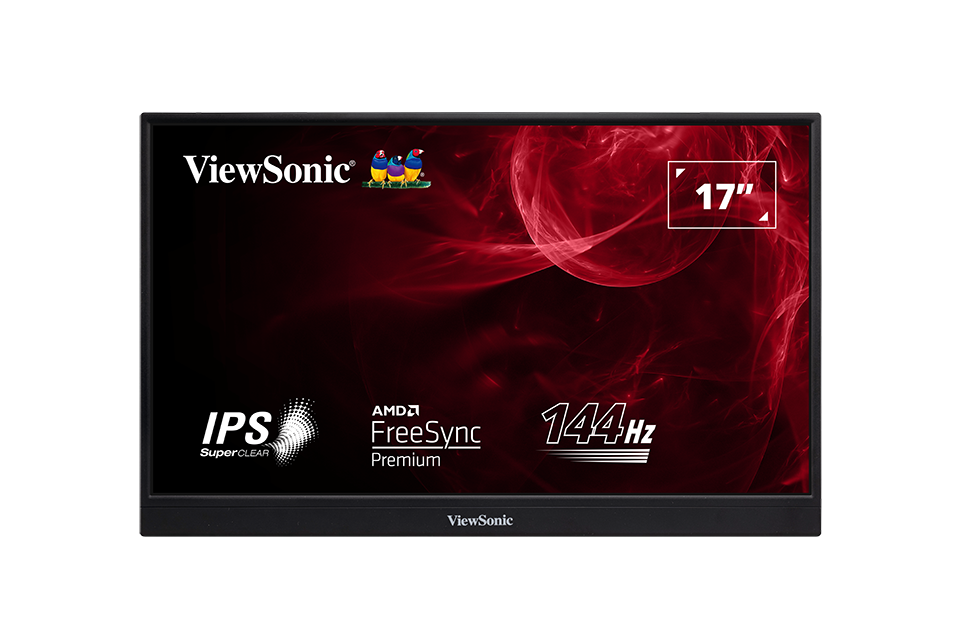
| |1=<div class="res-img">[[File:VX1655-4K.png|center|link=]]</div> | | |1=<div class="res-img">[[File:VX1655-4K.png|center|link=]]</div> |
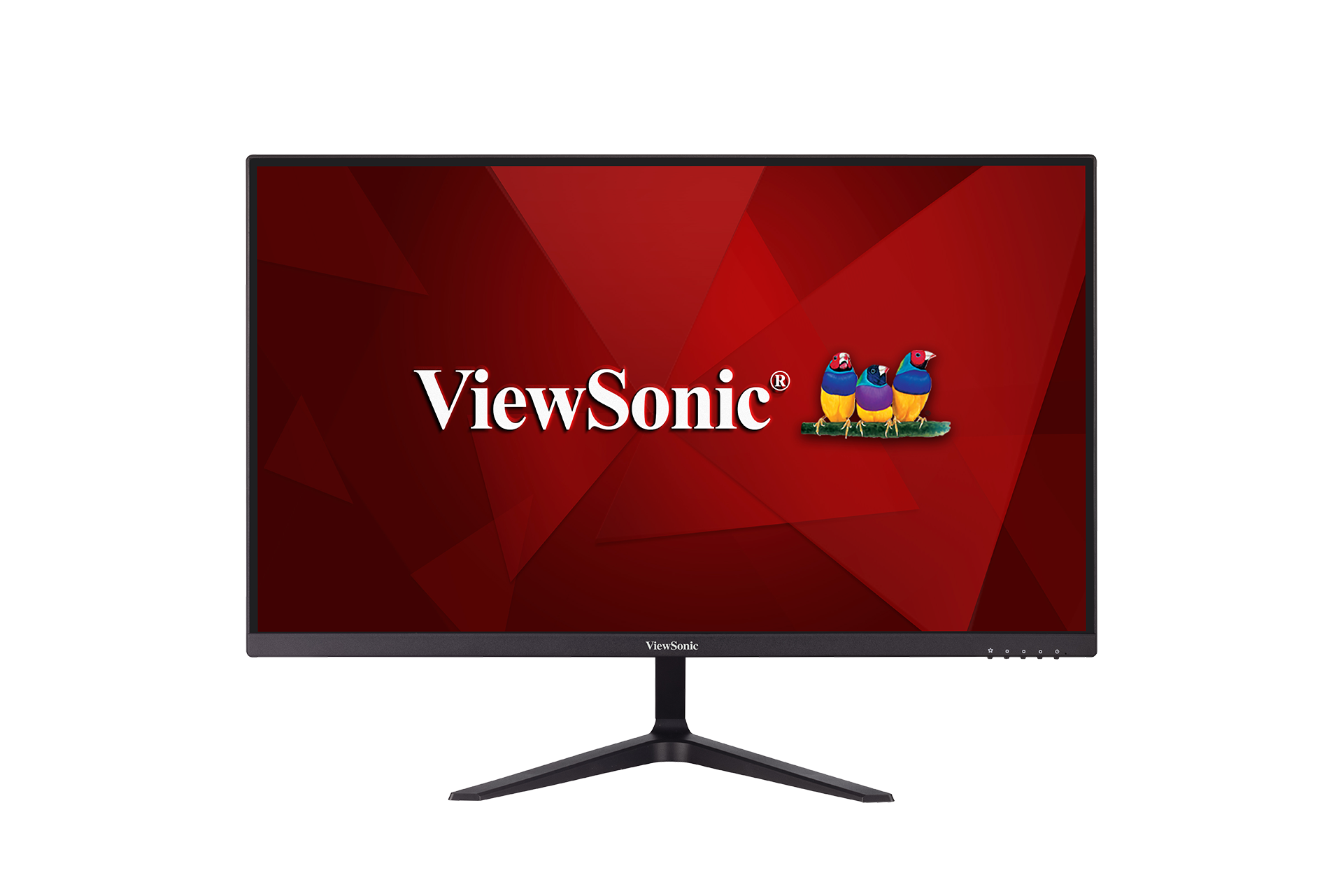
| |2=VX1655-4K | | |2=VX1655-4K |
| |3=<ol style="list-style-type:square; color:#DB0025;"> | | |3=<ol style="list-style-type:square; color:#DB0025;"> |
| <li>[[VX1655-4K_Introduction|Introduction]]</li> | | <li>[[VX1655-4K_Full_Guide|'''User Guide ''']]</li> |
| <li>[[VX1655-4K_Initial_Setup|Initial Setup]]</li> | | <li>[https://www.viewsonicglobal.com/public/products_download/user_guide/display/VX1655-4K/VX1655-4K_UG_ENG.pdf '''PDF Download''']</li> |
| <li>[[VX1655-4K_Connecting_Power_and_Devices|Connecting Power and Devices]]</li>
| |
| <li>[[VX1655-4K_Adjusting_the_Viewing_Angle|Adjusting the Viewing Angle]]</li>
| |
| <li>[[VX1655-4K_Quick_Menu|Quick Menu]]</li>
| |
| <li>[[VX1655-4K_Hot_Keys|Hot Keys]]</li>
| |
| <li>[[VX1655-4K_On-Screen_Display_Menu|On-Screen Display Menu Operation]]</li>
| |
| <li>[[VX1655-4K_On-Screen_Display_Menu_Tree|On-Screen Display Menu Tree]]</li>
| |
| <li>[[VX1655-4K_Specifications|Specifications]]</li>
| |
| <li>[[VX1655-4K_Regulatory_and_Service_Information|Regulatory and Service Information]]</li>
| |
| <hr> | | <hr> |
| <li>[[Monitor_Safety_Precautions_SU|Safety Precautions]]</li> | | <li>[[Monitor_Safety_Precautions_SU|Safety Precautions]]</li> |
| <li>[[Monitor_Glossary|Glossary]]</li> | | <li>[[Monitor_Glossary|Glossary]]</li> |
| <li>[[Monitor_Troubleshooting|Troubleshooting]]</li> | | <li>[[Monitor_Troubleshooting|Troubleshooting]]</li> |
| <li>[[Monitor_Maintenance|Maintenance]]</li> | | <li>[[Monitor_Maintenance|Maintenance]]</li></ol> |
| <hr>
| | }} |
| <li>[[VX1655-4K_Full_Guide|'''Full Guide ''']]</li>
| | |
| <li>[https://www.viewsonicglobal.com/public/products_download/user_guide/display/VX1655-4K/VX1655-4K_UG_ENG.pdf '''PDF Download''']</li></ol>
| | {{Product |
| }}{{Product | |
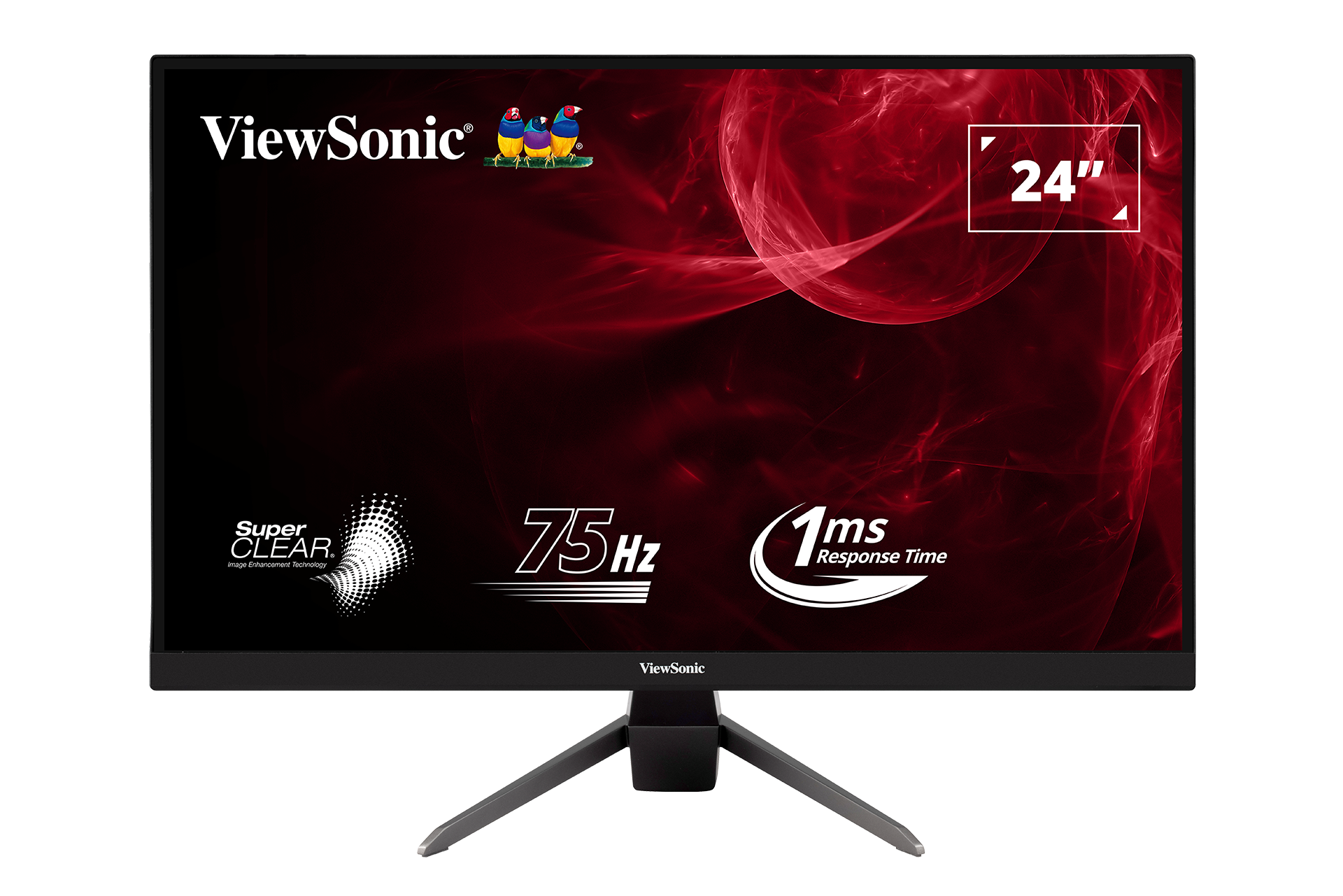
| |1=<div class="res-img">[[File:VX2528J.png|center|alt=VX2528J Product Photo]]</div> | | |1=<div class="res-img">[[File:VX2528J.png|center|alt=VX2528J Product Photo]]</div> |
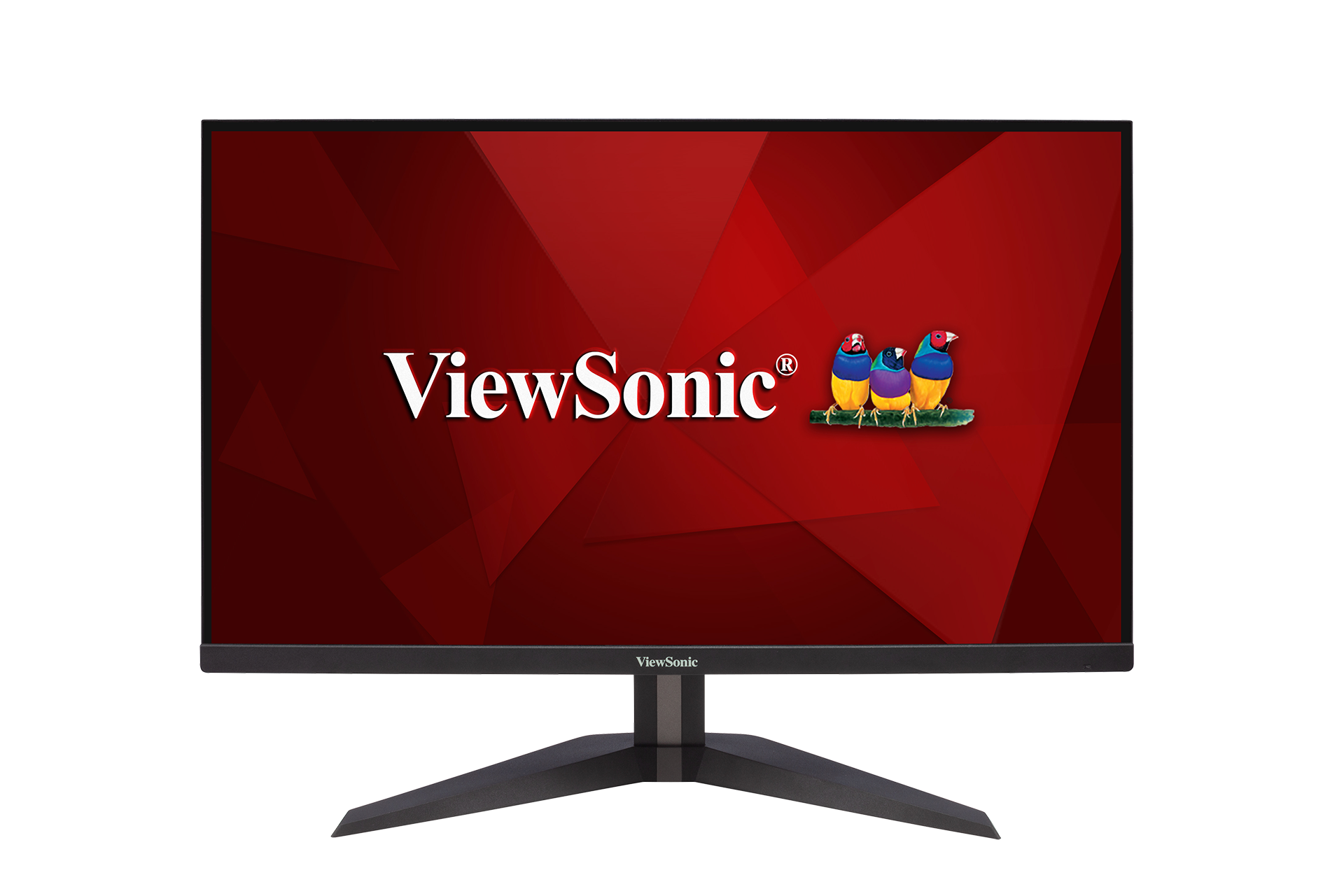
| |2=VX2528J | | |2=VX2528J |
| |3=<ol style="list-style-type:square; color:#DB0025;"> | | |3=<ol style="list-style-type:square; color:#DB0025;"> |
| <li>[[VX2528J_Introduction|Introduction]]</li> | | <li>[[VX2528J_Full_Guide|'''User Guide ''']]</li> |
| <li>[[VX2528J_Initial_Setup|Initial Setup]]</li> | | <li>[https://www.viewsonicglobal.com/public/products_download/user_guide/display/VX2528J/VX2528J_UG_ENG.pdf '''PDF Download''']</li> |
| <li>[[VX2528J_Connecting_Power_and_Devices|Connecting Power and Devices]]</li>
| |
| <li>[[VX2528J_Adjusting_the_Viewing_Angle|Adjusting the Viewing Angle]]</li>
| |
| <li>[[VX2528J_Quick_Menu|Quick Menu]]</li>
| |
| <li>[[VX2528J_Hot_Keys|Hot Keys]]</li>
| |
| <li>[[VX2528J_On-Screen_Display_Menu|On-Screen Display Menu Operation]]</li>
| |
| <li>[[VX2528J_On-Screen_Display_Menu_Tree|On-Screen Display Menu Tree]]</li>
| |
| <li>[[VX2528J_Specifications|Specifications]]</li>
| |
| <li>[[VX2528J_Regulatory_and_Service_Information|Regulatory and Service Information]]</li>
| |
| <hr> | | <hr> |
| <li>[[Monitor_Safety_Precautions_SU|Safety Precautions]]</li> | | <li>[[Monitor_Safety_Precautions_SU|Safety Precautions]]</li> |
| <li>[[Monitor_Glossary|Glossary]]</li> | | <li>[[Monitor_Glossary|Glossary]]</li> |
| <li>[[Monitor_Troubleshooting|Troubleshooting]]</li> | | <li>[[Monitor_Troubleshooting|Troubleshooting]]</li> |
| <li>[[Monitor_Maintenance|Maintenance]]</li> | | <li>[[Monitor_Maintenance|Maintenance]]</li></ol> |
| <hr>
| |
| <li>[[VX2528J_Full_Guide|'''Full Guide ''']]</li>
| |
| <li>[https://www.viewsonicglobal.com/public/products_download/user_guide/display/VX2528J/VX2528J_UG_ENG.pdf '''PDF Download''']</li></ol>
| |
| }} | | }} |
| | |
| {{Product | | {{Product |
| |1=<div class="res-img" style="padding-bottom:15px;">[[File:VX1655.png|center|link=]]</div> | | |1=<div class="res-img" style="padding-bottom:15px;">[[File:VX1655.png|center|link=]]</div> |
| |2=VX1655 | | |2=VX1655 |
| |3=<ol style="list-style-type:square; color:#DB0025;"> | | |3=<ol style="list-style-type:square; color:#DB0025;"> |
| <li>[[VX1655_Introduction|Introduction]]</li> | | <li>[[VX1655_Full_Guide|'''User Guide ''']]</li> |
| <li>[[VX1655_Initial_Setup|Initial Setup]]</li> | | <li>[https://www.viewsonicglobal.com/public/products_download/user_guide/display/VA1655/VA1655_UG_ENG.pdf '''PDF Download''']</li> |
| <li>[[VX1655_Connecting_Power_and_Devices|Connecting Power and Devices]]</li>
| |
| <li>[[VX1655_Adjusting_the_Viewing_Angle|Adjusting the Viewing Angle]]</li>
| |
| <li>[[VX1655_Quick_Menu|Quick Menu]]</li>
| |
| <li>[[VX1655_Hot_Keys|Hot Keys]]</li>
| |
| <li>[[VX1655_On-Screen_Display_Menu|On-Screen Display Menu Operation]]</li>
| |
| <li>[[VX1655_On-Screen_Display_Menu_Tree|On-Screen Display Menu Tree]]</li>
| |
| <li>[[VX1655_Specifications|Specifications]]</li>
| |
| <li>[[VX1655_Regulatory_and_Service_Information|Regulatory and Service Information]]</li>
| |
| <hr> | | <hr> |
| <li>[[Monitor_Safety_Precautions_SU|Safety Precautions]]</li> | | <li>[[Monitor_Safety_Precautions_SU|Safety Precautions]]</li> |
| <li>[[Monitor_Glossary|Glossary]]</li> | | <li>[[Monitor_Glossary|Glossary]]</li> |
| <li>[[Monitor_Troubleshooting|Troubleshooting]]</li> | | <li>[[Monitor_Troubleshooting|Troubleshooting]]</li> |
| <li>[[Monitor_Maintenance|Maintenance]]</li> | | <li>[[Monitor_Maintenance|Maintenance]]</li></ol> |
| <hr>
| | }} |
| <li>[[VX1655_Full_Guide|'''Full Guide ''']]</li>
| | |
| <li>[https://www.viewsonicglobal.com/public/products_download/user_guide/display/VA1655/VA1655_UG_ENG.pdf '''PDF Download''']</li></ol>
| | {{Product |
| }}{{Product | |
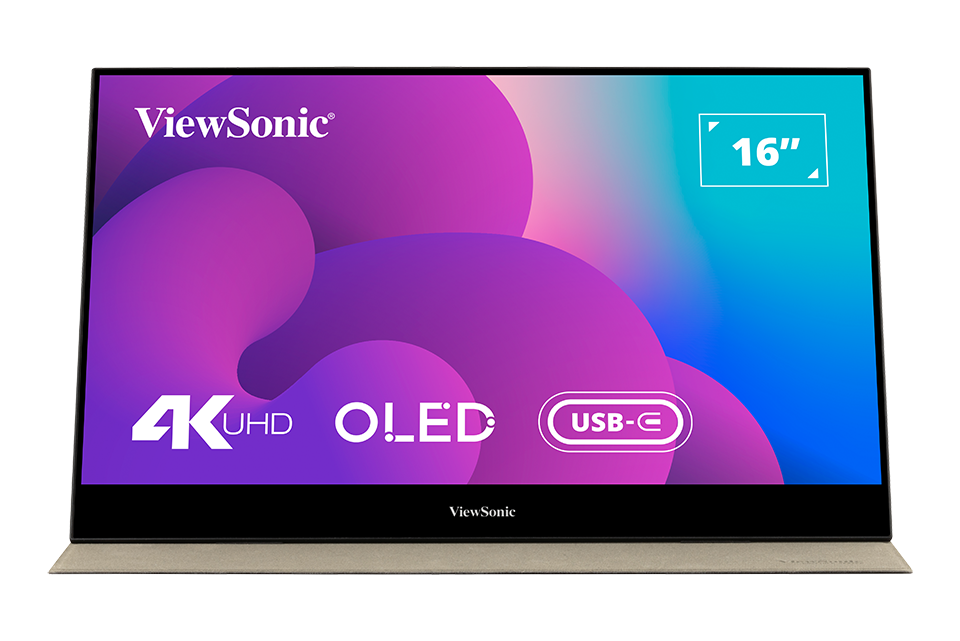
| |1=<div class="res-img">[[File:VX1655-4K-OLED.png|center|link=]]</div> | | |1=<div class="res-img">[[File:VX1655-4K-OLED.png|center|link=]]</div> |
| |2=VX1655-4K-OLED | | |2=VX1655-4K-OLED |
| |3=<ol style="list-style-type:square; color:#DB0025;"> | | |3=<ol style="list-style-type:square; color:#DB0025;"> |
| <li>[[VX1655-4K-OLED_Introduction|Introduction]]</li> | | <li>[[VX1655-4K-OLED_Full_Guide|'''User Guide ''']]</li> |
| <li>[[VX1655-4K-OLED_Initial_Setup|Initial Setup]]</li> | | <li>[https://www.viewsonicglobal.com/public/products_download/user_guide/display/VX1655-4K-OLED/VX1655-4K-OLED_UG_ENG.pdf '''PDF Download''']</li> |
| <li>[[VX1655-4K-OLED_Connecting_Power_and_Devices|Connecting Power and Devices]]</li>
| |
| <li>[[VX1655-4K-OLED_Adjusting_the_Viewing_Angle|Adjusting the Viewing Angle]]</li>
| |
| <li>[[VX1655-4K-OLED_Quick_Menu|Quick Menu]]</li>
| |
| <li>[[VX1655-4K-OLED_Hot_Keys|Hot Keys]]</li>
| |
| <li>[[VX1655-4K-OLED_On-Screen_Display_Menu|On-Screen Display Menu Operation]]</li>
| |
| <li>[[VX1655-4K-OLED_On-Screen_Display_Menu_Tree|On-Screen Display Menu Tree]]</li>
| |
| <li>[[VX1655-4K-OLED_Specifications|Specifications]]</li>
| |
| <li>[[VX1655-4K-OLED_Regulatory_and_Service_Information|Regulatory and Service Information]]</li>
| |
| <hr> | | <hr> |
| <li>[[Monitor_Safety_Precautions_SU|Safety Precautions]]</li> | | <li>[[Monitor_Safety_Precautions_SU|Safety Precautions]]</li> |
| <li>[[Monitor_Glossary|Glossary]]</li> | | <li>[[Monitor_Glossary|Glossary]]</li> |
| <li>[[Monitor_Troubleshooting|Troubleshooting]]</li> | | <li>[[Monitor_Troubleshooting|Troubleshooting]]</li> |
| <li>[[Monitor_Maintenance|Maintenance]]</li> | | <li>[[Monitor_Maintenance|Maintenance]]</li></ol> |
| <hr>
| |
| <li>[[VX1655-4K-OLED_Full_Guide|'''Full Guide ''']]</li>
| |
| <li>[https://www.viewsonicglobal.com/public/products_download/user_guide/display/VX1655-4K-OLED/VX1655-4K-OLED_UG_ENG.pdf '''PDF Download''']</li></ol>
| |
| }} | | }} |
|
| |
|
| Line 116: |
Line 68: |
| |2=VX2717-C-MH | | |2=VX2717-C-MH |
| |3=<ol style="list-style-type:square; color:#DB0025;"> | | |3=<ol style="list-style-type:square; color:#DB0025;"> |
| <li>[[VX2717-C-MH_Introduction|Introduction]]</li> | | <li>[[VX2717-C-MH_Full_Guide|'''User Guide ''']]</li> |
| <li>[[VX2717-C-MH_Initial_Setup|Initial Setup]]</li>
| |
| <li>[[VX2717-C-MH_Connecting_Power_and_Devices|Connecting Power and Devices]]</li>
| |
| <li>[[VX2717-C-MH_Adjusting_the_Viewing_Angle|Adjusting the Viewing Angle]]</li>
| |
| <li>[[VX2717-C-MH_Quick_Menu|Quick Menu]]</li>
| |
| <li>[[VX2717-C-MH_Hot_Keys|Hot Keys]]</li>
| |
| <li>[[VX2717-C-MH_On-Screen_Display_Menu|On-Screen Display Menu Operation]]</li>
| |
| <li>[[VX2717-C-MH_On-Screen_Display_Menu_Tree|On-Screen Display Menu Tree]]</li>
| |
| <li>[[VX2717-C-MH_Specifications|Specifications]]</li>
| |
| <li>[[VX2717-C-MH_Regulatory_and_Service_Information|Regulatory and Service Information]]</li>
| |
| <hr> | | <hr> |
| <li>[[Monitor_Safety_Precautions_SU|Safety Precautions]]</li> | | <li>[[Monitor_Safety_Precautions_SU|Safety Precautions]]</li> |
| <li>[[Monitor_Glossary|Glossary]]</li> | | <li>[[Monitor_Glossary|Glossary]]</li> |
| <li>[[Monitor_Troubleshooting|Troubleshooting]]</li> | | <li>[[Monitor_Troubleshooting|Troubleshooting]]</li> |
| <li>[[Monitor_Maintenance|Maintenance]]</li> | | <li>[[Monitor_Maintenance|Maintenance]]</li></ol> |
| <hr>
| |
| <li>[[VX2717-C-MH_Full_Guide|'''Full Guide ''']]</li></ol>
| |
| }} | | }} |
|
| |
|
| Line 139: |
Line 80: |
| |2=VX3218-PC-MHDJ | | |2=VX3218-PC-MHDJ |
| |3=<ol style="list-style-type:square; color:#DB0025;"> | | |3=<ol style="list-style-type:square; color:#DB0025;"> |
| <li>[[VX3218-PC-MHDJ_Introduction|Introduction]]</li> | | <li>[[VX3218-PC-MHDJ_Full_Guide|'''User Guide ''']]</li> |
| <li>[[VX3218-PC-MHDJ_Initial_Setup|Initial Setup]]</li>
| |
| <li>[[VX3218-PC-MHDJ_Connecting_Power_and_Devices|Connecting Power and Devices]]</li>
| |
| <li>[[VX3218-PC-MHDJ_Adjusting_the_Viewing_Angle|Adjusting the Viewing Angle]]</li>
| |
| <li>[[VX3218-PC-MHDJ_Quick_Menu|Quick Menu]]</li>
| |
| <li>[[VX3218-PC-MHDJ_Hot_Keys|Hot Keys]]</li>
| |
| <li>[[VX3218-PC-MHDJ_On-Screen_Display_Menu|On-Screen Display Menu Operation]]</li>
| |
| <li>[[VX3218-PC-MHDJ_On-Screen_Display_Menu_Tree|On-Screen Display Menu Tree]]</li>
| |
| <li>[[VX3218-PC-MHDJ_Specifications|Specifications]]</li>
| |
| <li>[[VX3218-PC-MHDJ_Regulatory_and_Service_Information|Regulatory and Service Information]]</li>
| |
| <hr> | | <hr> |
| <li>[[Monitor_Safety_Precautions_SU|Safety Precautions]]</li> | | <li>[[Monitor_Safety_Precautions_SU|Safety Precautions]]</li> |
| <li>[[Monitor_Glossary|Glossary]]</li> | | <li>[[Monitor_Glossary|Glossary]]</li> |
| <li>[[Monitor_Troubleshooting|Troubleshooting]]</li> | | <li>[[Monitor_Troubleshooting|Troubleshooting]]</li> |
| <li>[[Monitor_Maintenance|Maintenance]]</li> | | <li>[[Monitor_Maintenance|Maintenance]]</li></ol> |
| <hr>
| |
| <li>[[VX3218-PC-MHDJ_Full_Guide|'''Full Guide ''']]</li></ol>
| |
| }} | | }} |
|
| |
|
| Line 162: |
Line 92: |
| |2=VX3267U-4K | | |2=VX3267U-4K |
| |3=<ol style="list-style-type:square; color:#DB0025;"> | | |3=<ol style="list-style-type:square; color:#DB0025;"> |
| <li>[[VX3267U-4K_Introduction|Introduction]]</li> | | <li>[[VX3267U-4K_Full_Guide|'''User Guide ''']]</li> |
| <li>[[VX3267U-4K_Initial_Setup|Initial Setup]]</li> | | <li>[https://www.viewsonicglobal.com/public/products_download/user_guide/display/VX3267U-4K/VX3267U-4K_UG_ENG.pdf '''PDF Download''']</li> |
| <li>[[VX3267U-4K_Connecting_Power_and_Devices|Connecting Power and Devices]]</li>
| |
| <li>[[VX3267U-4K_Adjusting_the_Viewing_Angle|Adjusting the Viewing Angle]]</li>
| |
| <li>[[VX3267U-4K_Quick_Menu|Quick Menu]]</li>
| |
| <li>[[VX3267U-4K_Hot_Keys|Hot Keys]]</li>
| |
| <li>[[VX3267U-4K_On-Screen_Display_Menu|On-Screen Display Menu Operation]]</li>
| |
| <li>[[VX3267U-4K_On-Screen_Display_Menu_Tree|On-Screen Display Menu Tree]]</li>
| |
| <li>[[VX3267U-4K_Specifications|Specifications]]</li>
| |
| <li>[[VX3267U-4K_Regulatory_and_Service_Information|Regulatory and Service Information]]</li>
| |
| <hr> | | <hr> |
| <li>[[Monitor_Safety_Precautions_SU|Safety Precautions]]</li> | | <li>[[Monitor_Safety_Precautions_SU|Safety Precautions]]</li> |
| <li>[[Monitor_Glossary|Glossary]]</li> | | <li>[[Monitor_Glossary|Glossary]]</li> |
| <li>[[Monitor_Troubleshooting|Troubleshooting]]</li> | | <li>[[Monitor_Troubleshooting|Troubleshooting]]</li> |
| <li>[[Monitor_Maintenance|Maintenance]]</li> | | <li>[[Monitor_Maintenance|Maintenance]]</li></ol> |
| <hr>
| |
| <li>[[VX3267U-4K_Full_Guide|'''Full Guide ''']]</li>
| |
| <li>[http://www.viewsonicglobal.com/public/products_download/user_guide/display/VX3267U-4K/VX3267U-4K_UG_ENG.pdf '''PDF Download''']</li></ol>
| |
| }} | | }} |
|
| |
|
| Line 186: |
Line 105: |
| |2=VX2718-2KPC-MHDJ | | |2=VX2718-2KPC-MHDJ |
| |3=<ol style="list-style-type:square; color:#DB0025;"> | | |3=<ol style="list-style-type:square; color:#DB0025;"> |
| <li>[[VX2718-2KPC-MHDJ_Introduction|Introduction]]</li> | | <li>[[VX2718-2KPC-MHDJ_Full_Guide|'''User Guide ''']]</li> |
| <li>[[VX2718-2KPC-MHDJ_Initial_Setup|Initial Setup]]</li> | | <li>[https://www.viewsonicglobal.com/public/products_download/user_guide/display/VX2718-PC-MHDJ/VX2718-PC-MHDJ_VX2718-2KPC-MHDJ_UG_ENG.pdf '''PDF Download''']</li> |
| <li>[[VX2718-2KPC-MHDJ_Connecting_Power_and_Devices|Connecting Power and Devices]]</li>
| |
| <li>[[VX2718-2KPC-MHDJ_Adjusting_the_Viewing_Angle|Adjusting the Viewing Angle]]</li>
| |
| <li>[[VX2718-2KPC-MHDJ_Quick_Menu|Quick Menu]]</li>
| |
| <li>[[VX2718-2KPC-MHDJ_Hot_Keys|Hot Keys]]</li>
| |
| <li>[[VX2718-2KPC-MHDJ_On-Screen_Display_Menu|On-Screen Display Menu Operation]]</li>
| |
| <li>[[VX2718-2KPC-MHDJ_On-Screen_Display_Menu_Tree|On-Screen Display Menu Tree]]</li>
| |
| <li>[[VX2718-2KPC-MHDJ_Specifications|Specifications]]</li>
| |
| <li>[[VX2718-2KPC-MHDJ_Regulatory_and_Service_Information|Regulatory and Service Information]]</li>
| |
| <hr> | | <hr> |
| <li>[[Monitor_Safety_Precautions_SU|Safety Precautions]]</li> | | <li>[[Monitor_Safety_Precautions_SU|Safety Precautions]]</li> |
| <li>[[Monitor_Glossary|Glossary]]</li> | | <li>[[Monitor_Glossary|Glossary]]</li> |
| <li>[[Monitor_Troubleshooting|Troubleshooting]]</li> | | <li>[[Monitor_Troubleshooting|Troubleshooting]]</li> |
| <li>[[Monitor_Maintenance|Maintenance]]</li> | | <li>[[Monitor_Maintenance|Maintenance]]</li></ol> |
| <hr>
| |
| <li>[[VX2718-2KPC-MHDJ_Full_Guide|'''Full Guide ''']]</li>
| |
| <li>[http://www.viewsonicglobal.com/public/products_download/user_guide/display/VX2718-PC-MHDJ/VX2718-PC-MHDJ_VX2718-2KPC-MHDJ_UG_ENG.pdf '''PDF Download''']</li></ol>
| |
| }} | | }} |
|
| |
|
| Line 210: |
Line 118: |
| |2=VX2718-PC-MHDJ | | |2=VX2718-PC-MHDJ |
| |3=<ol style="list-style-type:square; color:#DB0025;"> | | |3=<ol style="list-style-type:square; color:#DB0025;"> |
| <li>[[VX2718-PC-MHDJ_Introduction|Introduction]]</li> | | <li>[[VX2718-PC-MHDJ_Full_Guide|'''User Guide ''']]</li> |
| <li>[[VX2718-PC-MHDJ_Initial_Setup|Initial Setup]]</li> | | <li>[https://www.viewsonicglobal.com/public/products_download/user_guide/display/VX2718-PC-MHDJ/VX2718-PC-MHDJ_VX2718-2KPC-MHDJ_UG_ENG.pdf '''PDF Download''']</li> |
| <li>[[VX2718-PC-MHDJ_Connecting_Power_and_Devices|Connecting Power and Devices]]</li>
| |
| <li>[[VX2718-PC-MHDJ_Adjusting_the_Viewing_Angle|Adjusting the Viewing Angle]]</li>
| |
| <li>[[VX2718-PC-MHDJ_Quick_Menu|Quick Menu]]</li>
| |
| <li>[[VX2718-PC-MHDJ_Hot_Keys|Hot Keys]]</li>
| |
| <li>[[VX2718-PC-MHDJ_On-Screen_Display_Menu|On-Screen Display Menu Operation]]</li>
| |
| <li>[[VX2718-PC-MHDJ_On-Screen_Display_Menu_Tree|On-Screen Display Menu Tree]]</li>
| |
| <li>[[VX2718-PC-MHDJ_Specifications|Specifications]]</li>
| |
| <li>[[VX2718-PC-MHDJ_Regulatory_and_Service_Information|Regulatory and Service Information]]</li>
| |
| <hr> | | <hr> |
| <li>[[Monitor_Safety_Precautions_SU|Safety Precautions]]</li> | | <li>[[Monitor_Safety_Precautions_SU|Safety Precautions]]</li> |
| <li>[[Monitor_Glossary|Glossary]]</li> | | <li>[[Monitor_Glossary|Glossary]]</li> |
| <li>[[Monitor_Troubleshooting|Troubleshooting]]</li> | | <li>[[Monitor_Troubleshooting|Troubleshooting]]</li> |
| <li>[[Monitor_Maintenance|Maintenance]]</li> | | <li>[[Monitor_Maintenance|Maintenance]]</li></ol> |
| <hr>
| |
| <li>[[VX2718-PC-MHDJ_Full_Guide|'''Full Guide ''']]</li>
| |
| <li>[http://www.viewsonicglobal.com/public/products_download/user_guide/display/VX2718-PC-MHDJ/VX2718-PC-MHDJ_VX2718-2KPC-MHDJ_UG_ENG.pdf '''PDF Download''']</li></ol>
| |
| }} | | }} |
|
| |
|
| Line 234: |
Line 131: |
| |2=VX2728J-2K | | |2=VX2728J-2K |
| |3=<ol style="list-style-type:square; color:#DB0025;"> | | |3=<ol style="list-style-type:square; color:#DB0025;"> |
| <li>[[VX2728J-2K_Introduction|Introduction]]</li> | | <li>[[VX2728J-2K_Full_Guide|'''User Guide ''']]</li> |
| <li>[[VX2728J-2K_Initial_Setup|Initial Setup]]</li> | | <li>[https://www.viewsonicglobal.com/public/products_download/user_guide/display/VX2728J-2K_VX2728J-2K-7/VX2728J-2K_VX2728J-2K-7_UG_ENG.pdf '''PDF Download''']</li> |
| <li>[[VX2728J-2K_Connecting_Power_and_Devices|Connecting Power and Devices]]</li>
| |
| <li>[[VX2728J-2K_Adjusting_the_Viewing_Angle|Adjusting the Viewing Angle]]</li>
| |
| <li>[[VX2728J-2K_Quick_Menu|Quick Menu]]</li>
| |
| <li>[[VX2728J-2K_Hot_Keys|Hot Keys]]</li>
| |
| <li>[[VX2728J-2K_On-Screen_Display_Menu|On-Screen Display Menu Operation]]</li>
| |
| <li>[[VX2728J-2K_On-Screen_Display_Menu_Tree|On-Screen Display Menu Tree]]</li>
| |
| <li>[[VX2728J-2K_Specifications|Specifications]]</li>
| |
| <li>[[VX2728J-2K_Regulatory_and_Service_Information|Regulatory and Service Information]]</li>
| |
| <hr> | | <hr> |
| <li>[[Monitor_Safety_Precautions_SU|Safety Precautions]]</li> | | <li>[[Monitor_Safety_Precautions_SU|Safety Precautions]]</li> |
| <li>[[Monitor_Glossary|Glossary]]</li> | | <li>[[Monitor_Glossary|Glossary]]</li> |
| <li>[[Monitor_Troubleshooting|Troubleshooting]]</li> | | <li>[[Monitor_Troubleshooting|Troubleshooting]]</li> |
| <li>[[Monitor_Maintenance|Maintenance]]</li> | | <li>[[Monitor_Maintenance|Maintenance]]</li></ol> |
| <hr>
| |
| <li>[[VX2728J-2K_Full_Guide|'''Full Guide ''']]</li>
| |
| <li>[http://www.viewsonicglobal.com/public/products_download/user_guide/display/VX2728J-2K_VX2728J-2K-7/VX2728J-2K_VX2728J-2K-7_UG_ENG.pdf '''PDF Download''']</li></ol>
| |
| }} | | }} |
|
| |
|
| Line 258: |
Line 144: |
| |2=VX2728-2K | | |2=VX2728-2K |
| |3=<ol style="list-style-type:square; color:#DB0025;"> | | |3=<ol style="list-style-type:square; color:#DB0025;"> |
| <li>[[VX2728-2K_Introduction|Introduction]]</li> | | <li>[[VX2728-2K_Full_Guide|'''User Guide ''']]</li> |
| <li>[[VX2728-2K_Initial_Setup|Initial Setup]]</li> | | <li>[https://www.viewsonicglobal.com/public/products_download/user_guide/display/VX2728-2K/VX2728-2K_UG_ENG.pdf '''PDF Download''']</li> |
| <li>[[VX2728-2K_Connecting_Power_and_Devices|Connecting Power and Devices]]</li>
| |
| <li>[[VX2728-2K_Adjusting_the_Viewing_Angle|Adjusting the Viewing Angle]]</li>
| |
| <li>[[VX2728-2K_Quick_Menu|Quick Menu]]</li>
| |
| <li>[[VX2728-2K_Hot_Keys|Hot Keys]]</li>
| |
| <li>[[VX2728-2K_On-Screen_Display_Menu|On-Screen Display Menu Operation]]</li>
| |
| <li>[[VX2728-2K_On-Screen_Display_Menu_Tree|On-Screen Display Menu Tree]]</li>
| |
| <li>[[VX2728-2K_Specifications|Specifications]]</li>
| |
| <li>[[VX2728-2K_Regulatory_and_Service_Information|Regulatory and Service Information]]</li>
| |
| <hr> | | <hr> |
| <li>[[Monitor_Safety_Precautions_SU|Safety Precautions]]</li> | | <li>[[Monitor_Safety_Precautions_SU|Safety Precautions]]</li> |
| <li>[[Monitor_Glossary|Glossary]]</li> | | <li>[[Monitor_Glossary|Glossary]]</li> |
| <li>[[Monitor_Troubleshooting|Troubleshooting]]</li> | | <li>[[Monitor_Troubleshooting|Troubleshooting]]</li> |
| <li>[[Monitor_Maintenance|Maintenance]]</li> | | <li>[[Monitor_Maintenance|Maintenance]]</li></ol> |
| <hr>
| |
| <li>[[VX2728-2K_Full_Guide|'''Full Guide ''']]</li>
| |
| <li>[http://www.viewsonicglobal.com/public/products_download/user_guide/display/VX2728-2K/VX2728-2K_UG_ENG.pdf '''PDF Download''']</li></ol>
| |
| }} | | }} |
|
| |
|
| Line 282: |
Line 157: |
| |2=VX2728J | | |2=VX2728J |
| |3=<ol style="list-style-type:square; color:#DB0025;"> | | |3=<ol style="list-style-type:square; color:#DB0025;"> |
| <li>[[VX2728J_Introduction|Introduction]]</li> | | <li>[[VX2728J_Full_Guide|'''User Guide ''']]</li> |
| <li>[[VX2728J_Initial_Setup|Initial Setup]]</li> | | <li>[https://www.viewsonicglobal.com/public/products_download/user_guide/display/VX2728J_VX2728J-7/VX2728J_VX2728J-7_UG_ENG.pdf '''PDF Download''']</li> |
| <li>[[VX2728J_Connecting_Power_and_Devices|Connecting Power and Devices]]</li>
| |
| <li>[[VX2728J_Adjusting_the_Viewing_Angle|Adjusting the Viewing Angle]]</li>
| |
| <li>[[VX2728J_Quick_Menu|Quick Menu]]</li>
| |
| <li>[[VX2728J_Hot_Keys|Hot Keys]]</li>
| |
| <li>[[VX2728J_On-Screen_Display_Menu|On-Screen Display Menu Operation]]</li>
| |
| <li>[[VX2728J_On-Screen_Display_Menu_Tree|On-Screen Display Menu Tree]]</li>
| |
| <li>[[VX2728J_Specifications|Specifications]]</li>
| |
| <li>[[VX2728J_Regulatory_and_Service_Information|Regulatory and Service Information]]</li>
| |
| <hr> | | <hr> |
| <li>[[Monitor_Safety_Precautions_SU|Safety Precautions]]</li> | | <li>[[Monitor_Safety_Precautions_SU|Safety Precautions]]</li> |
| <li>[[Monitor_Glossary|Glossary]]</li> | | <li>[[Monitor_Glossary|Glossary]]</li> |
| <li>[[Monitor_Troubleshooting|Troubleshooting]]</li> | | <li>[[Monitor_Troubleshooting|Troubleshooting]]</li> |
| <li>[[Monitor_Maintenance|Maintenance]]</li> | | <li>[[Monitor_Maintenance|Maintenance]]</li></ol> |
| <hr>
| |
| <li>[[VX2728J_Full_Guide|'''Full Guide ''']]</li>
| |
| <li>[http://www.viewsonicglobal.com/public/products_download/user_guide/display/VX2728J_VX2728J-7/VX2728J_VX2728J-7_UG_ENG.pdf '''PDF Download''']</li></ol>
| |
| }} | | }} |
|
| |
|
| Line 306: |
Line 170: |
| |2=VX2728 | | |2=VX2728 |
| |3=<ol style="list-style-type:square; color:#DB0025;"> | | |3=<ol style="list-style-type:square; color:#DB0025;"> |
| <li>[[VX2728_Introduction|Introduction]]</li> | | <li>[[VX2728_Full_Guide|'''User Guide ''']]</li> |
| <li>[[VX2728_Initial_Setup|Initial Setup]]</li> | | <li>[https://www.viewsonicglobal.com/public/products_download/user_guide/display/VX2728/VX2728_UG_ENG.pdf '''PDF Download''']</li> |
| <li>[[VX2728_Connecting_Power_and_Devices|Connecting Power and Devices]]</li>
| |
| <li>[[VX2728_Adjusting_the_Viewing_Angle|Adjusting the Viewing Angle]]</li>
| |
| <li>[[VX2728_Quick_Menu|Quick Menu]]</li>
| |
| <li>[[VX2728_Hot_Keys|Hot Keys]]</li>
| |
| <li>[[VX2728_On-Screen_Display_Menu|On-Screen Display Menu Operation]]</li>
| |
| <li>[[VX2728_On-Screen_Display_Menu_Tree|On-Screen Display Menu Tree]]</li>
| |
| <li>[[VX2728_Specifications|Specifications]]</li>
| |
| <li>[[VX2728_Regulatory_and_Service_Information|Regulatory and Service Information]]</li>
| |
| <hr> | | <hr> |
| <li>[[Monitor_Safety_Precautions_SU|Safety Precautions]]</li> | | <li>[[Monitor_Safety_Precautions_SU|Safety Precautions]]</li> |
| <li>[[Monitor_Glossary|Glossary]]</li> | | <li>[[Monitor_Glossary|Glossary]]</li> |
| <li>[[Monitor_Troubleshooting|Troubleshooting]]</li> | | <li>[[Monitor_Troubleshooting|Troubleshooting]]</li> |
| <li>[[Monitor_Maintenance|Maintenance]]</li> | | <li>[[Monitor_Maintenance|Maintenance]]</li></ol> |
| <hr>
| |
| <li>[[VX2728_Full_Guide|'''Full Guide ''']]</li>
| |
| <li>[http://www.viewsonicglobal.com/public/products_download/user_guide/display/VX2728/VX2728_UG_ENG.pdf '''PDF Download''']</li></ol>
| |
| }} | | }} |
|
| |
|
| Line 330: |
Line 183: |
| |2=VX2428J | | |2=VX2428J |
| |3=<ol style="list-style-type:square; color:#DB0025;"> | | |3=<ol style="list-style-type:square; color:#DB0025;"> |
| <li>[[VX2428J_Introduction|Introduction]]</li> | | <li>[[VX2428J_Full_Guide|'''User Guide ''']]</li> |
| <li>[[VX2428J_Initial_Setup|Initial Setup]]</li> | | <li>[https://www.viewsonicglobal.com/public/products_download/user_guide/display/VX2428J/VX2428J_UG_ENG.pdf '''PDF Download''']</li> |
| <li>[[VX2428J_Connecting_Power_and_Devices|Connecting Power and Devices]]</li>
| |
| <li>[[VX2428J_Adjusting_the_Viewing_Angle|Adjusting the Viewing Angle]]</li>
| |
| <li>[[VX2428J_Quick_Menu|Quick Menu]]</li>
| |
| <li>[[VX2428J_Hot_Keys|Hot Keys]]</li>
| |
| <li>[[VX2428J_On-Screen_Display_Menu|On-Screen Display Menu Operation]]</li>
| |
| <li>[[VX2428J_On-Screen_Display_Menu_Tree|On-Screen Display Menu Tree]]</li>
| |
| <li>[[VX2428J_Specifications|Specifications]]</li>
| |
| <li>[[VX2428J_Regulatory_and_Service_Information|Regulatory and Service Information]]</li>
| |
| <hr> | | <hr> |
| <li>[[Monitor_Safety_Precautions_SU|Safety Precautions]]</li> | | <li>[[Monitor_Safety_Precautions_SU|Safety Precautions]]</li> |
| <li>[[Monitor_Glossary|Glossary]]</li> | | <li>[[Monitor_Glossary|Glossary]]</li> |
| <li>[[Monitor_Troubleshooting|Troubleshooting]]</li> | | <li>[[Monitor_Troubleshooting|Troubleshooting]]</li> |
| <li>[[Monitor_Maintenance|Maintenance]]</li> | | <li>[[Monitor_Maintenance|Maintenance]]</li></ol> |
| <hr>
| |
| <li>[[VX2428J_Full_Guide|'''Full Guide ''']]</li>
| |
| <li>[http://www.viewsonicglobal.com/public/products_download/user_guide/display/VX2428J/VX2428J_UG_ENG.pdf '''PDF Download''']</li></ol>
| |
| }} | | }} |
|
| |
|
| Line 354: |
Line 196: |
| |2=VX2428 | | |2=VX2428 |
| |3=<ol style="list-style-type:square; color:#DB0025;"> | | |3=<ol style="list-style-type:square; color:#DB0025;"> |
| <li>[[VX2428_Introduction|Introduction]]</li> | | <li>[[VX2428_Full_Guide|'''User Guide ''']]</li> |
| <li>[[VX2428_Initial_Setup|Initial Setup]]</li> | | <li>[https://www.viewsonicglobal.com/public/products_download/user_guide/display/VX2428/VX2428_UG_ENG.pdf '''PDF Download''']</li> |
| <li>[[VX2428_Connecting_Power_and_Devices|Connecting Power and Devices]]</li>
| |
| <li>[[VX2428_Adjusting_the_Viewing_Angle|Adjusting the Viewing Angle]]</li>
| |
| <li>[[VX2428_Quick_Menu|Quick Menu]]</li>
| |
| <li>[[VX2428_Hot_Keys|Hot Keys]]</li>
| |
| <li>[[VX2428_On-Screen_Display_Menu|On-Screen Display Menu Operation]]</li>
| |
| <li>[[VX2428_On-Screen_Display_Menu_Tree|On-Screen Display Menu Tree]]</li>
| |
| <li>[[VX2428_Specifications|Specifications]]</li>
| |
| <li>[[VX2428_Regulatory_and_Service_Information|Regulatory and Service Information]]</li>
| |
| <hr> | | <hr> |
| <li>[[Monitor_Safety_Precautions_SU|Safety Precautions]]</li> | | <li>[[Monitor_Safety_Precautions_SU|Safety Precautions]]</li> |
| <li>[[Monitor_Glossary|Glossary]]</li> | | <li>[[Monitor_Glossary|Glossary]]</li> |
| <li>[[Monitor_Troubleshooting|Troubleshooting]]</li> | | <li>[[Monitor_Troubleshooting|Troubleshooting]]</li> |
| <li>[[Monitor_Maintenance|Maintenance]]</li> | | <li>[[Monitor_Maintenance|Maintenance]]</li></ol> |
| <hr>
| |
| <li>[[VX2428_Full_Guide|'''Full Guide ''']]</li>
| |
| <li>[http://www.viewsonicglobal.com/public/products_download/user_guide/display/VX2428/VX2428_UG_ENG.pdf '''PDF Download''']</li></ol>
| |
| }} | | }} |
|
| |
|
| Line 378: |
Line 209: |
| |2=VX3267U-2K | | |2=VX3267U-2K |
| |3=<ol style="list-style-type:square; color:#DB0025;"> | | |3=<ol style="list-style-type:square; color:#DB0025;"> |
| <li>[[VX3267U-2K_Introduction|Introduction]]</li> | | <li>[[VX3267U-2K_Full_Guide|'''User Guide ''']]</li> |
| <li>[[VX3267U-2K_Initial_Setup|Initial Setup]]</li> | | <li>[https://www.viewsonicglobal.com/public/products_download/user_guide/display/VX3267U-2K/VX3267U-2K_UG_ENG.pdf '''PDF Download''']</li> |
| <li>[[VX3267U-2K_Connecting_Power_and_Devices|Connecting Power and Devices]]</li>
| |
| <li>[[VX3267U-2K_Adjusting_the_Viewing_Angle|Adjusting the Viewing Angle]]</li>
| |
| <li>[[VX3267U-2K_Quick_Menu|Quick Menu]]</li>
| |
| <li>[[VX3267U-2K_Hot_Keys|Hot Keys]]</li>
| |
| <li>[[VX3267U-2K_On-Screen_Display_Menu|On-Screen Display Menu Operation]]</li>
| |
| <li>[[VX3267U-2K_On-Screen_Display_Menu_Tree|On-Screen Display Menu Tree]]</li>
| |
| <li>[[VX3267U-2K_Specifications|Specifications]]</li>
| |
| <li>[[VX3267U-2K_Regulatory_and_Service_Information|Regulatory and Service Information]]</li>
| |
| <hr> | | <hr> |
| <li>[[Monitor_Safety_Precautions_SU|Safety Precautions]]</li> | | <li>[[Monitor_Safety_Precautions_SU|Safety Precautions]]</li> |
| <li>[[Monitor_Glossary|Glossary]]</li> | | <li>[[Monitor_Glossary|Glossary]]</li> |
| <li>[[Monitor_Troubleshooting|Troubleshooting]]</li> | | <li>[[Monitor_Troubleshooting|Troubleshooting]]</li> |
| <li>[[Monitor_Maintenance|Maintenance]]</li> | | <li>[[Monitor_Maintenance|Maintenance]]</li></ol> |
| <hr>
| |
| <li>[[VX3267U-2K_Full_Guide|'''Full Guide ''']]</li>
| |
| <li>[http://www.viewsonicglobal.com/public/products_download/user_guide/display/VX3267U-2K/VX3267U-2K_UG_ENG.pdf '''PDF Download''']</li></ol>
| |
| }} | | }} |
|
| |
|
| Line 402: |
Line 222: |
| |2=VX2767U-2K | | |2=VX2767U-2K |
| |3=<ol style="list-style-type:square; color:#DB0025;"> | | |3=<ol style="list-style-type:square; color:#DB0025;"> |
| <li>[[VX2767U-2K_Introduction|Introduction]]</li> | | <li>[[VX2767U-2K_Full_Guide|'''User Guide ''']]</li> |
| <li>[[VX2767U-2K_Initial_Setup|Initial Setup]]</li> | | <li>[https://www.viewsonicglobal.com/public/products_download/user_guide/display/VX2767U-2K/VX2767U-2K_UG_ENG.pdf '''PDF Download''']</li> |
| <li>[[VX2767U-2K_Connecting_Power_and_Devices|Connecting Power and Devices]]</li>
| |
| <li>[[VX2767U-2K_Adjusting_the_Viewing_Angle|Adjusting the Viewing Angle]]</li>
| |
| <li>[[VX2767U-2K_Quick_Menu|Quick Menu]]</li>
| |
| <li>[[VX2767U-2K_Hot_Keys|Hot Keys]]</li>
| |
| <li>[[VX2767U-2K_On-Screen_Display_Menu|On-Screen Display Menu Operation]]</li>
| |
| <li>[[VX2767U-2K_On-Screen_Display_Menu_Tree|On-Screen Display Menu Tree]]</li>
| |
| <li>[[VX2767U-2K_Specifications|Specifications]]</li>
| |
| <li>[[VX2767U-2K_Regulatory_and_Service_Information|Regulatory and Service Information]]</li>
| |
| <hr> | | <hr> |
| <li>[[Monitor_Safety_Precautions_SU|Safety Precautions]]</li> | | <li>[[Monitor_Safety_Precautions_SU|Safety Precautions]]</li> |
| <li>[[Monitor_Glossary|Glossary]]</li> | | <li>[[Monitor_Glossary|Glossary]]</li> |
| <li>[[Monitor_Troubleshooting|Troubleshooting]]</li> | | <li>[[Monitor_Troubleshooting|Troubleshooting]]</li> |
| <li>[[Monitor_Maintenance|Maintenance]]</li> | | <li>[[Monitor_Maintenance|Maintenance]]</li></ol> |
| <hr>
| |
| <li>[[VX2767U-2K_Full_Guide|'''Full Guide ''']]</li>
| |
| <li>[http://www.viewsonicglobal.com/public/products_download/user_guide/display/VX2767U-2K/VX2767U-2K_UG_ENG.pdf '''PDF Download''']</li></ol>
| |
| }} | | }} |
|
| |
|
| Line 426: |
Line 235: |
| |2=VX2467U | | |2=VX2467U |
| |3=<ol style="list-style-type:square; color:#DB0025;"> | | |3=<ol style="list-style-type:square; color:#DB0025;"> |
| <li>[[VX2467U_Introduction|Introduction]]</li> | | <li>[[VX2467U_Full_Guide|'''User Guide ''']]</li> |
| <li>[[VX2467U_Initial_Setup|Initial Setup]]</li> | | <li>[https://www.viewsonicglobal.com/public/products_download/user_guide/display/VX2467U/VX2467U_UG_ENG.pdf '''PDF Download''']</li> |
| <li>[[VX2467U_Connecting_Power_and_Devices|Connecting Power and Devices]]</li>
| |
| <li>[[VX2467U_Adjusting_the_Viewing_Angle|Adjusting the Viewing Angle]]</li>
| |
| <li>[[VX2467U_Quick_Menu|Quick Menu]]</li>
| |
| <li>[[VX2467U_Hot_Keys|Hot Keys]]</li>
| |
| <li>[[VX2467U_On-Screen_Display_Menu|On-Screen Display Menu Operation]]</li>
| |
| <li>[[VX2467U_On-Screen_Display_Menu_Tree|On-Screen Display Menu Tree]]</li>
| |
| <li>[[VX2467U_Specifications|Specifications]]</li>
| |
| <li>[[VX2467U_Regulatory_and_Service_Information|Regulatory and Service Information]]</li>
| |
| <hr> | | <hr> |
| <li>[[Monitor_Safety_Precautions_SU|Safety Precautions]]</li> | | <li>[[Monitor_Safety_Precautions_SU|Safety Precautions]]</li> |
| <li>[[Monitor_Glossary|Glossary]]</li> | | <li>[[Monitor_Glossary|Glossary]]</li> |
| <li>[[Monitor_Troubleshooting|Troubleshooting]]</li> | | <li>[[Monitor_Troubleshooting|Troubleshooting]]</li> |
| <li>[[Monitor_Maintenance|Maintenance]]</li> | | <li>[[Monitor_Maintenance|Maintenance]]</li></ol> |
| <hr>
| |
| <li>[[VX2467U_Full_Guide|'''Full Guide ''']]</li>
| |
| <li>[http://www.viewsonicglobal.com/public/products_download/user_guide/display/VX2467U/VX2467U_UG_ENG.pdf '''PDF Download''']</li></ol>
| |
| }} | | }} |
|
| |
|
| Line 450: |
Line 248: |
| |2=VX2780-2K | | |2=VX2780-2K |
| |3=<ol style="list-style-type:square; color:#DB0025;"> | | |3=<ol style="list-style-type:square; color:#DB0025;"> |
| <li>[[VX2780-2K_Introduction|Introduction]]</li> | | <li>[[VX2780-2K_Full_Guide|'''User Guide ''']]</li> |
| <li>[[VX2780-2K_Initial_Setup|Initial Setup]]</li> | | <li>[https://www.viewsonicglobal.com/public/products_download/user_guide/display/VX2780-2K/VX2780-2K_UG_ENG.pdf '''PDF Download''']</li> |
| <li>[[VX2780-2K_Connecting_Power_and_Devices|Connecting Power and Devices]]</li>
| |
| <li>[[VX2780-2K_Adjusting_the_Viewing_Angle|Adjusting the Viewing Angle]]</li>
| |
| <li>[[VX2780-2K_Quick_Menu|Quick Menu]]</li>
| |
| <li>[[VX2780-2K_Hot_Keys|Hot Keys]]</li>
| |
| <li>[[VX2780-2K_On-Screen_Display_Menu|On-Screen Display Menu Operation]]</li>
| |
| <li>[[VX2780-2K_On-Screen_Display_Menu_Tree|On-Screen Display Menu Tree]]</li>
| |
| <li>[[VX2780-2K_Specifications|Specifications]]</li>
| |
| <li>[[VX2780-2K_Regulatory_and_Service_Information|Regulatory and Service Information]]</li>
| |
| <hr> | | <hr> |
| <li>[[Monitor_Safety_Precautions_SU|Safety Precautions]]</li> | | <li>[[Monitor_Safety_Precautions_SU|Safety Precautions]]</li> |
| <li>[[Monitor_Glossary|Glossary]]</li> | | <li>[[Monitor_Glossary|Glossary]]</li> |
| <li>[[Monitor_Troubleshooting|Troubleshooting]]</li> | | <li>[[Monitor_Troubleshooting|Troubleshooting]]</li> |
| <li>[[Monitor_Maintenance|Maintenance]]</li> | | <li>[[Monitor_Maintenance|Maintenance]]</li></ol> |
| <hr>
| |
| <li>[[VX2780-2K_Full_Guide|'''Full Guide ''']]</li>
| |
| <li>[http://www.viewsonicglobal.com/public/products_download/user_guide/display/VX2780-2K/VX2780-2K_UG_ENG.pdf '''PDF Download''']</li></ol>
| |
| }} | | }} |
|
| |
|
| Line 474: |
Line 261: |
| |2=VX3218C-2K | | |2=VX3218C-2K |
| |3=<ol style="list-style-type:square; color:#DB0025;"> | | |3=<ol style="list-style-type:square; color:#DB0025;"> |
| <li>[[VX3218C-2K_Introduction|Introduction]]</li> | | <li>[[VX3218C-2K_Full_Guide|'''User Guide ''']]</li> |
| <li>[[VX3218C-2K_Initial_Setup|Initial Setup]]</li> | | <li>[https://www.viewsonicglobal.com/public/products_download/user_guide/display/VX3218C-2K/VX3218C-2K_UG_ENG.pdf '''PDF Download''']</li> |
| <li>[[VX3218C-2K_Connecting_Power_and_Devices|Connecting Power and Devices]]</li>
| |
| <li>[[VX3218C-2K_Adjusting_the_Viewing_Angle|Adjusting the Viewing Angle]]</li>
| |
| <li>[[VX3218C-2K_Quick_Menu|Quick Menu]]</li>
| |
| <li>[[VX3218C-2K_Hot_Keys|Hot Keys]]</li>
| |
| <li>[[VX3218C-2K_On-Screen_Display_Menu|On-Screen Display Menu Operation]]</li>
| |
| <li>[[VX3218C-2K_On-Screen_Display_Menu_Tree|On-Screen Display Menu Tree]]</li>
| |
| <li>[[VX3218C-2K_Specifications|Specifications]]</li>
| |
| <li>[[VX3218C-2K_Regulatory_and_Service_Information|Regulatory and Service Information]]</li>
| |
| <hr> | | <hr> |
| <li>[[Monitor_Safety_Precautions_SU|Safety Precautions]]</li> | | <li>[[Monitor_Safety_Precautions_SU|Safety Precautions]]</li> |
| <li>[[Monitor_Glossary|Glossary]]</li> | | <li>[[Monitor_Glossary|Glossary]]</li> |
| <li>[[Monitor_Troubleshooting|Troubleshooting]]</li> | | <li>[[Monitor_Troubleshooting|Troubleshooting]]</li> |
| <li>[[Monitor_Maintenance|Maintenance]]</li> | | <li>[[Monitor_Maintenance|Maintenance]]</li></ol> |
| <hr>
| |
| <li>[[VX3218C-2K_Full_Guide|'''Full Guide ''']]</li>
| |
| <li>[http://www.viewsonicglobal.com/public/products_download/user_guide/display/VX3218C-2K/VX3218C-2K_UG_ENG.pdf '''PDF Download''']</li></ol>
| |
| }} | | }} |
|
| |
|
| Line 498: |
Line 274: |
| |2=VX2716 | | |2=VX2716 |
| |3=<ol style="list-style-type:square; color:#DB0025;"> | | |3=<ol style="list-style-type:square; color:#DB0025;"> |
| <li>[[VX2716_Introduction|Introduction]]</li> | | <li>[[VX2716_Full_Guide|'''User Guide ''']]</li> |
| <li>[[VX2716_Initial_Setup|Initial Setup]]</li> | | <li>[https://www.viewsonicglobal.com/public/products_download/user_guide/display/VX2716/VX2716_UG_ENG.pdf '''PDF Download''']</li> |
| <li>[[VX2716_Connecting_Power_and_Devices|Connecting Power and Devices]]</li>
| |
| <li>[[VX2716_Adjusting_the_Viewing_Angle|Adjusting the Viewing Angle]]</li>
| |
| <li>[[VX2716_Quick_Menu|Quick Menu]]</li>
| |
| <li>[[VX2716_Hot_Keys|Hot Keys]]</li>
| |
| <li>[[VX2716_On-Screen_Display_Menu|On-Screen Display Menu Operation]]</li>
| |
| <li>[[VX2716_On-Screen_Display_Menu_Tree|On-Screen Display Menu Tree]]</li>
| |
| <li>[[VX2716_Specifications|Specifications]]</li>
| |
| <li>[[VX2716_Regulatory_and_Service_Information|Regulatory and Service Information]]</li>
| |
| <hr> | | <hr> |
| <li>[[Monitor_Safety_Precautions_SU|Safety Precautions]]</li> | | <li>[[Monitor_Safety_Precautions_SU|Safety Precautions]]</li> |
| <li>[[Monitor_Glossary|Glossary]]</li> | | <li>[[Monitor_Glossary|Glossary]]</li> |
| <li>[[Monitor_Troubleshooting|Troubleshooting]]</li> | | <li>[[Monitor_Troubleshooting|Troubleshooting]]</li> |
| <li>[[Monitor_Maintenance|Maintenance]]</li> | | <li>[[Monitor_Maintenance|Maintenance]]</li></ol> |
| <hr>
| |
| <li>[[VX2716_Full_Guide|'''Full Guide ''']]</li>
| |
| <li>[http://www.viewsonicglobal.com/public/products_download/user_guide/display/VX2716/VX2716_UG_ENG.pdf '''PDF Download''']</li></ol>
| |
| }} | | }} |
|
| |
|
| Line 522: |
Line 287: |
| |2=VX2416 | | |2=VX2416 |
| |3=<ol style="list-style-type:square; color:#DB0025;"> | | |3=<ol style="list-style-type:square; color:#DB0025;"> |
| <li>[[VX2416_Introduction|Introduction]]</li> | | <li>[[VX2416_Full_Guide|'''User Guide ''']]</li> |
| <li>[[VX2416_Initial_Setup|Initial Setup]]</li> | | <li>[https://www.viewsonicglobal.com/public/products_download/user_guide/display/VX2416/VX2416_UG_ENG.pdf '''PDF Download''']</li> |
| <li>[[VX2416_Connecting_Power_and_Devices|Connecting Power and Devices]]</li>
| |
| <li>[[VX2416_Adjusting_the_Viewing_Angle|Adjusting the Viewing Angle]]</li>
| |
| <li>[[VX2416_Quick_Menu|Quick Menu]]</li>
| |
| <li>[[VX2416_Hot_Keys|Hot Keys]]</li>
| |
| <li>[[VX2416_On-Screen_Display_Menu|On-Screen Display Menu Operation]]</li>
| |
| <li>[[VX2416_On-Screen_Display_Menu_Tree|On-Screen Display Menu Tree]]</li>
| |
| <li>[[VX2416_Specifications|Specifications]]</li>
| |
| <li>[[VX2416_Regulatory_and_Service_Information|Regulatory and Service Information]]</li>
| |
| <hr> | | <hr> |
| <li>[[Monitor_Safety_Precautions_SU|Safety Precautions]]</li> | | <li>[[Monitor_Safety_Precautions_SU|Safety Precautions]]</li> |
| <li>[[Monitor_Glossary|Glossary]]</li> | | <li>[[Monitor_Glossary|Glossary]]</li> |
| <li>[[Monitor_Troubleshooting|Troubleshooting]]</li> | | <li>[[Monitor_Troubleshooting|Troubleshooting]]</li> |
| <li>[[Monitor_Maintenance|Maintenance]]</li> | | <li>[[Monitor_Maintenance|Maintenance]]</li></ol> |
| <hr>
| |
| <li>[[VX2416_Full_Guide|'''Full Guide ''']]</li>
| |
| <li>[http://www.viewsonicglobal.com/public/products_download/user_guide/display/VX2416/VX2416_UG_ENG.pdf '''PDF Download''']</li></ol>
| |
| }} | | }} |
|
| |
|
| Line 546: |
Line 300: |
| |2=VX2407 | | |2=VX2407 |
| |3=<ol style="list-style-type:square; color:#DB0025;"> | | |3=<ol style="list-style-type:square; color:#DB0025;"> |
| <li>[[VX2407_Introduction|Introduction]]</li> | | <li>[[VX2407_Full_Guide|'''User Guide ''']]</li> |
| <li>[[VX2407_Initial_Setup|Initial Setup]]</li> | | <li>[https://www.viewsonicglobal.com/public/products_download/user_guide/display/VX2407-7/VX2407_UG_ENG.pdf '''PDF Download''']</li> |
| <li>[[VX2407_Connecting_Power_and_Devices|Connecting Power and Devices]]</li>
| |
| <li>[[VX2407_Adjusting_the_Viewing_Angle|Adjusting the Viewing Angle]]</li>
| |
| <li>[[VX2407_Quick_Menu|Quick Menu]]</li>
| |
| <li>[[VX2407_Hot_Keys|Hot Keys]]</li>
| |
| <li>[[VX2407_On-Screen_Display_Menu|On-Screen Display Menu Operation]]</li>
| |
| <li>[[VX2407_On-Screen_Display_Menu_Tree|On-Screen Display Menu Tree]]</li>
| |
| <li>[[VX2407_Specifications|Specifications]]</li>
| |
| <li>[[VX2407_Regulatory_and_Service_Information|Regulatory and Service Information]]</li>
| |
| <hr> | | <hr> |
| <li>[[Monitor_Safety_Precautions_SU|Safety Precautions]]</li> | | <li>[[Monitor_Safety_Precautions_SU|Safety Precautions]]</li> |
| <li>[[Monitor_Glossary|Glossary]]</li> | | <li>[[Monitor_Glossary|Glossary]]</li> |
| <li>[[Monitor_Troubleshooting|Troubleshooting]]</li> | | <li>[[Monitor_Troubleshooting|Troubleshooting]]</li> |
| <li>[[Monitor_Maintenance|Maintenance]]</li> | | <li>[[Monitor_Maintenance|Maintenance]]</li></ol> |
| <hr>
| |
| <li>[[VX2407_Full_Guide|'''Full Guide ''']]</li>
| |
| <li>[https://www.viewsonicglobal.com/public/products_download/user_guide/display/VX2407-7/VX2407_UG_ENG.pdf '''PDF Download''']</li></ol>
| |
| }} | | }} |
|
| |
|
| Line 570: |
Line 313: |
| |2=VX2418C | | |2=VX2418C |
| |3=<ol style="list-style-type:square; color:#DB0025;"> | | |3=<ol style="list-style-type:square; color:#DB0025;"> |
| <li>[[VX2418C_Introduction|Introduction]]</li> | | <li>[[VX2418C_Full_Guide|'''User Guide ''']]</li> |
| <li>[[VX2418C_Initial_Setup|Initial Setup]]</li> | | <li>[https://www.viewsonicglobal.com/public/products_download/user_guide/display/VX2418-PC-MHD_VX2418C/VX2418-PC-MHD_VX2418C_UG_ENG.pdf '''PDF Download''']</li> |
| <li>[[VX2418C_Connecting_Power_and_Devices|Connecting Power and Devices]]</li>
| |
| <li>[[VX2418C_Adjusting_the_Viewing_Angle|Adjusting the Viewing Angle]]</li>
| |
| <li>[[VX2418C_Quick_Menu|Quick Menu]]</li>
| |
| <li>[[VX2418C_Hot_Keys|Hot Keys]]</li>
| |
| <li>[[VX2418C_On-Screen_Display_Menu|On-Screen Display Menu Operation]]</li>
| |
| <li>[[VX2418C_On-Screen_Display_Menu_Tree|On-Screen Display Menu Tree]]</li>
| |
| <li>[[VX2418C_Specifications|Specifications]]</li>
| |
| <li>[[VX2418C_Regulatory_and_Service_Information|Regulatory and Service Information]]</li>
| |
| <hr> | | <hr> |
| <li>[[Monitor_Safety_Precautions_SU|Safety Precautions]]</li> | | <li>[[Monitor_Safety_Precautions_SU|Safety Precautions]]</li> |
| <li>[[Monitor_Glossary|Glossary]]</li> | | <li>[[Monitor_Glossary|Glossary]]</li> |
| <li>[[Monitor_Troubleshooting|Troubleshooting]]</li> | | <li>[[Monitor_Troubleshooting|Troubleshooting]]</li> |
| <li>[[Monitor_Maintenance|Maintenance]]</li> | | <li>[[Monitor_Maintenance|Maintenance]]</li></ol> |
| <hr>
| |
| <li>[[VX2418C_Full_Guide|'''Full Guide ''']]</li>
| |
| <li>[http://www.viewsonicglobal.com/public/products_download/user_guide/display/VX2418-PC-MHD_VX2418C/VX2418-PC-MHD_VX2418C_UG_ENG.pdf '''PDF Download''']</li></ol>
| |
| }} | | }} |
|
| |
|
| Line 594: |
Line 326: |
| |2=VX2418-PC-mhd | | |2=VX2418-PC-mhd |
| |3=<ol style="list-style-type:square; color:#DB0025;"> | | |3=<ol style="list-style-type:square; color:#DB0025;"> |
| <li>[[VX2418-PC-mhd_Introduction|Introduction]]</li> | | <li>[[VX2418-PC-mhd_Full_Guide|'''User Guide ''']]</li> |
| <li>[[VX2418-PC-mhd_Initial_Setup|Initial Setup]]</li> | | <li>[https://www.viewsonicglobal.com/public/products_download/user_guide/display/VX2418-PC-MHD_VX2418C/VX2418-PC-MHD_VX2418C_UG_ENG.pdf '''PDF Download''']</li> |
| <li>[[VX2418-PC-mhd_Connecting_Power_and_Devices|Connecting Power and Devices]]</li>
| |
| <li>[[VX2418-PC-mhd_Adjusting_the_Viewing_Angle|Adjusting the Viewing Angle]]</li>
| |
| <li>[[VX2418-PC-mhd_Quick_Menu|Quick Menu]]</li>
| |
| <li>[[VX2418-PC-mhd_Hot_Keys|Hot Keys]]</li>
| |
| <li>[[VX2418-PC-mhd_On-Screen_Display_Menu|On-Screen Display Menu Operation]]</li>
| |
| <li>[[VX2418-PC-mhd_On-Screen_Display_Menu_Tree|On-Screen Display Menu Tree]]</li>
| |
| <li>[[VX2418-PC-mhd_Specifications|Specifications]]</li>
| |
| <li>[[VX2418-PC-mhd_Regulatory_and_Service_Information|Regulatory and Service Information]]</li>
| |
| <hr> | | <hr> |
| <li>[[Monitor_Safety_Precautions_SU|Safety Precautions]]</li> | | <li>[[Monitor_Safety_Precautions_SU|Safety Precautions]]</li> |
| <li>[[Monitor_Glossary|Glossary]]</li> | | <li>[[Monitor_Glossary|Glossary]]</li> |
| <li>[[Monitor_Troubleshooting|Troubleshooting]]</li> | | <li>[[Monitor_Troubleshooting|Troubleshooting]]</li> |
| <li>[[Monitor_Maintenance|Maintenance]]</li> | | <li>[[Monitor_Maintenance|Maintenance]]</li></ol> |
| <hr>
| |
| <li>[[VX2418-PC-mhd_Full_Guide|'''Full Guide ''']]</li>
| |
| <li>[http://www.viewsonicglobal.com/public/products_download/user_guide/display/VX2418-PC-MHD_VX2418C/VX2418-PC-MHD_VX2418C_UG_ENG.pdf '''PDF Download''']</li></ol>
| |
| }} | | }} |
|
| |
|
| Line 618: |
Line 339: |
| |2=VX2882-4KP | | |2=VX2882-4KP |
| |3=<ol style="list-style-type:square; color:#DB0025;"> | | |3=<ol style="list-style-type:square; color:#DB0025;"> |
| <li>[[VX2882-4KP_Introduction|Introduction]]</li> | | <li>[[VX2882-4KP_Full_Guide|'''User Guide ''']]</li> |
| <li>[[VX2882-4KP_Initial_Setup|Initial Setup]]</li> | | <li>[https://www.viewsonicglobal.com/public/products_download/user_guide/display/VX2882-4KP/VX2882-4KP_UG_ENG.pdf '''PDF Download''']</li> |
| <li>[[VX2882-4KP_Connecting_Power_and_Devices|Connecting Power and Devices]]</li>
| |
| <li>[[VX2882-4KP_Adjusting_the_Viewing_Angle|Adjusting the Viewing Angle]]</li>
| |
| <li>[[VX2882-4KP_Quick_Menu|Quick Menu]]</li>
| |
| <li>[[VX2882-4KP_Hot_Keys|Hot Keys]]</li>
| |
| <li>[[VX2882-4KP_On-Screen_Display_Menu|On-Screen Display Menu Operation]]</li>
| |
| <li>[[VX2882-4KP_On-Screen_Display_Menu_Tree|On-Screen Display Menu Tree]]</li>
| |
| <li>[[VX2882-4KP_Specifications|Specifications]]</li>
| |
| <li>[[VX2882-4KP_Regulatory_and_Service_Information|Regulatory and Service Information]]</li>
| |
| <hr> | | <hr> |
| <li>[[Monitor_Safety_Precautions_SU|Safety Precautions]]</li> | | <li>[[Monitor_Safety_Precautions_SU|Safety Precautions]]</li> |
| <li>[[Monitor_Glossary|Glossary]]</li> | | <li>[[Monitor_Glossary|Glossary]]</li> |
| <li>[[Monitor_Troubleshooting|Troubleshooting]]</li> | | <li>[[Monitor_Troubleshooting|Troubleshooting]]</li> |
| <li>[[Monitor_Maintenance|Maintenance]]</li> | | <li>[[Monitor_Maintenance|Maintenance]]</li></ol> |
| <hr>
| |
| <li>[[VX2882-4KP_Full_Guide|'''Full Guide ''']]</li>
| |
| <li>[http://www.viewsonicglobal.com/public/products_download/user_guide/display/VX2882-4KP/VX2882-4KP_UG_ENG.pdf '''PDF Download''']</li></ol>
| |
| }} | | }} |
|
| |
|
| Line 642: |
Line 352: |
| |2=VX1755 | | |2=VX1755 |
| |3=<ol style="list-style-type:square; color:#DB0025;"> | | |3=<ol style="list-style-type:square; color:#DB0025;"> |
| <li>[[VX1755_Introduction|Introduction]]</li> | | <li>[[VX1755_Full_Guide|'''User Guide ''']]</li> |
| <li>[[VX1755_Initial_Setup|Initial Setup]]</li> | | <li>[https://www.viewsonicglobal.com/public/products_download/user_guide/display/VX1755/VX1755_UG_ENG.pdf '''PDF Download''']</li> |
| <li>[[VX1755_Connecting_Power_and_Devices|Connecting Power and Devices]]</li>
| |
| <li>[[VX1755_Adjusting_the_Viewing_Angle|Adjusting the Viewing Angle]]</li>
| |
| <li>[[VX1755_Quick_Menu|Quick Menu]]</li>
| |
| <li>[[VX1755_Hot_Keys|Hot Keys]]</li>
| |
| <li>[[VX1755_On-Screen_Display_Menu|On-Screen Display Menu Operation]]</li>
| |
| <li>[[VX1755_On-Screen_Display_Menu_Tree|On-Screen Display Menu Tree]]</li>
| |
| <li>[[VX1755_Specifications|Specifications]]</li>
| |
| <li>[[VX1755_Regulatory_and_Service_Information|Regulatory and Service Information]]</li>
| |
| <hr> | | <hr> |
| <li>[[Monitor_Safety_Precautions|Safety Precautions]]</li> | | <li>[[Monitor_Safety_Precautions|Safety Precautions]]</li> |
| <li>[[Monitor_Glossary|Glossary]]</li> | | <li>[[Monitor_Glossary|Glossary]]</li> |
| <li>[[Monitor_Troubleshooting|Troubleshooting]]</li> | | <li>[[Monitor_Troubleshooting|Troubleshooting]]</li> |
| <li>[[Monitor_Maintenance|Maintenance]]</li> | | <li>[[Monitor_Maintenance|Maintenance]]</li></ol> |
| <hr>
| |
| <li>[[VX1755_Full_Guide|'''Full Guide ''']]</li>
| |
| <li>[http://www.viewsonicglobal.com/public/products_download/user_guide/display/VX1755/VX1755_UG_ENG.pdf '''PDF Download''']</li></ol>
| |
| }} | | }} |
|
| |
|
| Line 666: |
Line 365: |
| |2=VX2406-P-mhd | | |2=VX2406-P-mhd |
| |3=<ol style="list-style-type:square; color:#DB0025;"> | | |3=<ol style="list-style-type:square; color:#DB0025;"> |
| <li>[[VX2406-P-mhd_Introduction|Introduction]]</li> | | <li>[[VX2406-P-mhd_Full_Guide|'''User Guide ''']]</li> |
| <li>[[VX2406-P-mhd_Initial_Setup|Initial Setup]]</li> | | <li>[https://www.viewsonicglobal.com/public/products_download/user_guide/display/VX2406-P-MHD/VX2406-P-mhd_UG_ENG.pdf '''PDF Download''']</li> |
| <li>[[VX2406-P-mhd_Connecting_Power_and_Devices|Connecting Power and Devices]]</li>
| |
| <li>[[VX2406-P-mhd_Adjusting_the_Viewing_Angle|Adjusting the Viewing Angle]]</li>
| |
| <li>[[VX2406-P-mhd_Quick_Menu|Quick Menu]]</li>
| |
| <li>[[VX2406-P-mhd_Hot_Keys|Hot Keys]]</li>
| |
| <li>[[VX2406-P-mhd_On-Screen_Display_Menu|On-Screen Display Menu Operation]]</li>
| |
| <li>[[VX2406-P-mhd_On-Screen_Display_Menu_Tree|On-Screen Display Menu Tree]]</li>
| |
| <li>[[VX2406-P-mhd_Specifications|Specifications]]</li>
| |
| <li>[[VX2406-P-mhd_Regulatory_and_Service_Information|Regulatory and Service Information]]</li>
| |
| <hr> | | <hr> |
| <li>[[Monitor_Safety_Precautions_SU|Safety Precautions]]</li> | | <li>[[Monitor_Safety_Precautions_SU|Safety Precautions]]</li> |
| <li>[[Monitor_Glossary|Glossary]]</li> | | <li>[[Monitor_Glossary|Glossary]]</li> |
| <li>[[Monitor_Troubleshooting|Troubleshooting]]</li> | | <li>[[Monitor_Troubleshooting|Troubleshooting]]</li> |
| <li>[[Monitor_Maintenance|Maintenance]]</li> | | <li>[[Monitor_Maintenance|Maintenance]]</li></ol> |
| <hr>
| |
| <li>[[VX2406-P-mhd_Full_Guide|'''Full Guide ''']]</li>
| |
| <li>[http://www.viewsonicglobal.com/public/products_download/user_guide/display/VX2406-P-MHD/VX2406-P-mhd_UG_ENG.pdf '''PDF Download''']</li></ol>
| |
| }} | | }} |
|
| |
|
| Line 690: |
Line 378: |
| |2=VX3219-PC-mhd | | |2=VX3219-PC-mhd |
| |3=<ol style="list-style-type:square; color:#DB0025;"> | | |3=<ol style="list-style-type:square; color:#DB0025;"> |
| <li>[[VX3219-PC-mhd_Introduction|Introduction]]</li> | | <li>[[VX3219-PC-mhd_Full_Guide|'''User Guide ''']]</li> |
| <li>[[VX3219-PC-mhd_Initial_Setup|Initial Setup]]</li> | | <li>[https://www.viewsonicglobal.com/public/products_download/user_guide/display/VX3219-PC-MHD/VX3219-PC-mhd_UG_ENG.pdf '''PDF Download''']</li> |
| <li>[[VX3219-PC-mhd_Connecting_Power_and_Devices|Connecting Power and Devices]]</li>
| |
| <li>[[VX3219-PC-mhd_Adjusting_the_Viewing_Angle|Adjusting the Viewing Angle]]</li>
| |
| <li>[[VX3219-PC-mhd_Quick_Menu|Quick Menu]]</li>
| |
| <li>[[VX3219-PC-mhd_Hot_Keys|Hot Keys]]</li>
| |
| <li>[[VX3219-PC-mhd_On-Screen_Display_Menu|On-Screen Display Menu Operation]]</li>
| |
| <li>[[VX3219-PC-mhd_On-Screen_Display_Menu_Tree|On-Screen Display Menu Tree]]</li>
| |
| <li>[[VX3219-PC-mhd_Specifications|Specifications]]</li>
| |
| <li>[[VX3219-PC-mhd_Regulatory_and_Service_Information|Regulatory and Service Information]]</li>
| |
| <hr> | | <hr> |
| <li>[[Monitor_Safety_Precautions_SU|Safety Precautions]]</li> | | <li>[[Monitor_Safety_Precautions_SU|Safety Precautions]]</li> |
| <li>[[Monitor_Glossary|Glossary]]</li> | | <li>[[Monitor_Glossary|Glossary]]</li> |
| <li>[[Monitor_Troubleshooting|Troubleshooting]]</li> | | <li>[[Monitor_Troubleshooting|Troubleshooting]]</li> |
| <li>[[Monitor_Maintenance|Maintenance]]</li> | | <li>[[Monitor_Maintenance|Maintenance]]</li></ol> |
| <hr>
| |
| <li>[[VX3219-PC-mhd_Full_Guide|'''Full Guide ''']]</li>
| |
| <li>[http://www.viewsonicglobal.com/public/products_download/user_guide/display/VX3219-PC-MHD/VX3219-PC-mhd_UG_ENG.pdf '''PDF Download''']</li></ol>
| |
| }} | | }} |
|
| |
|
| Line 714: |
Line 391: |
| |2=VX2719-PC-mhd | | |2=VX2719-PC-mhd |
| |3=<ol style="list-style-type:square; color:#DB0025;"> | | |3=<ol style="list-style-type:square; color:#DB0025;"> |
| <li>[[VX2719-PC-mhd_Introduction|Introduction]]</li> | | <li>[[VX2719-PC-mhd_Full_Guide|'''User Guide ''']]</li> |
| <li>[[VX2719-PC-mhd_Initial_Setup|Initial Setup]]</li> | | <li>[https://www.viewsonicglobal.com/public/products_download/user_guide/display/VX2719-PC-MHD/VX2719-PC-mhd_UG_ENG.pdf '''PDF Download''']</li> |
| <li>[[VX2719-PC-mhd_Connecting_Power_and_Devices|Connecting Power and Devices]]</li>
| |
| <li>[[VX2719-PC-mhd_Adjusting_the_Viewing_Angle|Adjusting the Viewing Angle]]</li>
| |
| <li>[[VX2719-PC-mhd_Quick_Menu|Quick Menu]]</li>
| |
| <li>[[VX2719-PC-mhd_Hot_Keys|Hot Keys]]</li>
| |
| <li>[[VX2719-PC-mhd_On-Screen_Display_Menu|On-Screen Display Menu Operation]]</li>
| |
| <li>[[VX2719-PC-mhd_On-Screen_Display_Menu_Tree|On-Screen Display Menu Tree]]</li>
| |
| <li>[[VX2719-PC-mhd_Specifications|Specifications]]</li>
| |
| <li>[[VX2719-PC-mhd_Regulatory_and_Service_Information|Regulatory and Service Information]]</li>
| |
| <hr> | | <hr> |
| <li>[[Monitor_Safety_Precautions_SU|Safety Precautions]]</li> | | <li>[[Monitor_Safety_Precautions_SU|Safety Precautions]]</li> |
| <li>[[Monitor_Glossary|Glossary]]</li> | | <li>[[Monitor_Glossary|Glossary]]</li> |
| <li>[[Monitor_Troubleshooting|Troubleshooting]]</li> | | <li>[[Monitor_Troubleshooting|Troubleshooting]]</li> |
| <li>[[Monitor_Maintenance|Maintenance]]</li> | | <li>[[Monitor_Maintenance|Maintenance]]</li></ol> |
| <hr>
| |
| <li>[[VX2719-PC-mhd_Full_Guide|'''Full Guide ''']]</li>
| |
| <li>[http://www.viewsonicglobal.com/public/products_download/user_guide/display/VX2719-PC-MHD/VX2719-PC-mhd_UG_ENG.pdf '''PDF Download''']</li></ol>
| |
| }} | | }} |
|
| |
|
| Line 738: |
Line 404: |
| |2=VX2767-mhd | | |2=VX2767-mhd |
| |3=<ol style="list-style-type:square; color:#DB0025;"> | | |3=<ol style="list-style-type:square; color:#DB0025;"> |
| <li>[[VX2767-mhd_Introduction|Introduction]]</li> | | <li>[[VX2767-mhd_Full_Guide|'''User Guide ''']]</li> |
| <li>[[VX2767-mhd_Initial_Setup|Initial Setup]]</li> | | <li>[https://www.viewsonicglobal.com/public/products_download/user_guide/display/VX2267-MHD_VX2467-MHD_VX2767-MHD/VX2267-mhd_VX2467-mhd_VX2767-mhd_UG_ENG.pdf '''PDF Download''']</li> |
| <li>[[VX2767-mhd_Connecting_Power_and_Devices|Connecting Power and Devices]]</li>
| |
| <li>[[VX2767-mhd_Adjusting_the_Viewing_Angle|Adjusting the Viewing Angle]]</li>
| |
| <li>[[VX2767-mhd_Quick_Menu|Quick Menu]]</li>
| |
| <li>[[VX2767-mhd_Hot_Keys|Hot Keys]]</li>
| |
| <li>[[VX2767-mhd_On-Screen_Display_Menu|On-Screen Display Menu Operation]]</li>
| |
| <li>[[VX2767-mhd_On-Screen_Display_Menu_Tree|On-Screen Display Menu Tree]]</li>
| |
| <li>[[VX2767-mhd_Specifications|Specifications]]</li>
| |
| <li>[[VX2767-mhd_Regulatory_and_Service_Information|Regulatory and Service Information]]</li>
| |
| <hr> | | <hr> |
| <li>[[Monitor_Safety_Precautions_SU|Safety Precautions]]</li> | | <li>[[Monitor_Safety_Precautions_SU|Safety Precautions]]</li> |
| <li>[[Monitor_Glossary|Glossary]]</li> | | <li>[[Monitor_Glossary|Glossary]]</li> |
| <li>[[Monitor_Troubleshooting|Troubleshooting]]</li> | | <li>[[Monitor_Troubleshooting|Troubleshooting]]</li> |
| <li>[[Monitor_Maintenance|Maintenance]]</li> | | <li>[[Monitor_Maintenance|Maintenance]]</li> </ol> |
| <hr>
| |
| <li>[[VX2767-mhd_Full_Guide|'''Full Guide ''']]</li>
| |
| <li>[http://www.viewsonicglobal.com/public/products_download/user_guide/display/VX2267-MHD_VX2467-MHD_VX2767-MHD/VX2267-mhd_VX2467-mhd_VX2767-mhd_UG_ENG.pdf '''PDF Download''']</li></ol>
| |
| }} | | }} |
|
| |
|
| Line 762: |
Line 417: |
| |2=VX2467-mhd | | |2=VX2467-mhd |
| |3=<ol style="list-style-type:square; color:#DB0025;"> | | |3=<ol style="list-style-type:square; color:#DB0025;"> |
| <li>[[VX2467-mhd_Introduction|Introduction]]</li> | | <li>[[VX2467-mhd_Full_Guide|'''User Guide ''']]</li> |
| <li>[[VX2467-mhd_Initial_Setup|Initial Setup]]</li> | | <li>[https://www.viewsonicglobal.com/public/products_download/user_guide/display/VX2267-MHD_VX2467-MHD_VX2767-MHD/VX2267-mhd_VX2467-mhd_VX2767-mhd_UG_ENG.pdf '''PDF Download''']</li> |
| <li>[[VX2467-mhd_Connecting_Power_and_Devices|Connecting Power and Devices]]</li>
| |
| <li>[[VX2467-mhd_Adjusting_the_Viewing_Angle|Adjusting the Viewing Angle]]</li>
| |
| <li>[[VX2467-mhd_Quick_Menu|Quick Menu]]</li>
| |
| <li>[[VX2467-mhd_Hot_Keys|Hot Keys]]</li>
| |
| <li>[[VX2467-mhd_On-Screen_Display_Menu|On-Screen Display Menu Operation]]</li>
| |
| <li>[[VX2467-mhd_On-Screen_Display_Menu_Tree|On-Screen Display Menu Tree]]</li>
| |
| <li>[[VX2467-mhd_Specifications|Specifications]]</li>
| |
| <li>[[VX2467-mhd_Regulatory_and_Service_Information|Regulatory and Service Information]]</li>
| |
| <hr> | | <hr> |
| <li>[[Monitor_Safety_Precautions_SU|Safety Precautions]]</li> | | <li>[[Monitor_Safety_Precautions_SU|Safety Precautions]]</li> |
| <li>[[Monitor_Glossary|Glossary]]</li> | | <li>[[Monitor_Glossary|Glossary]]</li> |
| <li>[[Monitor_Troubleshooting|Troubleshooting]]</li> | | <li>[[Monitor_Troubleshooting|Troubleshooting]]</li> |
| <li>[[Monitor_Maintenance|Maintenance]]</li> | | <li>[[Monitor_Maintenance|Maintenance]]</li> </ol> |
| <hr>
| |
| <li>[[VX2467-mhd_Full_Guide|'''Full Guide ''']]</li>
| |
| <li>[http://www.viewsonicglobal.com/public/products_download/user_guide/display/VX2267-MHD_VX2467-MHD_VX2767-MHD/VX2267-mhd_VX2467-mhd_VX2767-mhd_UG_ENG.pdf '''PDF Download''']</li></ol>
| |
| }} | | }} |
|
| |
|
| Line 786: |
Line 430: |
| |2=VX2267-mhd | | |2=VX2267-mhd |
| |3=<ol style="list-style-type:square; color:#DB0025;"> | | |3=<ol style="list-style-type:square; color:#DB0025;"> |
| <li>[[VX2267-mhd_Introduction|Introduction]]</li> | | <li>[[VX2267-mhd_Full_Guide|'''User Guide ''']]</li> |
| <li>[[VX2267-mhd_Initial_Setup|Initial Setup]]</li> | | <li>[https://www.viewsonicglobal.com/public/products_download/user_guide/display/VX2267-MHD_VX2467-MHD_VX2767-MHD/VX2267-mhd_VX2467-mhd_VX2767-mhd_UG_ENG.pdf '''PDF Download''']</li> |
| <li>[[VX2267-mhd_Connecting_Power_and_Devices|Connecting Power and Devices]]</li>
| |
| <li>[[VX2267-mhd_Adjusting_the_Viewing_Angle|Adjusting the Viewing Angle]]</li>
| |
| <li>[[VX2267-mhd_Quick_Menu|Quick Menu]]</li>
| |
| <li>[[VX2267-mhd_Hot_Keys|Hot Keys]]</li>
| |
| <li>[[VX2267-mhd_On-Screen_Display_Menu|On-Screen Display Menu Operation]]</li>
| |
| <li>[[VX2267-mhd_On-Screen_Display_Menu_Tree|On-Screen Display Menu Tree]]</li>
| |
| <li>[[VX2267-mhd_Specifications|Specifications]]</li>
| |
| <li>[[VX2267-mhd_Regulatory_and_Service_Information|Regulatory and Service Information]]</li>
| |
| <hr> | | <hr> |
| <li>[[Monitor_Safety_Precautions_SU|Safety Precautions]]</li> | | <li>[[Monitor_Safety_Precautions_SU|Safety Precautions]]</li> |
| <li>[[Monitor_Glossary|Glossary]]</li> | | <li>[[Monitor_Glossary|Glossary]]</li> |
| <li>[[Monitor_Troubleshooting|Troubleshooting]]</li> | | <li>[[Monitor_Troubleshooting|Troubleshooting]]</li> |
| <li>[[Monitor_Maintenance|Maintenance]]</li> | | <li>[[Monitor_Maintenance|Maintenance]]</li></ol> |
| <hr>
| |
| <li>[[VX2267-mhd_Full_Guide|'''Full Guide ''']]</li>
| |
| <li>[http://www.viewsonicglobal.com/public/products_download/user_guide/display/VX2267-MHD_VX2467-MHD_VX2767-MHD/VX2267-mhd_VX2467-mhd_VX2767-mhd_UG_ENG.pdf '''PDF Download''']</li></ol>
| |
| }} | | }} |
|
| |
|
| Line 810: |
Line 443: |
| |2=VX3418-2KPC | | |2=VX3418-2KPC |
| |3=<ol style="list-style-type:square; color:#DB0025;"> | | |3=<ol style="list-style-type:square; color:#DB0025;"> |
| <li>[[VX3418-2KPC_Introduction|Introduction]]</li> | | <li>[[VX3418-2KPC_Full_Guide|'''User Guide ''']]</li> |
| <li>[[VX3418-2KPC_Initial_Setup|Initial Setup]]</li> | | <li>[https://www.viewsonicglobal.com/public/products_download/user_guide/display/VX3418-2KPC/VX3418-2KPC_UG_ENG.pdf '''PDF Download''']</li> |
| <li>[[VX3418-2KPC_Connecting_Power_and_Devices|Connecting Power and Devices]]</li>
| |
| <li>[[VX3418-2KPC_Adjusting_the_Viewing_Angle|Adjusting the Viewing Angle]]</li>
| |
| <li>[[VX3418-2KPC_Quick_Menu|Quick Menu]]</li>
| |
| <li>[[VX3418-2KPC_Hot_Keys|Hot Keys]]</li>
| |
| <li>[[VX3418-2KPC_On-Screen_Display_Menu|On-Screen Display Menu Operation]]</li>
| |
| <li>[[VX3418-2KPC_On-Screen_Display_Menu_Tree|On-Screen Display Menu Tree]]</li>
| |
| <li>[[VX3418-2KPC_Specifications|Specifications]]</li>
| |
| <li>[[VX3418-2KPC_Regulatory_and_Service_Information|Regulatory and Service Information]]</li>
| |
| <hr> | | <hr> |
| <li>[[Monitor_Safety_Precautions_SU|Safety Precautions]]</li> | | <li>[[Monitor_Safety_Precautions_SU|Safety Precautions]]</li> |
| <li>[[Monitor_Glossary|Glossary]]</li> | | <li>[[Monitor_Glossary|Glossary]]</li> |
| <li>[[Monitor_Troubleshooting|Troubleshooting]]</li> | | <li>[[Monitor_Troubleshooting|Troubleshooting]]</li> |
| <li>[[Monitor_Maintenance|Maintenance]]</li> | | <li>[[Monitor_Maintenance|Maintenance]]</li></ol> |
| <hr>
| |
| <li>[[VX3418-2KPC_Full_Guide|'''Full Guide ''']]</li>
| |
| <li>[http://www.viewsonicglobal.com/public/products_download/user_guide/display/VX3418-2KPC/VX3418-2KPC_UG_ENG.pdf '''PDF Download''']</li></ol>
| |
| }} | | }} |
|
| |
|
| Line 834: |
Line 456: |
| |2=VX4381-4K | | |2=VX4381-4K |
| |3=<ol style="list-style-type:square; color:#DB0025;"> | | |3=<ol style="list-style-type:square; color:#DB0025;"> |
| <li>[[VX4381-4K_Introduction|Introduction]]</li> | | <li>[[VX4381-4K_Full_Guide|'''User Guide ''']]</li> |
| <li>[[VX4381-4K_Initial_Setup|Initial Setup]]</li> | | <li>[https://www.viewsonicglobal.com/public/products_download/user_guide/display/VX4381-4K/VX4381-4K_UG_ENG.pdf '''PDF Download''']</li> |
| <li>[[VX4381-4K_Connecting_Power_and_Devices|Connecting Power and Devices]]</li>
| |
| <li>[[VX4381-4K_Adjusting_the_Viewing_Angle|Adjusting the Viewing Angle]]</li>
| |
| <li>[[VX4381-4K_Quick_Menu|Quick Menu]]</li>
| |
| <li>[[VX4381-4K_Hot_Keys|Hot Keys]]</li>
| |
| <li>[[VX4381-4K_On-Screen_Display_Menu|On-Screen Display Menu Operation]]</li>
| |
| <li>[[VX4381-4K_On-Screen_Display_Menu_Tree|On-Screen Display Menu Tree]]</li>
| |
| <li>[[VX4381-4K_Specifications|Specifications]]</li>
| |
| <li>[[VX4381-4K_Regulatory_and_Service_Information|Regulatory and Service Information]]</li>
| |
| <hr> | | <hr> |
| <li>[[Monitor_Safety_Precautions_SU|Safety Precautions]]</li> | | <li>[[Monitor_Safety_Precautions_SU|Safety Precautions]]</li> |
| <li>[[Monitor_Glossary|Glossary]]</li> | | <li>[[Monitor_Glossary|Glossary]]</li> |
| <li>[[Monitor_Troubleshooting|Troubleshooting]]</li> | | <li>[[Monitor_Troubleshooting|Troubleshooting]]</li> |
| <li>[[Monitor_Maintenance|Maintenance]]</li> | | <li>[[Monitor_Maintenance|Maintenance]]</li> </ol> |
| <hr>
| |
| <li>[[VX4381-4K_Full_Guide|'''Full Guide ''']]</li>
| |
| <li>[http://www.viewsonicglobal.com/public/products_download/user_guide/display/VX4381-4K/VX4381-4K_UG_ENG.pdf '''PDF Download''']</li></ol>
| |
| }} | | }} |
|
| |
|
| Line 858: |
Line 469: |
| |2=VX2480-2K-shd | | |2=VX2480-2K-shd |
| |3=<ol style="list-style-type:square; color:#DB0025;"> | | |3=<ol style="list-style-type:square; color:#DB0025;"> |
| <li>[[VX2480-2K-shd_Introduction|Introduction]]</li> | | <li>[[VX2480-2K-shd_Full_Guide|'''User Guide ''']]</li> |
| <li>[[VX2480-2K-shd_Initial_Setup|Initial Setup]]</li> | | <li>[https://www.viewsonicglobal.com/public/products_download/user_guide/display/VX2480-2K-SHD/VX2480-2K-shd_UG_ENG.pdf '''PDF Download''']</li> |
| <li>[[VX2480-2K-shd_Connecting_Power_and_Devices|Connecting Power and Devices]]</li>
| |
| <li>[[VX2480-2K-shd_Adjusting_the_Viewing_Angle|Adjusting the Viewing Angle]]</li>
| |
| <li>[[VX2480-2K-shd_Quick_Menu|Quick Menu]]</li>
| |
| <li>[[VX2480-2K-shd_Hot_Keys|Hot Keys]]</li>
| |
| <li>[[VX2480-2K-shd_On-Screen_Display_Menu|On-Screen Display Menu Operation]]</li>
| |
| <li>[[VX2480-2K-shd_On-Screen_Display_Menu_Tree|On-Screen Display Menu Tree]]</li>
| |
| <li>[[VX2480-2K-shd_Specifications|Specifications]]</li>
| |
| <li>[[VX2480-2K-shd_Regulatory_and_Service_Information|Regulatory and Service Information]]</li>
| |
| <hr> | | <hr> |
| <li>[[Monitor_Safety_Precautions_SU|Safety Precautions]]</li> | | <li>[[Monitor_Safety_Precautions_SU|Safety Precautions]]</li> |
| <li>[[Monitor_Glossary|Glossary]]</li> | | <li>[[Monitor_Glossary|Glossary]]</li> |
| <li>[[Monitor_Troubleshooting|Troubleshooting]]</li> | | <li>[[Monitor_Troubleshooting|Troubleshooting]]</li> |
| <li>[[Monitor_Maintenance|Maintenance]]</li> | | <li>[[Monitor_Maintenance|Maintenance]]</li></ol> |
| <hr>
| |
| <li>[[VX2480-2K-shd_Full_Guide|'''Full Guide ''']]</li>
| |
| <li>[http://www.viewsonicglobal.com/public/products_download/user_guide/display/VX2480-2K-SHD/VX2480-2K-shd_UG_ENG.pdf '''PDF Download''']</li></ol>
| |
| }} | | }} |
|
| |
|
| Line 882: |
Line 482: |
| |2=VX2780-2K-shdj | | |2=VX2780-2K-shdj |
| |3=<ol style="list-style-type:square; color:#DB0025;"> | | |3=<ol style="list-style-type:square; color:#DB0025;"> |
| <li>[[VX2780-2K-shdj_Introduction|Introduction]]</li> | | <li>[[VX2780-2K-shdj_Full_Guide|'''User Guide ''']]</li> |
| <li>[[VX2780-2K-shdj_Initial_Setup|Initial Setup]]</li> | | <li>[https://www.viewsonicglobal.com/public/products_download/user_guide/display/VX2780-2K-SHDJ/VX2780-2K-shdj_UG_ENG.pdf '''PDF Download''']</li> |
| <li>[[VX2780-2K-shdj_Connecting_Power_and_Devices|Connecting Power and Devices]]</li>
| |
| <li>[[VX2780-2K-shdj_Adjusting_the_Viewing_Angle|Adjusting the Viewing Angle]]</li>
| |
| <li>[[VX2780-2K-shdj_Quick_Menu|Quick Menu]]</li>
| |
| <li>[[VX2780-2K-shdj_Hot_Keys|Hot Keys]]</li>
| |
| <li>[[VX2780-2K-shdj_On-Screen_Display_Menu|On-Screen Display Menu Operation]]</li>
| |
| <li>[[VX2780-2K-shdj_On-Screen_Display_Menu_Tree|On-Screen Display Menu Tree]]</li>
| |
| <li>[[VX2780-2K-shdj_Specifications|Specifications]]</li>
| |
| <li>[[VX2780-2K-shdj_Regulatory_and_Service_Information|Regulatory and Service Information]]</li>
| |
| <hr> | | <hr> |
| <li>[[Monitor_Safety_Precautions_SU|Safety Precautions]]</li> | | <li>[[Monitor_Safety_Precautions_SU|Safety Precautions]]</li> |
| <li>[[Monitor_Glossary|Glossary]]</li> | | <li>[[Monitor_Glossary|Glossary]]</li> |
| <li>[[Monitor_Troubleshooting|Troubleshooting]]</li> | | <li>[[Monitor_Troubleshooting|Troubleshooting]]</li> |
| <li>[[Monitor_Maintenance|Maintenance]]</li> | | <li>[[Monitor_Maintenance|Maintenance]]</li></ol> |
| <hr>
| |
| <li>[[VX2780-2K-shdj_Full_Guide|'''Full Guide ''']]</li>
| |
| <li>[http://www.viewsonicglobal.com/public/products_download/user_guide/display/VX2780-2K-SHDJ/VX2780-2K-shdj_UG_ENG.pdf '''PDF Download''']</li></ol>
| |
| }} | | }} |
|
| |
|
| Line 906: |
Line 495: |
| |2=VX2480-shdj | | |2=VX2480-shdj |
| |3=<ol style="list-style-type:square; color:#DB0025;"> | | |3=<ol style="list-style-type:square; color:#DB0025;"> |
| <li>[[VX2480-shdj_Introduction|Introduction]]</li> | | <li>[[VX2480-shdj_Full_Guide|'''User Guide ''']]</li> |
| <li>[[VX2480-shdj_Initial_Setup|Initial Setup]]</li> | | <li>[https://www.viewsonicglobal.com/public/products_download/user_guide/display/VX2480-SHDJ/VX2480-shdj_UG_ENG.pdf '''PDF Download''']</li> |
| <li>[[VX2480-shdj_Connecting_Power_and_Devices|Connecting Power and Devices]]</li>
| |
| <li>[[VX2480-shdj_Adjusting_the_Viewing_Angle|Adjusting the Viewing Angle]]</li>
| |
| <li>[[VX2480-shdj_Quick_Menu|Quick Menu]]</li>
| |
| <li>[[VX2480-shdj_Hot_Keys|Hot Keys]]</li>
| |
| <li>[[VX2480-shdj_On-Screen_Display_Menu|On-Screen Display Menu Operation]]</li>
| |
| <li>[[VX2480-shdj_On-Screen_Display_Menu_Tree|On-Screen Display Menu Tree]]</li>
| |
| <li>[[VX2480-shdj_Specifications|Specifications]]</li>
| |
| <li>[[VX2480-shdj_Regulatory_and_Service_Information|Regulatory and Service Information]]</li>
| |
| <hr> | | <hr> |
| <li>[[Monitor_Safety_Precautions_SU|Safety Precautions]]</li> | | <li>[[Monitor_Safety_Precautions_SU|Safety Precautions]]</li> |
| <li>[[Monitor_Glossary|Glossary]]</li> | | <li>[[Monitor_Glossary|Glossary]]</li> |
| <li>[[Monitor_Troubleshooting|Troubleshooting]]</li> | | <li>[[Monitor_Troubleshooting|Troubleshooting]]</li> |
| <li>[[Monitor_Maintenance|Maintenance]]</li> | | <li>[[Monitor_Maintenance|Maintenance]]</li></ol> |
| <hr>
| |
| <li>[[VX2480-shdj_Full_Guide|'''Full Guide ''']]</li>
| |
| <li>[http://www.viewsonicglobal.com/public/products_download/user_guide/display/VX2480-SHDJ/VX2480-shdj_UG_ENG.pdf '''PDF Download''']</li></ol>
| |
| }} | | }} |
|
| |
|
| Line 930: |
Line 508: |
| |2=VX3218-PC-mhd | | |2=VX3218-PC-mhd |
| |3=<ol style="list-style-type:square; color:#DB0025;"> | | |3=<ol style="list-style-type:square; color:#DB0025;"> |
| <li>[[VX3218-PC-mhd_Introduction|Introduction]]</li> | | <li>[[VX3218-PC-mhd_Full_Guide|'''User Guide ''']]</li> |
| <li>[[VX3218-PC-mhd_Initial_Setup|Initial Setup]]</li> | | <li>[https://www.viewsonicglobal.com/public/products_download/user_guide/display/VX3218-PC-MHD/VX3218-PC-mhd_UG_ENG.pdf '''PDF Download''']</li> |
| <li>[[VX3218-PC-mhd_Connecting_Power_and_Devices|Connecting Power and Devices]]</li>
| |
| <li>[[VX3218-PC-mhd_Adjusting_the_Viewing_Angle|Adjusting the Viewing Angle]]</li>
| |
| <li>[[VX3218-PC-mhd_Quick_Menu|Quick Menu]]</li>
| |
| <li>[[VX3218-PC-mhd_Hot_Keys|Hot Keys]]</li>
| |
| <li>[[VX3218-PC-mhd_On-Screen_Display_Menu|On-Screen Display Menu Operation]]</li>
| |
| <li>[[VX3218-PC-mhd_On-Screen_Display_Menu_Tree|On-Screen Display Menu Tree]]</li>
| |
| <li>[[VX3218-PC-mhd_Specifications|Specifications]]</li>
| |
| <li>[[VX3218-PC-mhd_Regulatory_and_Service_Information|Regulatory and Service Information]]</li>
| |
| <hr> | | <hr> |
| <li>[[Monitor_Safety_Precautions_SU|Safety Precautions]]</li> | | <li>[[Monitor_Safety_Precautions_SU|Safety Precautions]]</li> |
| <li>[[Monitor_Glossary|Glossary]]</li> | | <li>[[Monitor_Glossary|Glossary]]</li> |
| <li>[[Monitor_Troubleshooting|Troubleshooting]]</li> | | <li>[[Monitor_Troubleshooting|Troubleshooting]]</li> |
| <li>[[Monitor_Maintenance|Maintenance]]</li> | | <li>[[Monitor_Maintenance|Maintenance]]</li></ol> |
| <hr>
| |
| <li>[[VX3218-PC-mhd_Full_Guide|'''Full Guide ''']]</li>
| |
| <li>[http://www.viewsonicglobal.com/public/products_download/user_guide/display/VX3218-PC-MHD/VX3218-PC-mhd_UG_ENG.pdf '''PDF Download''']</li></ol>
| |
| }} | | }} |
|
| |
|
| Line 954: |
Line 521: |
| |2=VX3276-mhd <br /> VX3276-mhd-3 | | |2=VX3276-mhd <br /> VX3276-mhd-3 |
| |3=<ol style="list-style-type:square; color:#DB0025;"> | | |3=<ol style="list-style-type:square; color:#DB0025;"> |
| <li>[[VX3276-mhd_Introduction|Introduction]]</li> | | <li>[[VX3276-mhd_Full_Guide|'''User Guide ''']]</li> |
| <li>[[VX3276-mhd_Initial_Setup|Initial Setup]]</li> | | <li>[https://www.viewsonicglobal.com/public/products_download/user_guide/Display/VX3276-MHD/VX3276-mhd_UG_ENG.pdf '''PDF Download''']</li> |
| <li>[[VX3276-mhd_Connecting_Power_and_Devices|Connecting Power and Devices]]</li>
| |
| <li>[[VX3276-mhd_Adjusting_the_Viewing_Angle|Adjusting the Viewing Angle]]</li>
| |
| <li>[[VX3276-mhd_Quick_Menu|Quick Menu]]</li>
| |
| <li>[[VX3276-mhd_Hot_Keys|Hot Keys]]</li>
| |
| <li>[[VX3276-mhd_On-Screen_Display_Menu|On-Screen Display Menu Operation]]</li>
| |
| <li>[[VX3276-mhd_On-Screen_Display_Menu_Tree|On-Screen Display Menu Tree]]</li>
| |
| <li>[[VX3276-mhd_Specifications|Specifications]]</li>
| |
| <li>[[VX3276-mhd_Regulatory_and_Service_Information|Regulatory and Service Information]]</li>
| |
| <hr> | | <hr> |
| <li>[[Monitor_Safety_Precautions_SU|Safety Precautions]]</li> | | <li>[[Monitor_Safety_Precautions_SU|Safety Precautions]]</li> |
| <li>[[Monitor_Glossary|Glossary]]</li> | | <li>[[Monitor_Glossary|Glossary]]</li> |
| <li>[[Monitor_Troubleshooting|Troubleshooting]]</li> | | <li>[[Monitor_Troubleshooting|Troubleshooting]]</li> |
| <li>[[Monitor_Maintenance|Maintenance]]</li> | | <li>[[Monitor_Maintenance|Maintenance]]</li></ol> |
| <hr>
| |
| <li>[[VX3276-mhd_Full_Guide|'''Full Guide ''']]</li>
| |
| <li>[http://www.viewsonicglobal.com/public/products_download/user_guide/Display/VX3276-MHD/VX3276-mhd_UG_ENG.pdf '''PDF Download''']</li></ol>
| |
| }} | | }} |
|
| |
|
| Line 978: |
Line 534: |
| |2=VX3276-2K-mhd <br /> VX3276-2K-mhd-2 | | |2=VX3276-2K-mhd <br /> VX3276-2K-mhd-2 |
| |3=<ol style="list-style-type:square; color:#DB0025;"> | | |3=<ol style="list-style-type:square; color:#DB0025;"> |
| <li>[[VX3276-2K-mhd_Introduction|Introduction]]</li> | | <li>[[VX3276-2K-mhd_Full_Guide|'''User Guide ''']]</li> |
| <li>[[VX3276-2K-mhd_Initial_Setup|Initial Setup]]</li> | | <li>[https://www.viewsonicglobal.com/public/products_download/user_guide/Display/VX3276-2K-mhd_VX3276-2K-mhd-7/VX3276-2K-mhd_VX3276-2K-mhd-7_UG_ENG.pdf '''PDF Download''']</li> |
| <li>[[VX3276-2K-mhd_Connecting_Power_and_Devices|Connecting Power and Devices]]</li>
| |
| <li>[[VX3276-2K-mhd_Adjusting_the_Viewing_Angle|Adjusting the Viewing Angle]]</li>
| |
| <li>[[VX3276-2K-mhd_Quick_Menu|Quick Menu]]</li>
| |
| <li>[[VX3276-2K-mhd_Hot_Keys|Hot Keys]]</li>
| |
| <li>[[VX3276-2K-mhd_On-Screen_Display_Menu|On-Screen Display Menu Operation]]</li>
| |
| <li>[[VX3276-2K-mhd_On-Screen_Display_Menu_Tree|On-Screen Display Menu Tree]]</li>
| |
| <li>[[VX3276-2K-mhd_Specifications|Specifications]]</li>
| |
| <li>[[VX3276-2K-mhd_Regulatory_and_Service_Information|Regulatory and Service Information]]</li>
| |
| <hr> | | <hr> |
| <li>[[Monitor_Safety_Precautions_SU|Safety Precautions]]</li> | | <li>[[Monitor_Safety_Precautions_SU|Safety Precautions]]</li> |
| <li>[[Monitor_Glossary|Glossary]]</li> | | <li>[[Monitor_Glossary|Glossary]]</li> |
| <li>[[Monitor_Troubleshooting|Troubleshooting]]</li> | | <li>[[Monitor_Troubleshooting|Troubleshooting]]</li> |
| <li>[[Monitor_Maintenance|Maintenance]]</li> | | <li>[[Monitor_Maintenance|Maintenance]]</li></ol> |
| <hr>
| |
| <li>[[VX3276-2K-mhd_Full_Guide|'''Full Guide ''']]</li>
| |
| <li>[http://www.viewsonicglobal.com/public/products_download/user_guide/Display/VX3276-2K-mhd_VX3276-2K-mhd-7/VX3276-2K-mhd_VX3276-2K-mhd-7_UG_ENG.pdf '''PDF Download''']</li></ol>
| |
| }} | | }} |
|
| |
|
| Line 1,002: |
Line 547: |
| |2=VX2468-PC-mhd | | |2=VX2468-PC-mhd |
| |3=<ol style="list-style-type:square; color:#DB0025;"> | | |3=<ol style="list-style-type:square; color:#DB0025;"> |
| <li>[[VX2468-PC-mhd_Introduction|Introduction]]</li> | | <li>[[VX2468-PC-mhd_Full_Guide|'''User Guide ''']]</li> |
| <li>[[VX2468-PC-mhd_Initial_Setup|Initial Setup]]</li> | | <li>[https://www.viewsonicglobal.com/public/products_download/user_guide/display/VX2468-PC-MHD/VX2468-PC-mhd_UG_ENG.pdf '''PDF Download''']</li> |
| <li>[[VX2468-PC-mhd_Connecting_Power_and_Devices|Connecting Power and Devices]]</li>
| |
| <li>[[VX2468-PC-mhd_Adjusting_the_Viewing_Angle|Adjusting the Viewing Angle]]</li>
| |
| <li>[[VX2468-PC-mhd_Quick_Menu|Quick Menu]]</li>
| |
| <li>[[VX2468-PC-mhd_Hot_Keys|Hot Keys]]</li>
| |
| <li>[[VX2468-PC-mhd_On-Screen_Display_Menu|On-Screen Display Menu Operation]]</li>
| |
| <li>[[VX2468-PC-mhd_On-Screen_Display_Menu_Tree|On-Screen Display Menu Tree]]</li>
| |
| <li>[[VX2468-PC-mhd_Specifications|Specifications]]</li>
| |
| <li>[[VX2468-PC-mhd_Regulatory_and_Service_Information|Regulatory and Service Information]]</li>
| |
| <hr> | | <hr> |
| <li>[[Monitor_Safety_Precautions_SU|Safety Precautions]]</li> | | <li>[[Monitor_Safety_Precautions_SU|Safety Precautions]]</li> |
| <li>[[Monitor_Glossary|Glossary]]</li> | | <li>[[Monitor_Glossary|Glossary]]</li> |
| <li>[[Monitor_Troubleshooting|Troubleshooting]]</li> | | <li>[[Monitor_Troubleshooting|Troubleshooting]]</li> |
| <li>[[Monitor_Maintenance|Maintenance]]</li> | | <li>[[Monitor_Maintenance|Maintenance]]</li></ol> |
| <hr>
| |
| <li>[[VX2468-PC-mhd_Full_Guide|'''Full Guide ''']]</li>
| |
| <li>[http://www.viewsonicglobal.com/public/products_download/user_guide/display/VX2468-PC-MHD/VX2468-PC-mhd_UG_ENG.pdf '''PDF Download''']</li></ol>
| |
| }} | | }} |
|
| |
|
| Line 1,026: |
Line 560: |
| |2=VX2418-P-mhd | | |2=VX2418-P-mhd |
| |3=<ol style="list-style-type:square; color:#DB0025;"> | | |3=<ol style="list-style-type:square; color:#DB0025;"> |
| <li>[[VX2418-P-mhd_Introduction|Introduction]]</li> | | <li>[[VX2418-P-mhd_Full_Guide|'''User Guide ''']]</li> |
| <li>[[VX2418-P-mhd_Initial_Setup|Initial Setup]]</li> | | <li>[https://www.viewsonicglobal.com/public/products_download/user_guide/display/VX2418-P-MHD/VX2418-P-mhd_UG_ENG.pdf '''PDF Download''']</li> |
| <li>[[VX2418-P-mhd_Connecting_Power_and_Devices|Connecting Power and Devices]]</li>
| |
| <li>[[VX2418-P-mhd_Adjusting_the_Viewing_Angle|Adjusting the Viewing Angle]]</li>
| |
| <li>[[VX2418-P-mhd_Quick_Menu|Quick Menu]]</li>
| |
| <li>[[VX2418-P-mhd_Hot_Keys|Hot Keys]]</li>
| |
| <li>[[VX2418-P-mhd_On-Screen_Display_Menu|On-Screen Display Menu Operation]]</li>
| |
| <li>[[VX2418-P-mhd_On-Screen_Display_Menu_Tree|On-Screen Display Menu Tree]]</li>
| |
| <li>[[VX2418-P-mhd_Specifications|Specifications]]</li>
| |
| <li>[[VX2418-P-mhd_Regulatory_and_Service_Information|Regulatory and Service Information]]</li>
| |
| <hr> | | <hr> |
| <li>[[Monitor_Safety_Precautions|Safety Precautions]]</li> | | <li>[[Monitor_Safety_Precautions|Safety Precautions]]</li> |
| <li>[[Monitor_Glossary|Glossary]]</li> | | <li>[[Monitor_Glossary|Glossary]]</li> |
| <li>[[Monitor_Troubleshooting|Troubleshooting]]</li> | | <li>[[Monitor_Troubleshooting|Troubleshooting]]</li> |
| <li>[[Monitor_Maintenance|Maintenance]]</li> | | <li>[[Monitor_Maintenance|Maintenance]]</li></ol> |
| <hr>
| |
| <li>[[VX2418-P-mhd_Full_Guide|'''Full Guide ''']]</li>
| |
| <li>[http://www.viewsonicglobal.com/public/products_download/user_guide/display/VX2418-P-MHD/VX2418-P-mhd_UG_ENG.pdf '''PDF Download''']</li></ol>
| |
| }} | | }} |
|
| |
|
| Line 1,050: |
Line 573: |
| |2=VX2405-P-mhd <br /> VX2405-P-mhd-7 | | |2=VX2405-P-mhd <br /> VX2405-P-mhd-7 |
| |3=<ol style="list-style-type:square; color:#DB0025;"> | | |3=<ol style="list-style-type:square; color:#DB0025;"> |
| <li>[[VX2405-P-mhd_Introduction|Introduction]]</li> | | <li>[[VX2405-P-mhd_Full_Guide|'''User Guide ''']]</li> |
| <li>[[VX2405-P-mhd_Initial_Setup|Initial Setup]]</li> | | <li>[https://www.viewsonicglobal.com/public/products_download/user_guide/display/VX2405-P-MHD_VX2405-P-MHD-7/VX2405-P-mhd_VX2405-P-mhd-7_UG_ENG.pdf '''PDF Download''']</li> |
| <li>[[VX2405-P-mhd_Connecting_Power_and_Devices|Connecting Power and Devices]]</li>
| |
| <li>[[VX2405-P-mhd_Adjusting_the_Viewing_Angle|Adjusting the Viewing Angle]]</li>
| |
| <li>[[VX2405-P-mhd_Quick_Menu|Quick Menu]]</li>
| |
| <li>[[VX2405-P-mhd_Hot_Keys|Hot Keys]]</li>
| |
| <li>[[VX2405-P-mhd_On-Screen_Display_Menu|On-Screen Display Menu Operation]]</li>
| |
| <li>[[VX2405-P-mhd_On-Screen_Display_Menu_Tree|On-Screen Display Menu Tree]]</li>
| |
| <li>[[VX2405-P-mhd_Specifications|Specifications]]</li>
| |
| <li>[[VX2405-P-mhd_Regulatory_and_Service_Information|Regulatory and Service Information]]</li>
| |
| <hr> | | <hr> |
| <li>[[Monitor_Safety_Precautions|Safety Precautions]]</li> | | <li>[[Monitor_Safety_Precautions|Safety Precautions]]</li> |
| <li>[[Monitor_Glossary|Glossary]]</li> | | <li>[[Monitor_Glossary|Glossary]]</li> |
| <li>[[Monitor_Troubleshooting|Troubleshooting]]</li> | | <li>[[Monitor_Troubleshooting|Troubleshooting]]</li> |
| <li>[[Monitor_Maintenance|Maintenance]]</li> | | <li>[[Monitor_Maintenance|Maintenance]]</li></ol> |
| <hr>
| |
| <li>[[VX2405-P-mhd_Full_Guide|'''Full Guide ''']]</li>
| |
| <li>[http://www.viewsonicglobal.com/public/products_download/user_guide/display/VX2405-P-MHD_VX2405-P-MHD-7/VX2405-P-mhd_VX2405-P-mhd-7_UG_ENG.pdf '''PDF Download''']</li></ol>
| |
| }} | | }} |
|
| |
|
| Line 1,074: |
Line 586: |
| |2=VX2718-P-mhd | | |2=VX2718-P-mhd |
| |3=<ol style="list-style-type:square; color:#DB0025;"> | | |3=<ol style="list-style-type:square; color:#DB0025;"> |
| <li>[[VX2718-P-mhd_Introduction|Introduction]]</li> | | <li>[[VX2718-P-mhd_Full_Guide|'''User Guide ''']]</li> |
| <li>[[VX2718-P-mhd_Initial_Setup|Initial Setup]]</li> | | <li>[https://www.viewsonicglobal.com/public/products_download/user_guide/display/VX2718-P-MHD/VX2718-P-mhd_UG_ENG.pdf '''PDF Download''']</li> |
| <li>[[VX2718-P-mhd_Connecting_Power_and_Devices|Connecting Power and Devices]]</li>
| |
| <li>[[VX2718-P-mhd_Adjusting_the_Viewing_Angle|Adjusting the Viewing Angle]]</li>
| |
| <li>[[VX2718-P-mhd_Quick_Menu|Quick Menu]]</li>
| |
| <li>[[VX2718-P-mhd_Hot_Keys|Hot Keys]]</li>
| |
| <li>[[VX2718-P-mhd_On-Screen_Display_Menu|On-Screen Display Menu Operation]]</li>
| |
| <li>[[VX2718-P-mhd_On-Screen_Display_Menu_Tree|On-Screen Display Menu Tree]]</li>
| |
| <li>[[VX2718-P-mhd_Specifications|Specifications]]</li>
| |
| <li>[[VX2718-P-mhd_Regulatory_and_Service_Information|Regulatory and Service Information]]</li>
| |
| <hr> | | <hr> |
| <li>[[Monitor_Safety_Precautions|Safety Precautions]]</li> | | <li>[[Monitor_Safety_Precautions|Safety Precautions]]</li> |
| <li>[[Monitor_Glossary|Glossary]]</li> | | <li>[[Monitor_Glossary|Glossary]]</li> |
| <li>[[Monitor_Troubleshooting|Troubleshooting]]</li> | | <li>[[Monitor_Troubleshooting|Troubleshooting]]</li> |
| <li>[[Monitor_Maintenance|Maintenance]]</li> | | <li>[[Monitor_Maintenance|Maintenance]]</li></ol> |
| <hr>
| |
| <li>[[VX2718-P-mhd_Full_Guide|'''Full Guide ''']]</li>
| |
| <li>[http://www.viewsonicglobal.com/public/products_download/user_guide/display/VX2718-P-MHD/VX2718-P-mhd_UG_ENG.pdf '''PDF Download''']</li></ol>
| |
| }} | | }} |
|
| |
|
| Line 1,098: |
Line 599: |
| |2=VX2705-2KP-mhd | | |2=VX2705-2KP-mhd |
| |3=<ol style="list-style-type:square; color:#DB0025;"> | | |3=<ol style="list-style-type:square; color:#DB0025;"> |
| <li>[[VX2705-2KP-mhd_Introduction|Introduction]]</li> | | <li>[[VX2705-2KP-mhd_Full_Guide|'''User Guide ''']]</li> |
| <li>[[VX2705-2KP-mhd_Initial_Setup|Initial Setup]]</li> | | <li>[https://www.viewsonicglobal.com/public/products_download/user_guide/Display/VX2705-2KP-MHD/VX2705-2KP-mhd_UG_ENG.pdf '''PDF Download''']</li> |
| <li>[[VX2705-2KP-mhd_Connecting_Power_and_Devices|Connecting Power and Devices]]</li>
| |
| <li>[[VX2705-2KP-mhd_Adjusting_the_Viewing_Angle|Adjusting the Viewing Angle]]</li>
| |
| <li>[[VX2705-2KP-mhd_Quick_Menu|Quick Menu]]</li>
| |
| <li>[[VX2705-2KP-mhd_Hot_Keys|Hot Keys]]</li>
| |
| <li>[[VX2705-2KP-mhd_On-Screen_Display_Menu|On-Screen Display Menu Operation]]</li>
| |
| <li>[[VX2705-2KP-mhd_On-Screen_Display_Menu_Tree|On-Screen Display Menu Tree]]</li>
| |
| <li>[[VX2705-2KP-mhd_Specifications|Specifications]]</li>
| |
| <li>[[VX2705-2KP-mhd_Regulatory_and_Service_Information|Regulatory and Service Information]]</li>
| |
| <hr> | | <hr> |
| <li>[[Monitor_Safety_Precautions|Safety Precautions]]</li> | | <li>[[Monitor_Safety_Precautions|Safety Precautions]]</li> |
| <li>[[Monitor_Glossary|Glossary]]</li> | | <li>[[Monitor_Glossary|Glossary]]</li> |
| <li>[[Monitor_Troubleshooting|Troubleshooting]]</li> | | <li>[[Monitor_Troubleshooting|Troubleshooting]]</li> |
| <li>[[Monitor_Maintenance|Maintenance]]</li> | | <li>[[Monitor_Maintenance|Maintenance]]</li> </ol> |
| <hr>
| |
| <li>[[VX2705-2KP-mhd_Full_Guide|'''Full Guide ''']]</li>
| |
| <li>[http://www.viewsonicglobal.com/public/products_download/user_guide/Display/VX2705-2KP-MHD/VX2705-2KP-mhd_UG_ENG.pdf '''PDF Download''']</li></ol>
| |
| }} | | }} |
|
| |
|