ViewSonic Documentation
  • Print Print

VP Series

From ViewSonic Documentation
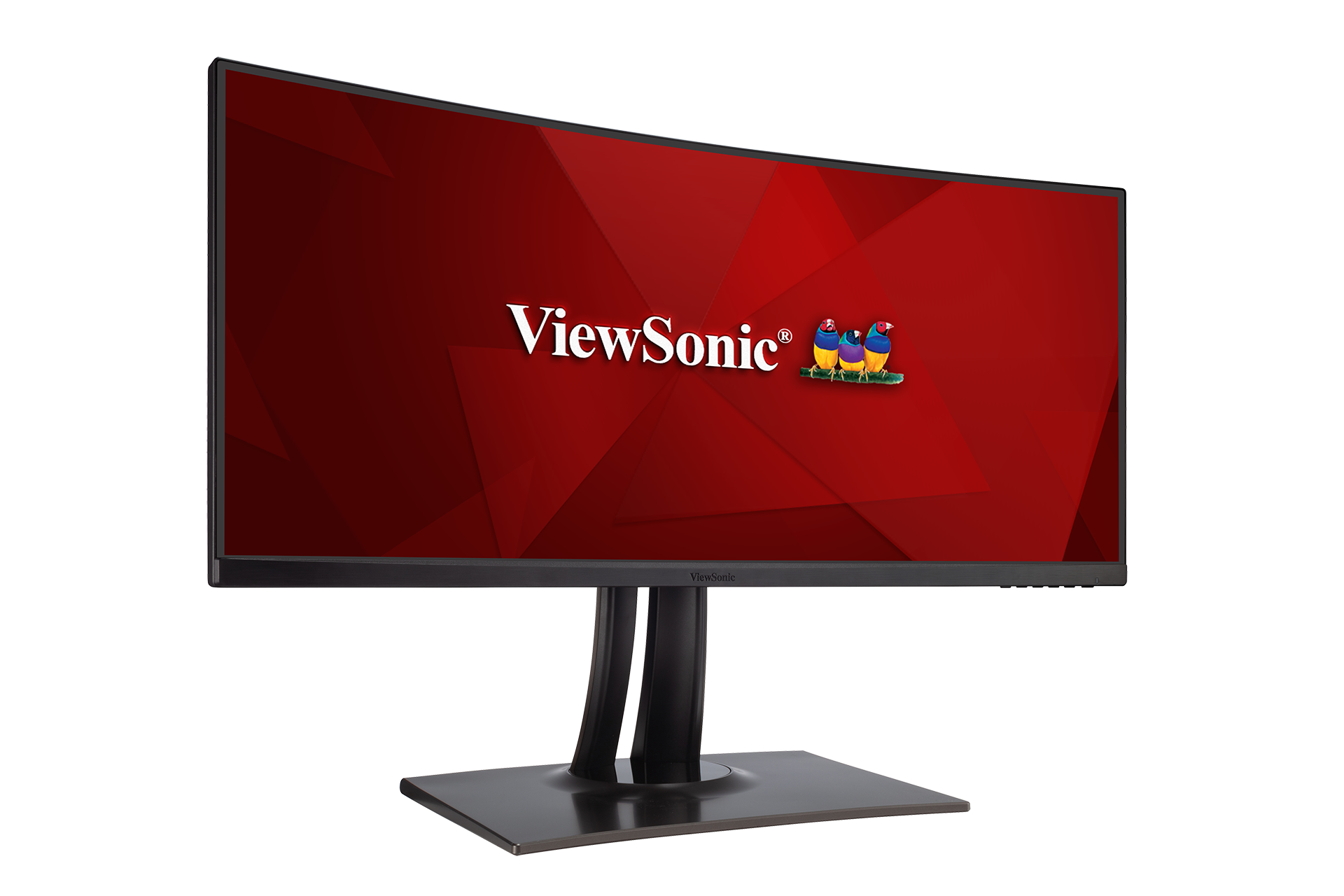
Revision as of 10:20, 26 October 2020 by Rob.vsi (talk | contribs) (Created page with "{{DISPLAYTITLE:VP Series}} <div lang="ar" dir="rtl" class="mw--content-rtl"> {{Product |1=<div class="res-img">center|link=</div> |2=<div><span style="colo...")
(diff) ← Older revision | Latest revision (diff) | Newer revision → (diff)
Jump to: navigation, search
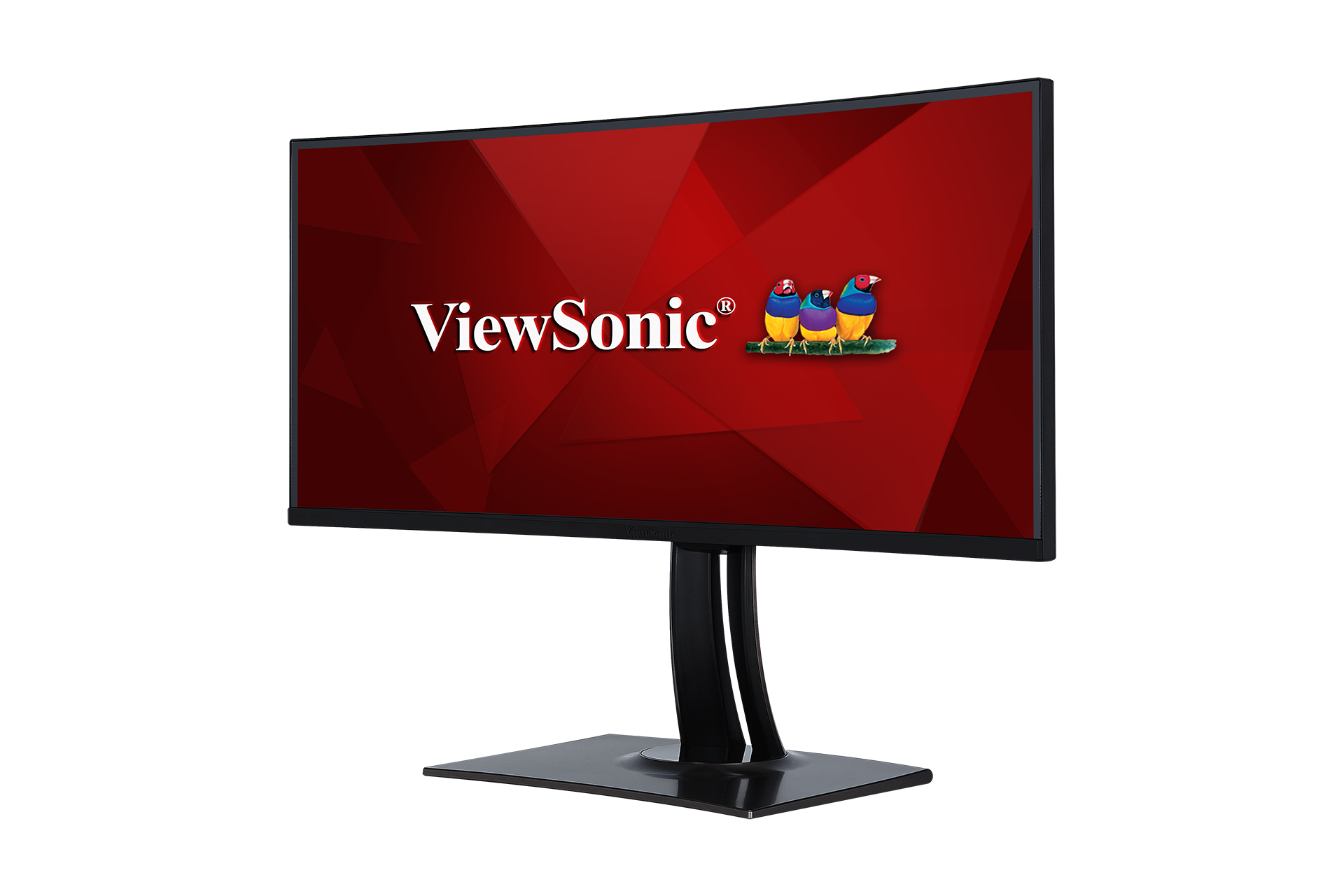
VP3481
  1. Introduction
  2. Initial Setup
  3. Connecting Power and Devices
  4. Adjusting the Viewing Angle
  5. Quick Menu
  6. Hot Keys
  7. On-Screen Display Menu Operation
  8. On-Screen Display Menu Tree
  9. On-Screen Display Menu Options
  10. Advanced Features and Settings
  11. Specifications
  12. Regulatory and Service Information

  13. حتياطات السالمة
  14. مسرد المصطلحات
  15. استكشاف األعطال وإصالحها
  16. الصيانة

Full Guide Download
VP2785-4K
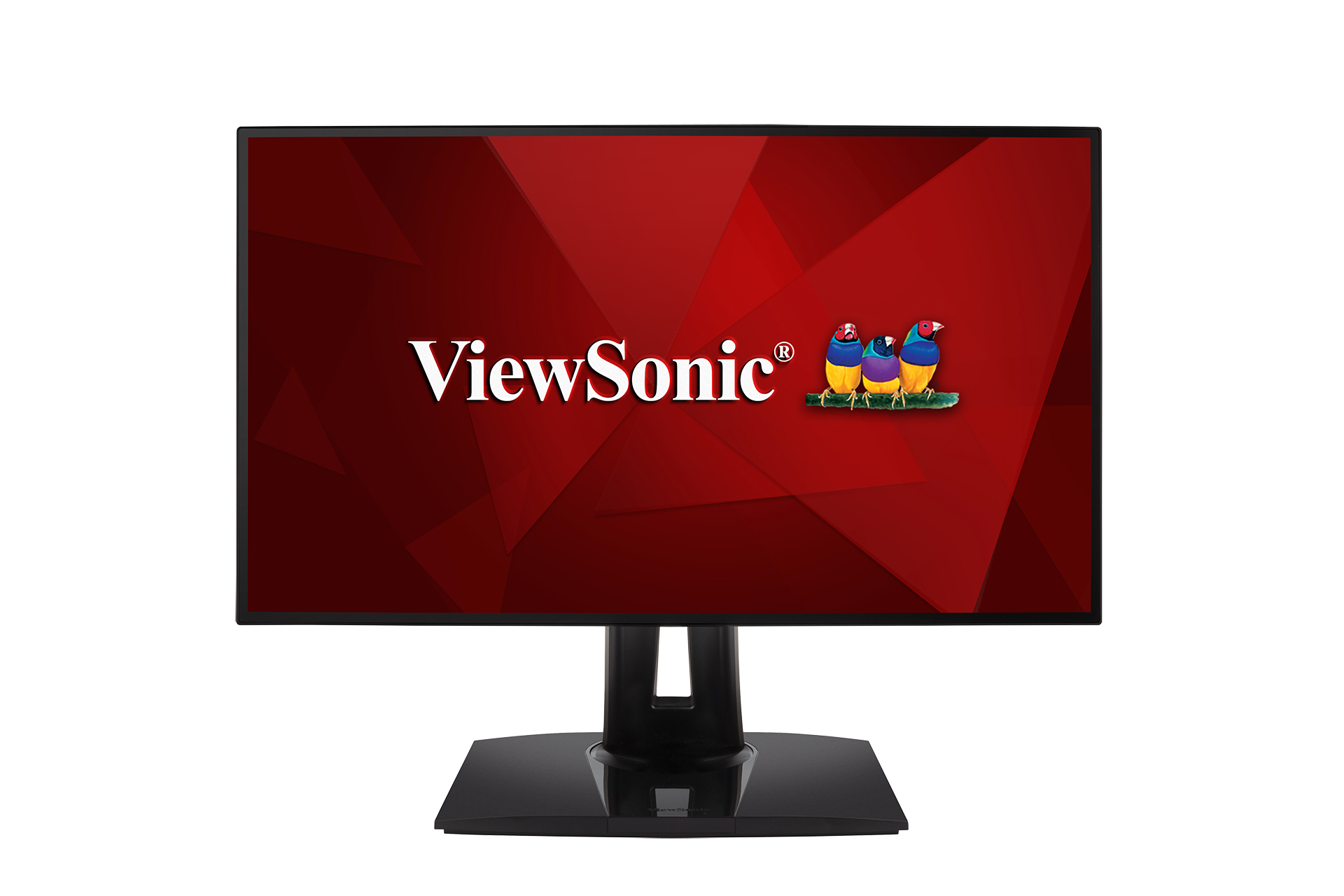
Full Guide Download
VP2458
Full Guide Download
VP3881
Full Guide Download
VP2768
Full Guide Download
VP3268-4K
Full Guide Download
VP2785-2K
Full Guide Download

If your device is not listed, please Search here

Retrieved from "https://manuals.viewsonic.com/index.php?title=ar:VP_Series&oldid=5933"
Hidden categories:
  • Template
  • Monitor
  • ViewSonic
  • FOLLOW US ON
  • ViewSonic
  • ViewSonic
  • ViewSonic
  • ViewSonic
  • ViewSonic

    PRODUCTS
  • Hardware
  • LCD Monitors
  • Projectors
  • ViewBoard Interactive Displays
  • All-in-One dvLED Displays
  • Commercial Displays
  • Pen Displays
  • Software
  • myViewBoard
  • Manager
  • ClassSwift
  • TeamOne
  • AirSync
    SOLUTIONS
  • For Education
  • Education Home
  • Higher Education
  • Teacher's Community
  • 3D Campus
  • For Business
  • Business Home
  • Meeting Rooms
  • Personal Workspaces
  • Office Communication
  • Remote Device Management
  • Digital Whiteboarding
  • Microsoft Teams Rooms
  • For Consumer
  • Consumer Home
  • ColorPro
  • Gaming
  • Personal Display Solutions
  • Reimagine Your Space
    RESOURCES
  • Library
  • Case Studies
  • Solution Briefs
  • Brochures
  • White Papers
  • Reports
    SUPPORT
  • Contact Us
  • Support Center
  • Downloads
  • Hardware Quick Start Guide
  • Software Knowledge Base
    COMPANY
  • About ViewSonic
  • Environmental Social and Governance
  • Awards
  • News
  • Careers
  • Partnerships

  • Privacy Policy
  • Terms of Use
  • Accessibility
  • Programs, specifications, pricing and availability are subject to change without notice. Selections, offers and programs may vary by country; see your ViewSonic representative for complete details. Copyright © ViewSonic Corporation 2000-2026. All rights reserved.