
VP2776T-4K On-Screen Display Menu
From ViewSonic Documentation
General Operations
-
Move the Joy Key
 to display the Startup Menu. Then navigate to Main Menu and press the Joy Key
  to display the OSD Menu.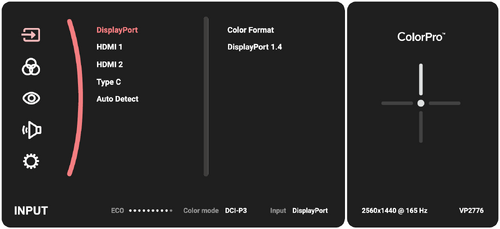
-
Move the Joy Key
 or
or  to select the main menu. Then press the Joy Key to enter the selected menu.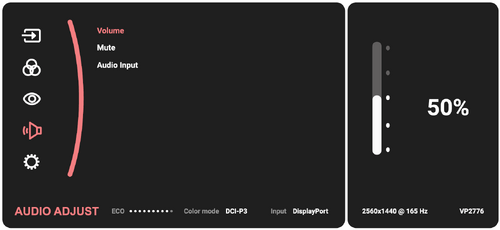
-
Move the Joy Key
or to select the desired menu option. Then press the Joy Key to enter the sub-menu.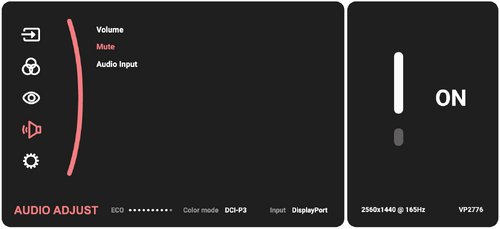
-
Move the Joy Key
or to adjust/select the setting. Then press the Joy Key to confirm.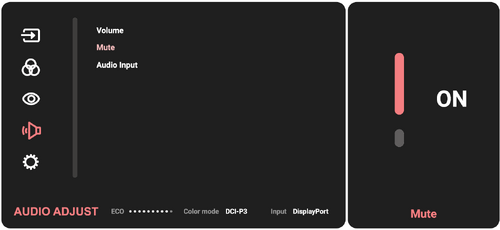
-
Move the Joy Key
to return to the previous menu.
