
VP2786a-4K Introduction: Difference between revisions
From ViewSonic Documentation
| Line 54: | Line 54: | ||
! style="background-color:#DB0025; color:#ffffff; width:20%;" | Number !! style="background-color:#DB0025; color:#ffffff;" | Description | ! style="background-color:#DB0025; color:#ffffff; width:20%;" | Number !! style="background-color:#DB0025; color:#ffffff;" | Description | ||
|- | |- | ||
|'''1''' || | |'''1''' || AC IN | ||
|- | |- | ||
|'''2''' || HDMI | |'''2''' || HDMI | ||
| Line 60: | Line 60: | ||
|'''3''' || DisplayPort | |'''3''' || DisplayPort | ||
|- | |- | ||
|'''4''' || | |'''4''' || USB Type C | ||
|- | |- | ||
|'''5''' || | |'''5''' || Audio Out | ||
|- | |- | ||
|'''6''' || | |'''6''' || USB Upstream | ||
|- | |- | ||
|'''7''' || | |'''7''' || USb Downstream | ||
|- | |- | ||
|'''8''' || USB | |'''8''' || Micro USB | ||
|- | |- | ||
|} | |} | ||
{{Note|For more information about the [[File:Icon_Joy_Key_Press.svg| | {{Note|For more information about the ([[File:Icon_Joy_Key_Press.svg|25px|link=]] / [[File:Icon_Joy_Key_Up.svg|25px|link=]] / [[File:Icon_Joy_Key_Down.svg|25px|link=]] / [[File:Icon_Joy_Key_Left.svg|25px|link=]] / [[File:Icon_Joy_Key_Right.svg|25px|link=]]) key and its functions, refer to [[VP2776T-4K_Hot_Keys|Hot Keys]].}} | ||
<noinclude> | <noinclude> | ||
Revision as of 08:38, 4 September 2024
Package Contents
|
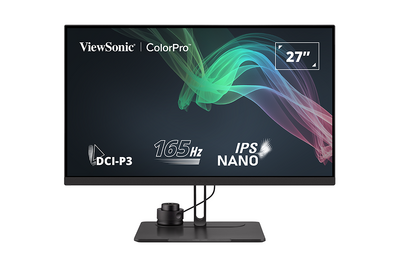 |
Note: The cables included in your package may vary depending on your country. Please contact your local reseller for more information.
Front View / Rear View
-
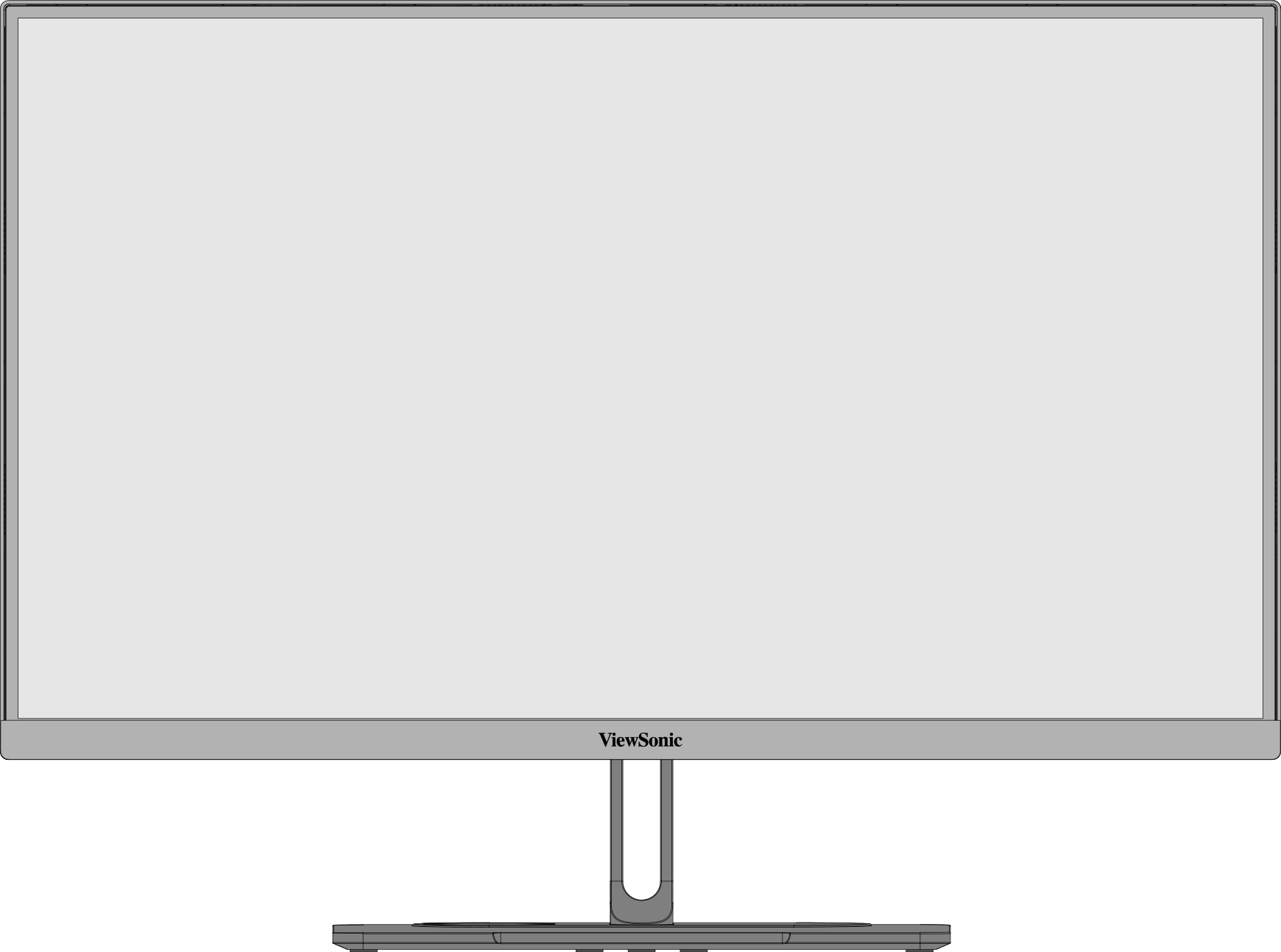 Front View
 -
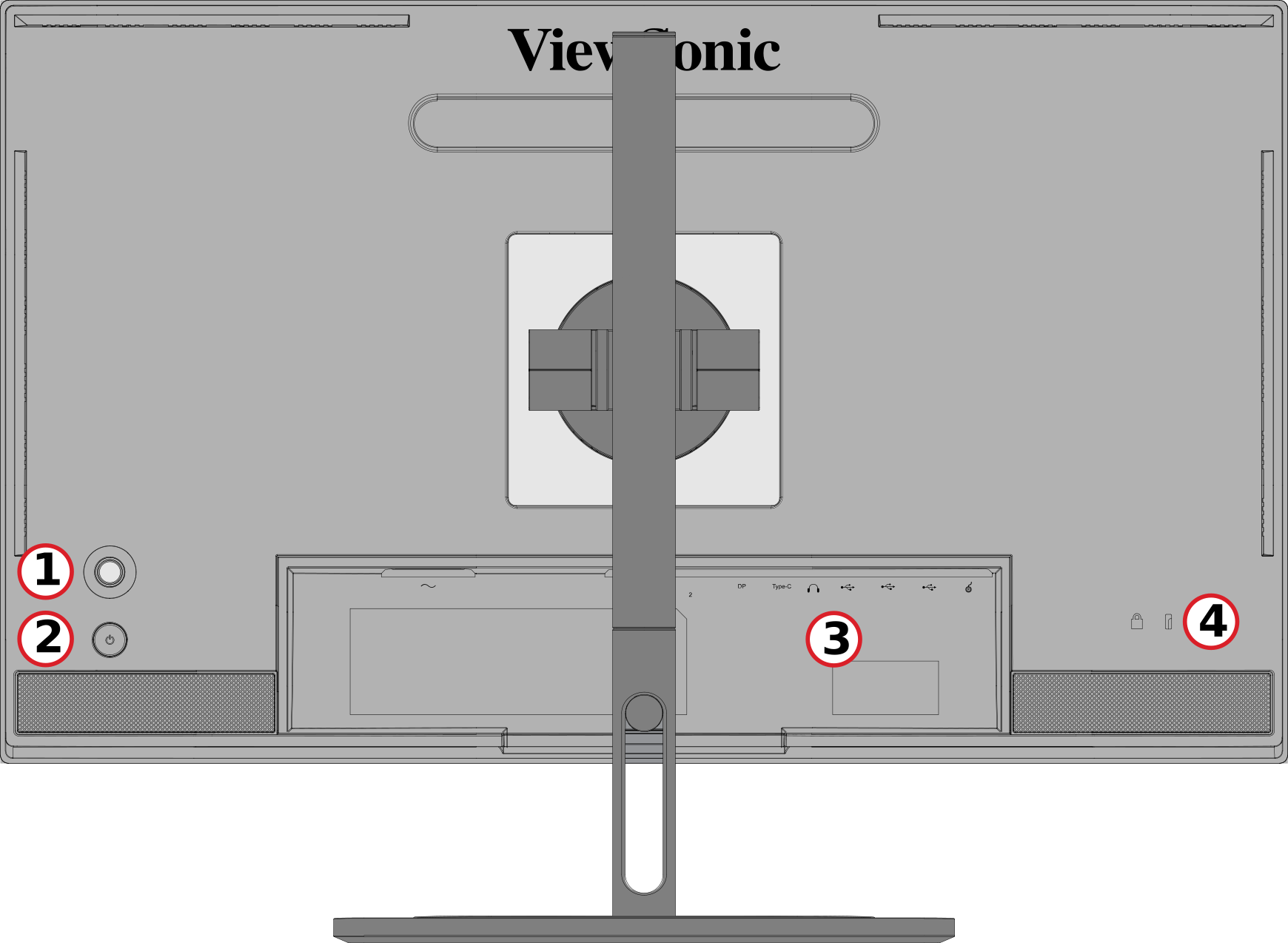 Rear View


| Number | Description |
|---|---|
| 1 | Joy Key |
| 2 | Power Button |
| 3 | I/O Ports |
| 4 | Security Lock Slot |
I/O Ports

| Number | Description |
|---|---|
| 1 | AC IN |
| 2 | HDMI |
| 3 | DisplayPort |
| 4 | USB Type C |
| 5 | Audio Out |
| 6 | USB Upstream |
| 7 | USb Downstream |
| 8 | Micro USB |


Further Reading
 |