
Direct View LED Display: Difference between revisions
From ViewSonic Documentation
No edit summary |
No edit summary |
||
| Line 50: | Line 50: | ||
<small>If your device is not listed, please [https://www.viewsonic.com/eu/search/?t=download Search here]</small> | <small>If your device is not listed, please [https://www.viewsonic.com/eu/search/?t=download Search here]</small> | ||
{{#seo: | |||
|title=ViewSonic Direct View LED Display | |||
|title_mode=append | |||
|keywords=ViewSonic, Direct View LED, LD135-151, LD163-181 | |||
|description=Search and find the answers to your questions for ViewSonic Direct View LED Displays. | |||
}} | |||
[[Category:Direct View LED Display]] | [[Category:Direct View LED Display]] | ||
Revision as of 08:35, 24 August 2020
LD135-151
- Introduction
- Remote Control
- Wall Installation
- Floor Stand Installation
- Connecting Devices
- Using the Display
- On-Screen Display Menu
- Embedded Applications
- RS-232 Protocol
- Specifications
- Regulatory and Service Information
- Safety Precautions
- Troubleshooting
- Maintenance
- Vacuum Suction Tool (LD-MK-001)
- Full Guide Download
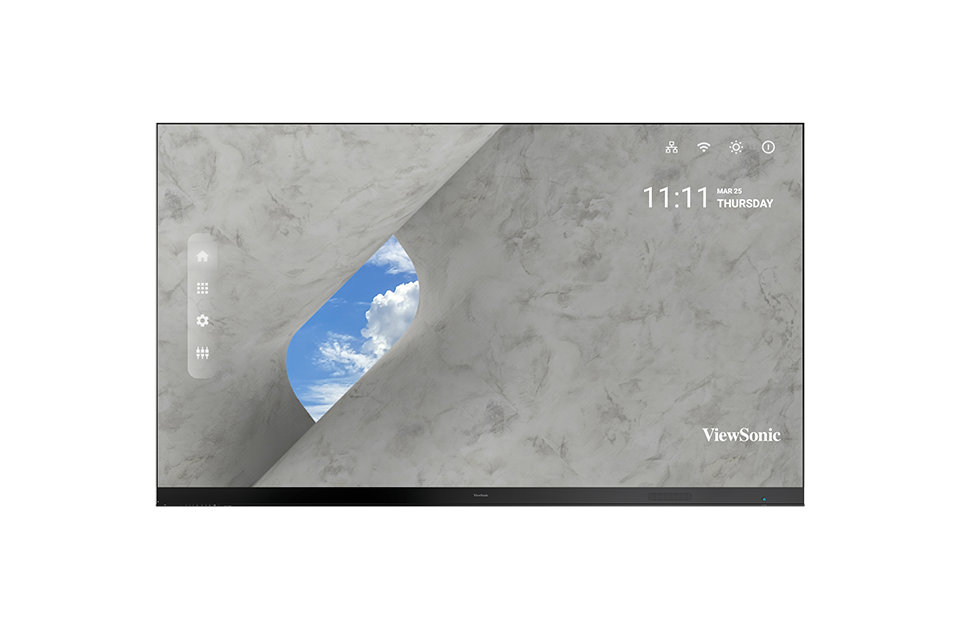
LD163-181
- Introduction
- Remote Control
- Wall Installation
- Floor Stand Installation
- Connecting Devices
- Using the Display
- On-Screen Display Menu
- Embedded Applications
- RS-232 Protocol
- Specifications
- Regulatory and Service Information
- Safety Precautions
- Troubleshooting
- Maintenance
- Vacuum Suction Tool (LD-MK-001)
- Full Guide Download
If your device is not listed, please Search here