
VP2786a-4K
From ViewSonic Documentation
Introduction
Package Contents
- Monitor
- Power Cord
- Video Cable
- Quick Start Guide
Note: The cables included in your package may vary depending on your country. Please contact your local reseller for more information.
Product Overview
-
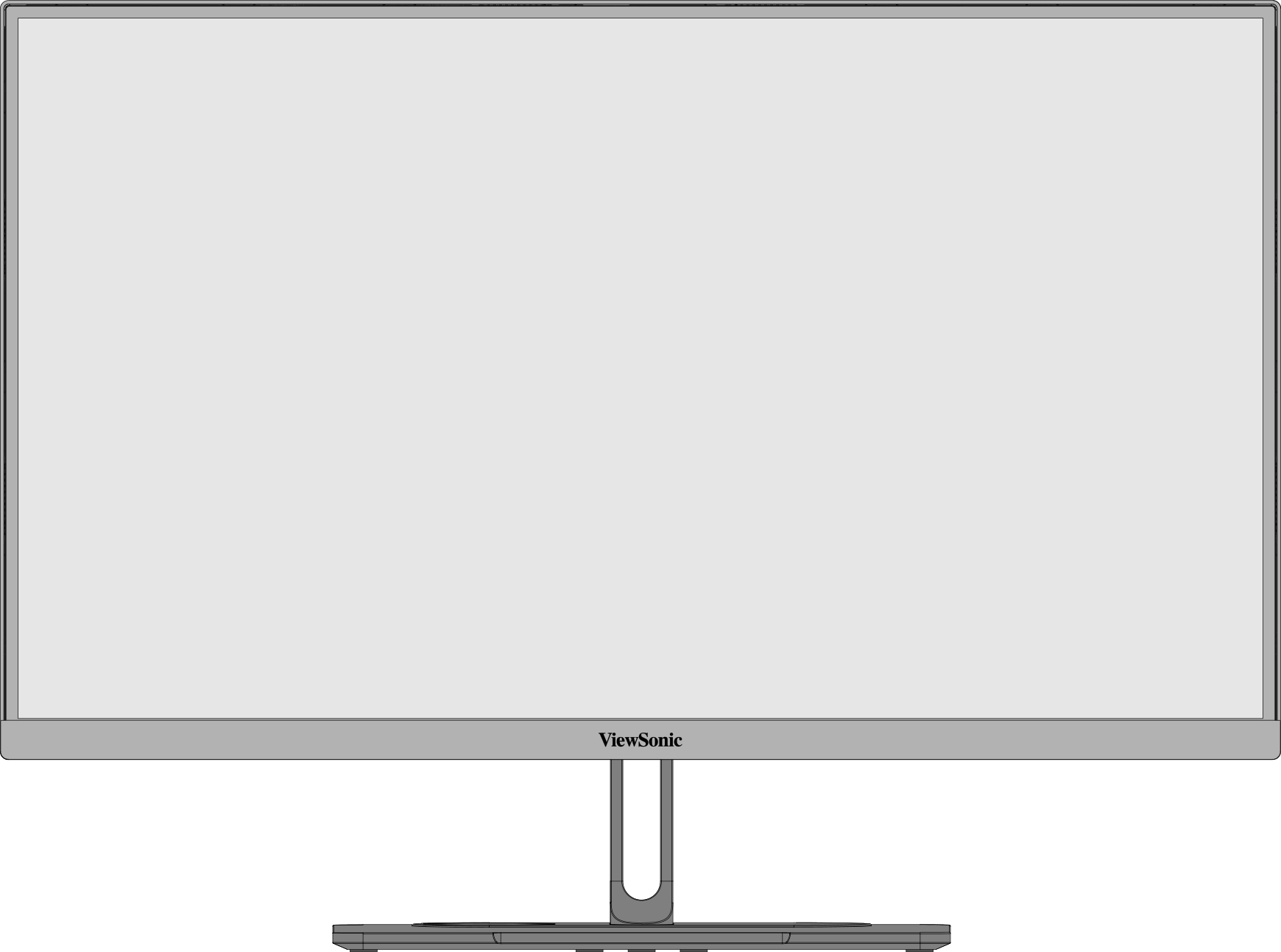 Front View
 -
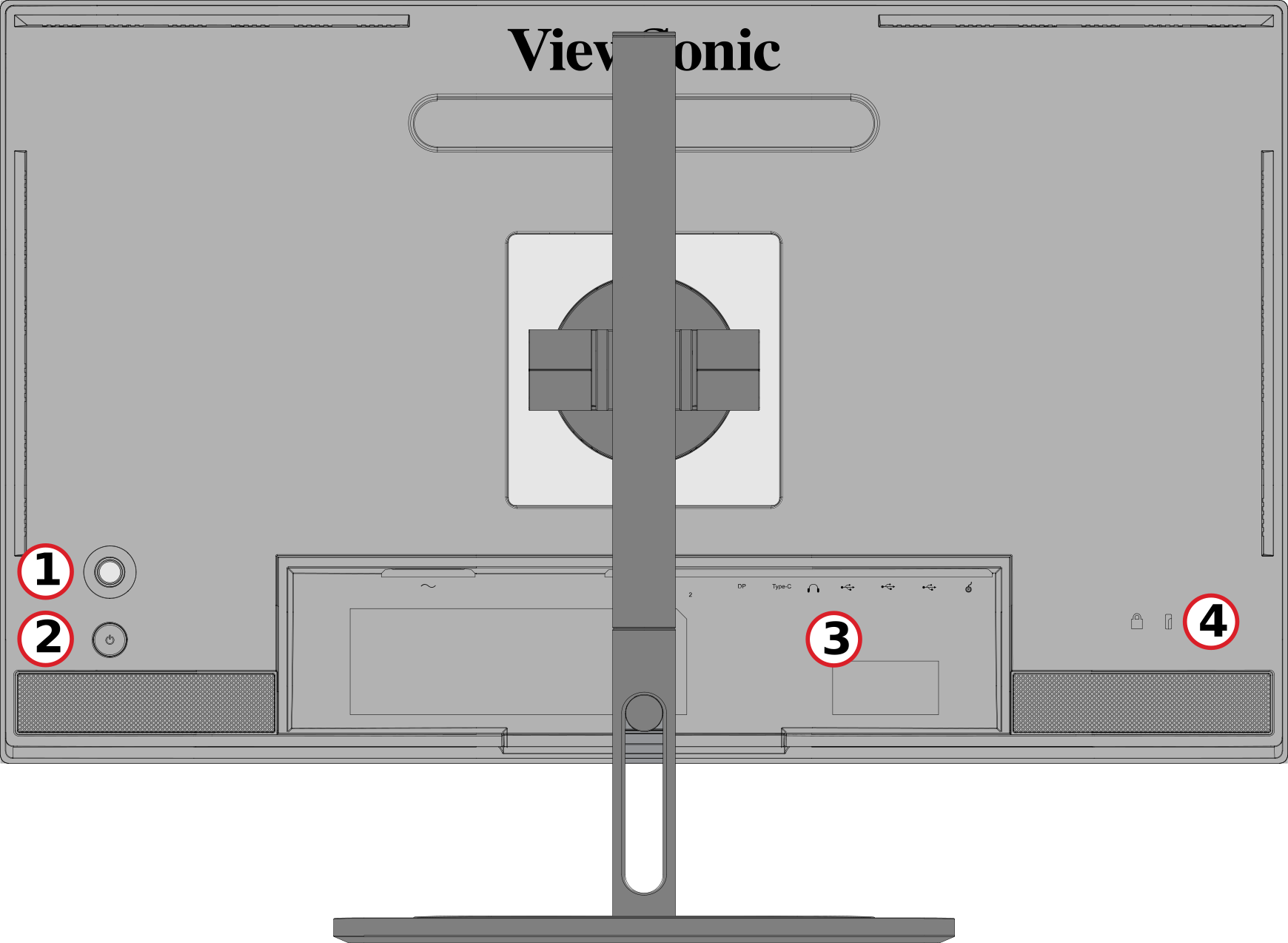 Rear View


| Number | Description |
|---|---|
| 1 | Joy Key |
| 2 | Power Button |
| 3 | I/O Ports |
| 4 | Security Lock Slot |
I/O Ports

| Number | Description |
|---|---|
| 1 | AC IN |
| 2 | HDMI |
| 3 | DisplayPort |
| 4 | USB Type C |
| 5 | Audio Out |
| 6 | USB Upstream |
| 7 | USb Downstream |
| 8 | Micro USB |


Initial Setup
Installing the Stand
 |
 |
- Place the monitor on a flat, stable surface with the screen facing down.
- Align and slide the upper hooks of the monitor stand into the stand mounting slots.
- Lift the monitor into its upright position on a flat, stable surface.
Note: For safety and to ensure optimal performance, please position the monitor on a flat, stable surface. Failure to do so may lead to the monitor falling, causing damage to the monitor itself and/or posing a risk of personal injury.
Removing the Stand and Mounting the Monitor
Refer to the table below for the standard dimensions for mounting kits.
Note: For use only with a UL certified mounting kit/bracket. To obtain a wall mounting kit or height adjustment base, contact ViewSonic® or your local dealer.
| Maximum Loading | Pad Hole | Screw Specification | Screw Quantity |
|---|---|---|---|
| 14 kg | 100 x 100 mm | M4 x 10 mm | 4 screws |
Note: Mounting kits are sold separately.
 |
 |
 |
Important: Before removing the stand, turn off the monitor, disconnect all cables, and place the monitor on a flat, stable surface with the screen facing down.
- Press and hold the quick release tab and carefully lift the stand.
- Pull down slightly to disengage the hooks and remove the stand.
- Attach the mounting bracket to the VESA mounting holes at the rear of the monitor. Then secure it with four screws (M4 x 10 mm).
- Follow the instructions that come with the purchased or optional mounting kit to mount the monitor.
Using the Security Slot

To help prevent the monitor from being stolen, use a security slot locking device to secure the monitor to a fixed object.
Additionally, fastening the monitor to a wall or fixed object using a security cable can help support the weight of the monitor in order to prevent the monitor from falling over.