
IFP6533 Using the ViewBoard
From ViewSonic Documentation
Powering ON/OFF your ViewBoard
- Ensure the power cord is connected, plugged into a power outlet, and the power switch is in the “ON” position.
- Press the Power button to turn on the ViewBoard.
- To turn the ViewBoard OFF, press and hold the Power button.

Initial Launch Setup
When you first turn on your ViewBoard, an initial setup wizard will launch.
-
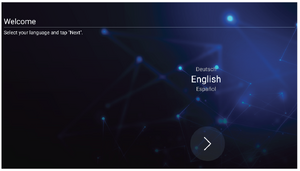 Language Select
 -
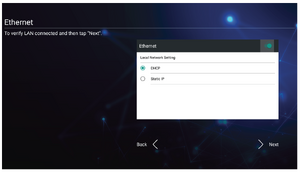 Network Connection
 -
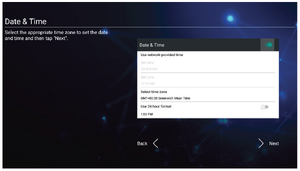 Date and Time
 -
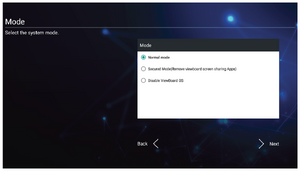 System Mode
 -
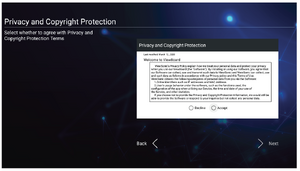 Privacy and Copyright Protection


- Select your Language.
- Setup and verify your LAN connection.
- Select your Time Zone to set the Date and Time.
- Select your preferred System Mode.
- Accept or Decline the Privacy and Copyright Protection Terms.
Toolbar
The Toolbar is where your applications and tools can be found. Trigger icons are on the edge of the launcher for quick access.

To launch an application or tool:
- Tap a Toolbar trigger icon.
- Tap on your desired application or tool icon.
