
VP2786a-4K Introduction: Difference between revisions
From ViewSonic Documentation
| Line 49: | Line 49: | ||
=I/O Ports= | =I/O Ports= | ||
<div class="res-img">[[File:VP2786a-4K_IO.png|700px|VP2786a-4K's I/O Ports]]</div> | <div class="res-img">[[File:VP2786a-4K_IO.png|700px|VP2786a-4K's I/O Ports]]</div> | ||
{| class="wikitable" style="text-align:center; width: 50%; background-color:#ffffff;" | {| class="wikitable" style="text-align:center; width:50%; background-color:#ffffff;" | ||
! style="background-color:#DB0025; color:#ffffff; width:20%;" | Number !! style="background-color:#DB0025; color:#ffffff;" | Description | ! style="background-color:#DB0025; color:#ffffff; width:20%;" | Number !! style="background-color:#DB0025; color:#ffffff;" | Description | ||
|- | |- | ||
Revision as of 06:33, 5 September 2024
Package Contents
|
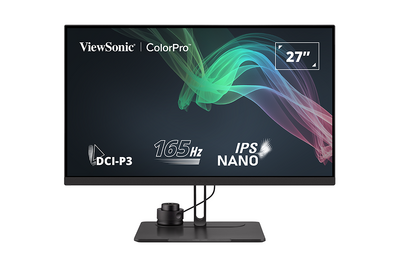 |
Note: The cables included in your package may vary depending on your country. Please contact your local reseller for more information.
Front View / Rear View
-
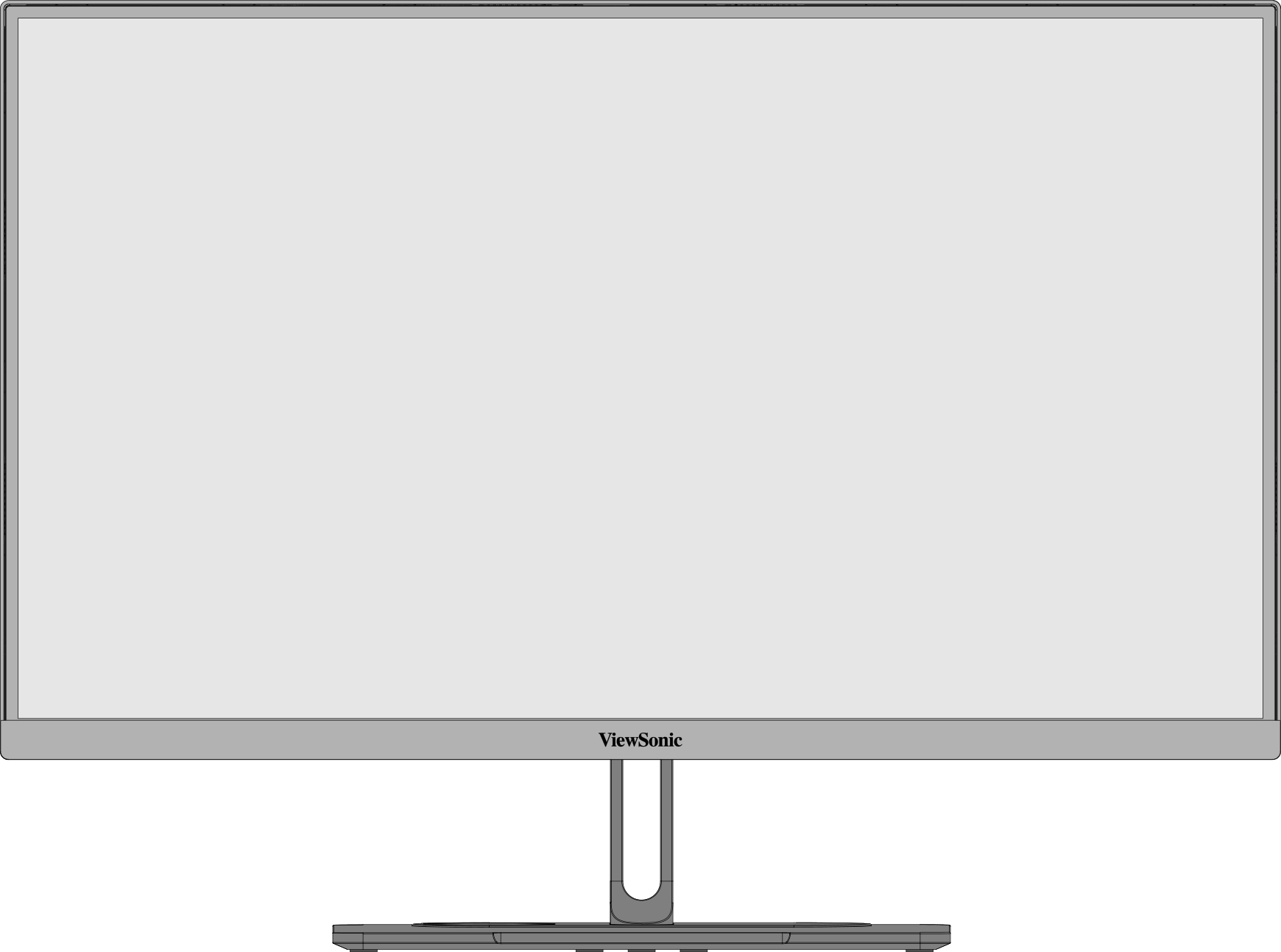 Front View
 -
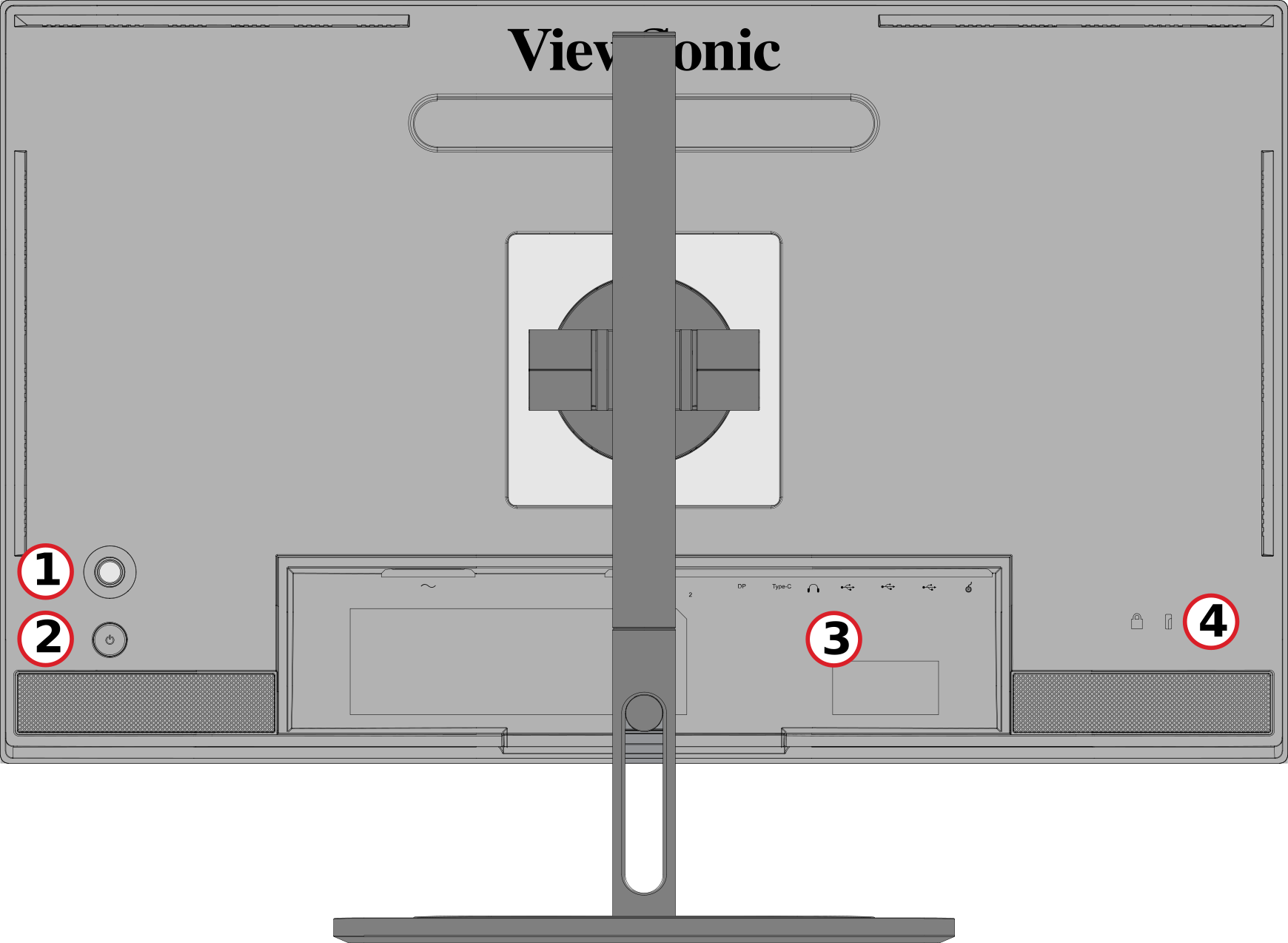 Rear View


| Number | Description |
|---|---|
| 1 | Joy Key |
| 2 | Power Button |
| 3 | I/O Ports |
| 4 | Security Lock Slot |
I/O Ports

| Number | Description |
|---|---|
| 1 | AC IN |
| 2 | HDMI |
| 3 | DisplayPort |
| 4 | USB Type C |
| 5 | Audio Out |
| 6 | USB Upstream |
| 7 | USb Downstream |
| 8 | Micro USB |


Further Reading
 |