CDE6530 Using the Display
From ViewSonic Documentation
Power On/Off your Display
- Ensure the power cord is connected, plugged into a power outlet, and the power switch is in the “On” position.
- NOTE: The AC IN socket is located at the rear, and the Power Switch is located underneath the display.
- Press the Power button to turn on the display.
- To turn the display off, press the Power button.

Initial Launch Setup
When you first turn on your display, an initial setup wizard will launch.
-
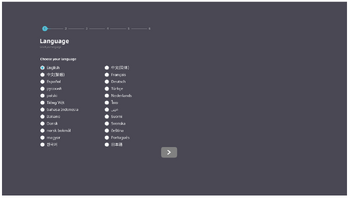 Language Select
 -
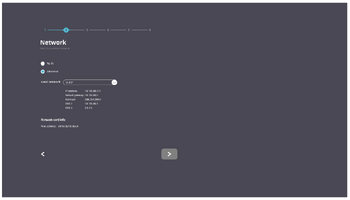 Network
 -
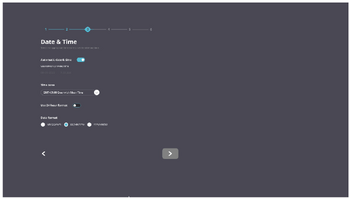 Time Zone
 -
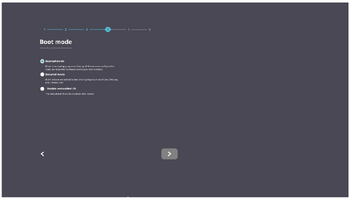 Boot Mode
 -
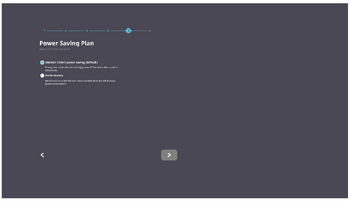 Power Saving Mode
 -
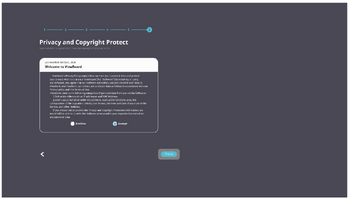 Privacy and Copyright Protection


- Select your Language.
- Select your Network.
- Select your Time Zone.
- Select your Boot Mode.
- Select your Power Saving Mode.
- Accept/Decline the Privacy and Copyright Protection Agreement.
Home Screen
From the Home Screen all the installed applications can be accessed.

- NOTE: Press the Home button on the remote control at any time to return to the Home Screen.