MPC310-W31-TU Using the Device
Prerequisites
Required License for Microsoft Teams Rooms (MTR)
You will need a Microsoft Teams Rooms license to set up your MTR Room System. To learn more about the required licenses, refer to the Microsoft Teams documentation: "Microsoft Teams Rooms licenses"
Required Resource Account for Microsoft Teams Rooms
To set up your Microsoft Teams Rooms system, you will also need a Microsoft Teams Rooms account. For information on setting up this account, refer to the Microsoft Teams documentation: "Create and configure resource accounts for rooms and shared Teams device"
MTR Setup Wizard
-
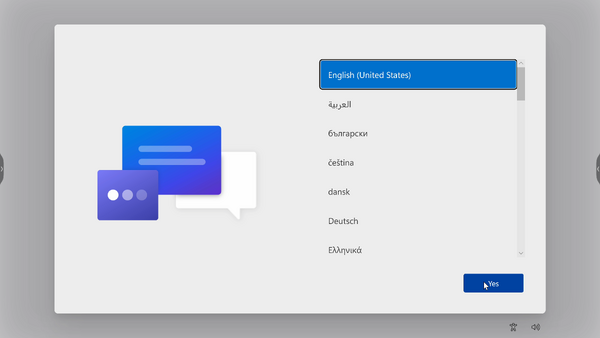
Select language.
-
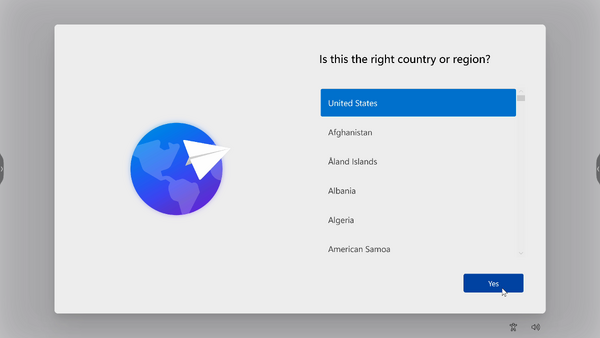
Select country or region.
-
Select keyboard layout.

-
Add a second keyboard layout.

-
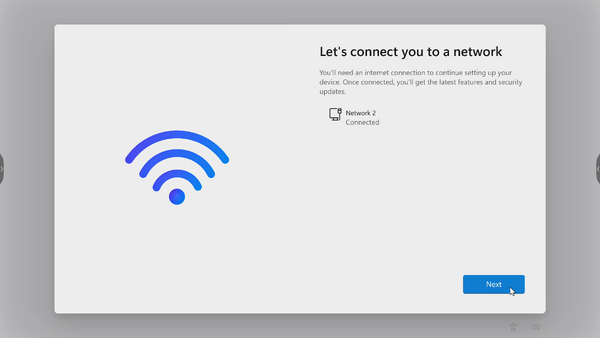
Connect to a network.
-
Check for any updates and finish setting up.



MTR Account Setup
-
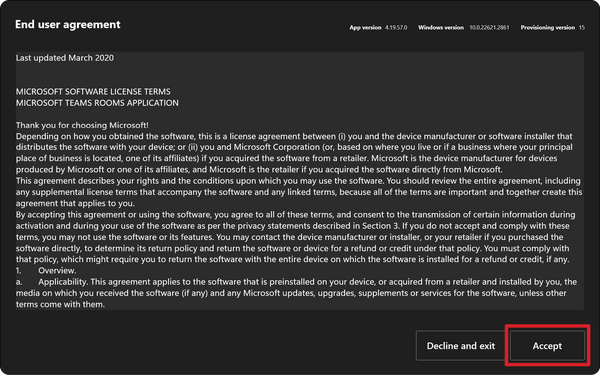
To setup a Microsoft Teams Rooms account, review the End user agreement and select Accept.
-
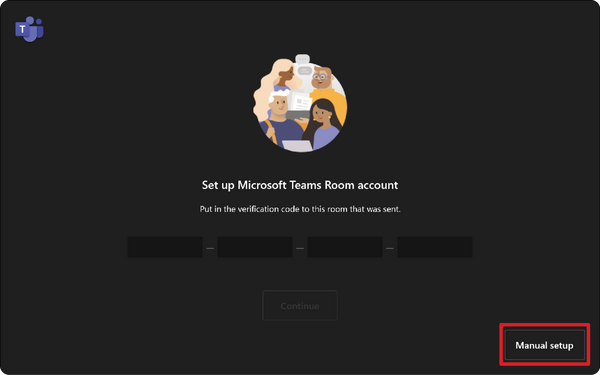
Select Manual setup.
-
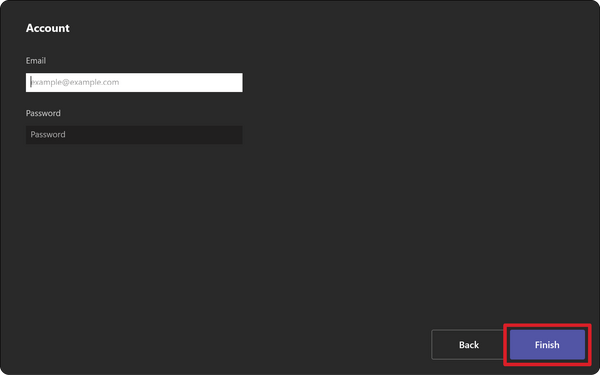
Enter the account email and password, then select Finish.