VG2709-2K-MHDU Introduction
From ViewSonic Documentation
Package Contents
|
 |
Front View / Rear View
-
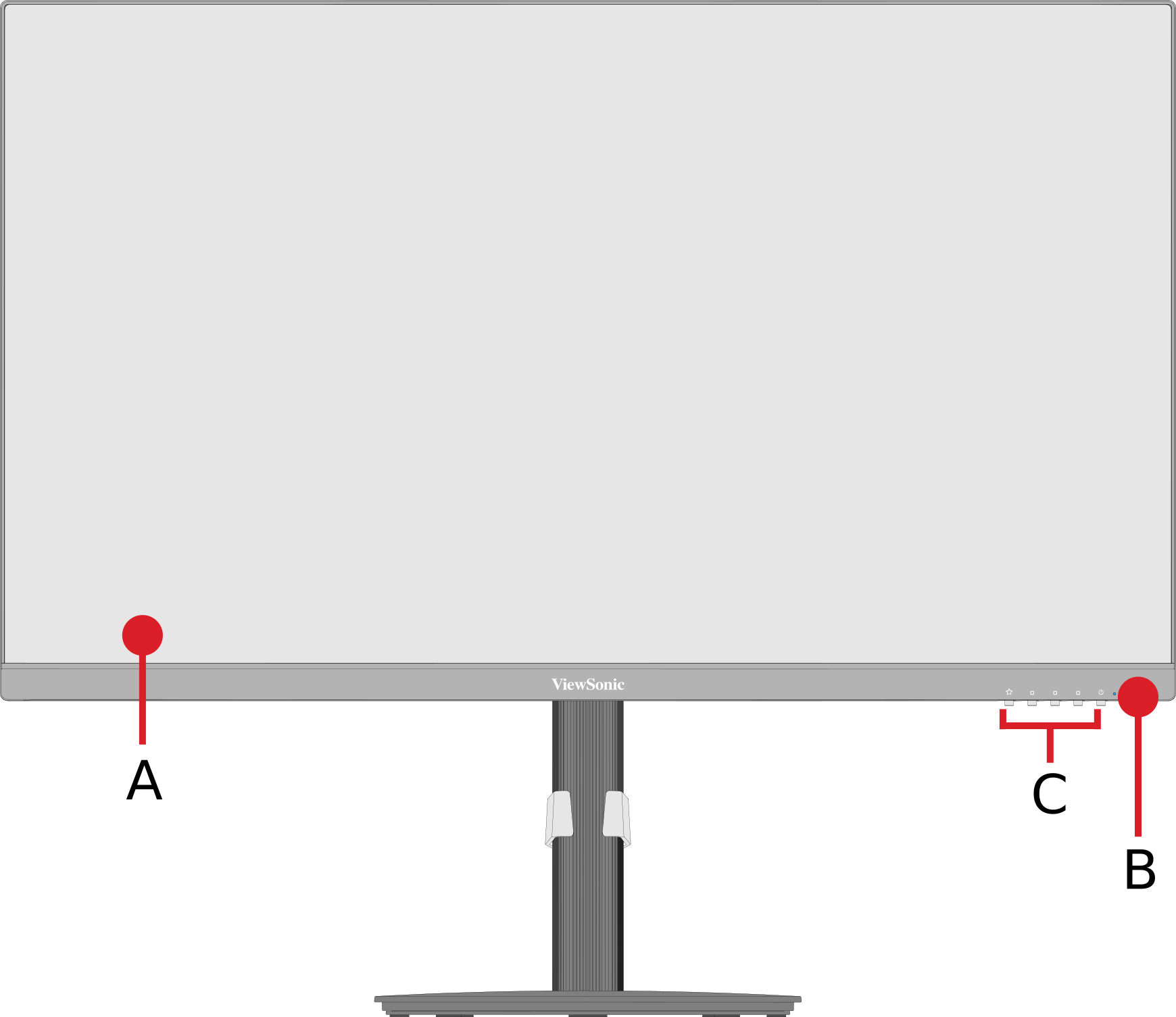 Front View
 -
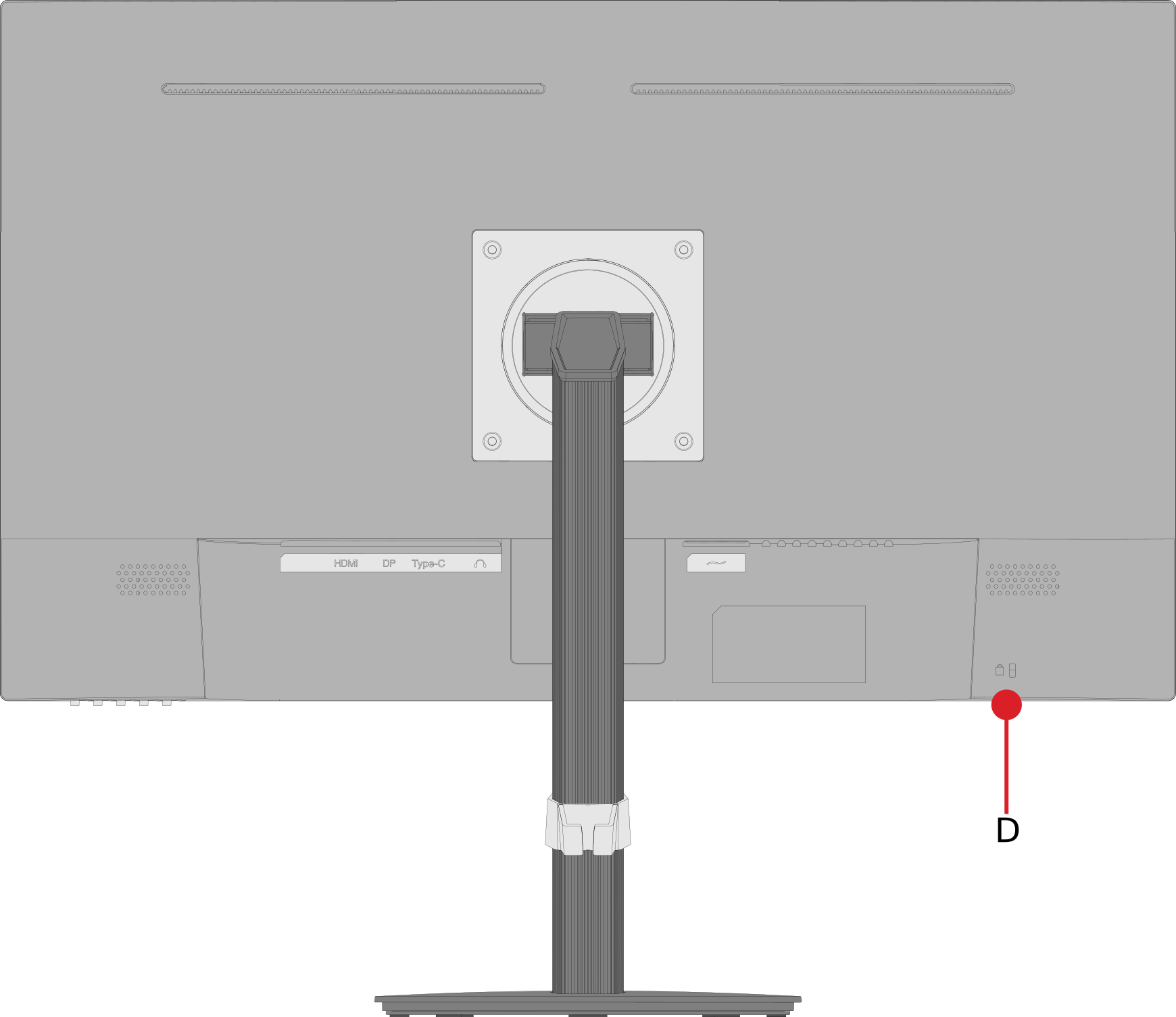 Rear View


| Letter | Item |
|---|---|
| A | Display Screen |
| B | Power Button |
| C | Control Panel Keys |
| D | Security Slot |
I/O Ports

| Number | Item |
|---|---|
| 1 | HDMI |
| 2 | DisplayPort |
| 3 | Type-C |
| 4 | Audio Out |
| 5 | AC In |
Further Reading
 |