
VX Series: Difference between revisions
From ViewSonic Documentation
No edit summary |
No edit summary |
||
| Line 89: | Line 89: | ||
<li>[[http://www.viewsonicglobal.com/public/products_download/user_guide/Display/VX2485-mhd_VX2785-2K-mhdu/VX2485-mhd_VX2785-2K-mhdu_UG_ENG.pdf '''Full Guide Download''']]</li></ol> | <li>[[http://www.viewsonicglobal.com/public/products_download/user_guide/Display/VX2485-mhd_VX2785-2K-mhdu/VX2485-mhd_VX2785-2K-mhdu_UG_ENG.pdf '''Full Guide Download''']]</li></ol> | ||
}} | }} | ||
<small>If your device is not listed please [https://www.viewsonic.com/eu/search/?t=download Search here]</small> | <small>If your device is not listed, please [https://www.viewsonic.com/eu/search/?t=download Search here]</small> | ||
[[Category:VX Series]] | [[Category:VX Series]] | ||
[[Category:Monitor]] | [[Category:Monitor]] | ||
Revision as of 03:29, 3 June 2020
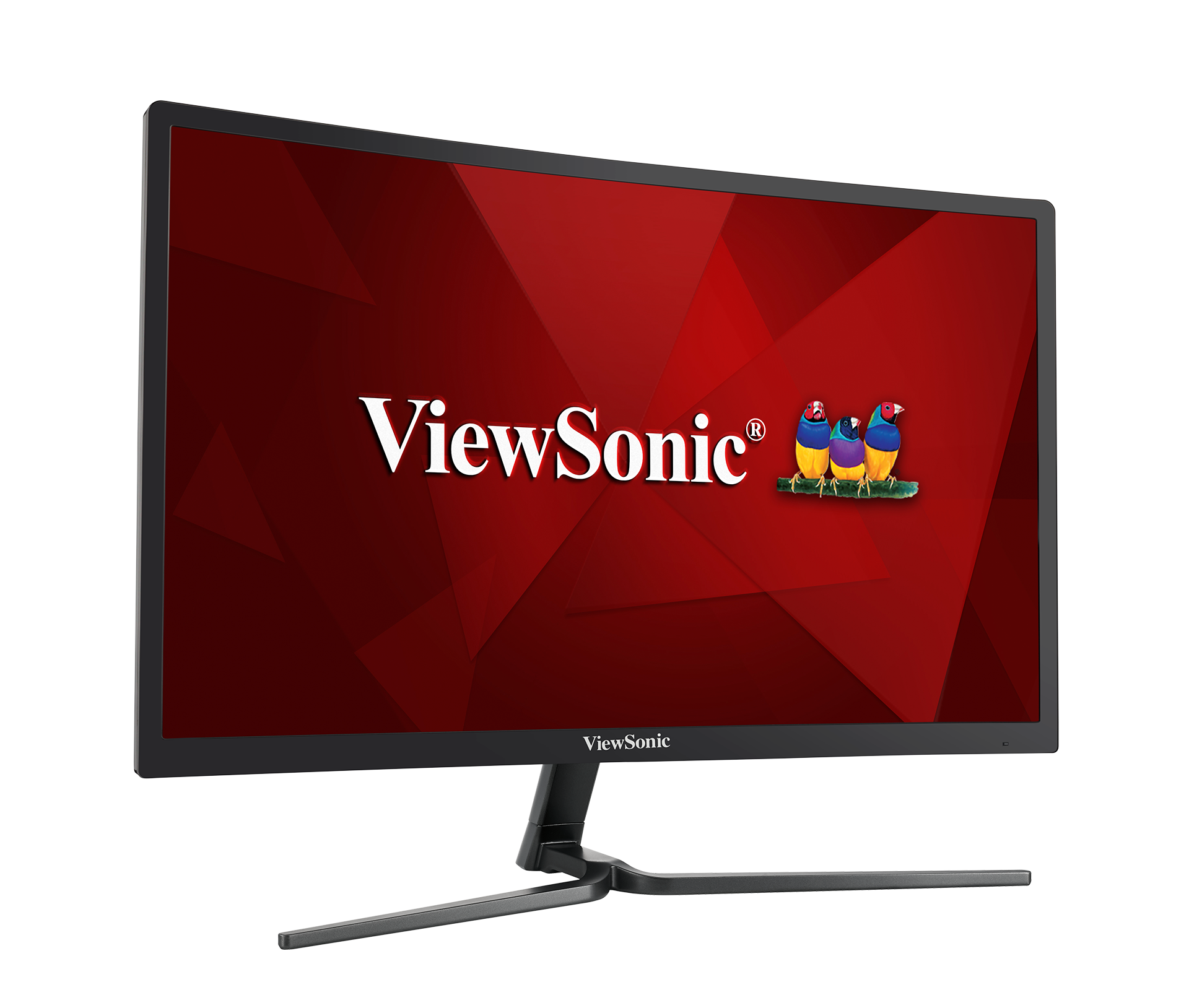
VX2458-C-mhd
- Introduction
- Initial Setup
- Making Connections
- Using the Monitor
- Advanced Features and Settings
- Appendix
- Regulatory and Service Information
- [Full Guide Download]

VX3276-2K-mhd
- Introduction
- Initial Setup
- Making Connections
- Using the Monitor
- Advanced Features and Settings
- Appendix
- Regulatory and Service Information
- [Full Guide Download]
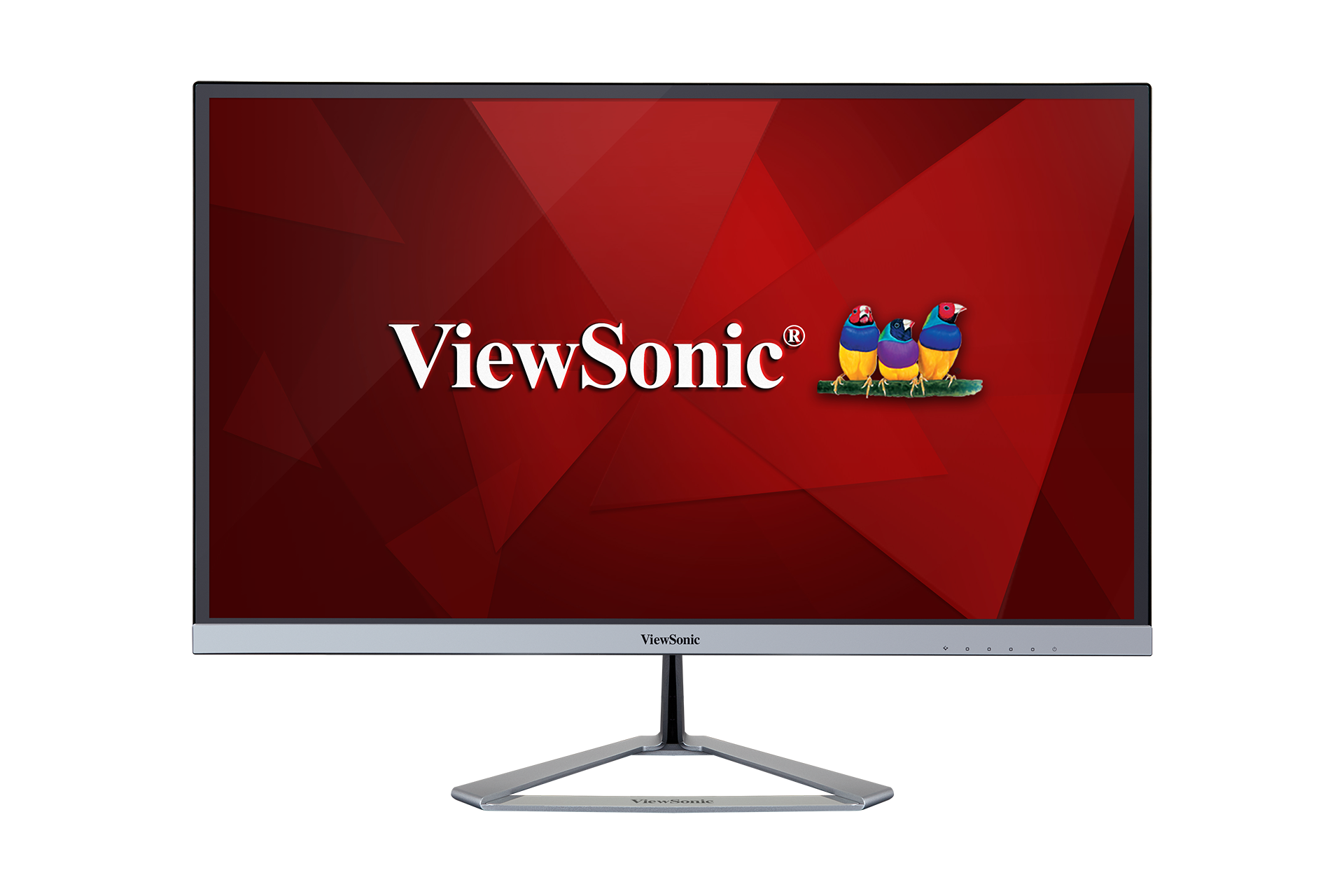
VX2476-smhd
- Introduction
- Initial Setup
- Making Connections
- Using the Monitor
- Advanced Features and Settings
- Appendix
- Regulatory and Service Information
- [Full Guide Download]
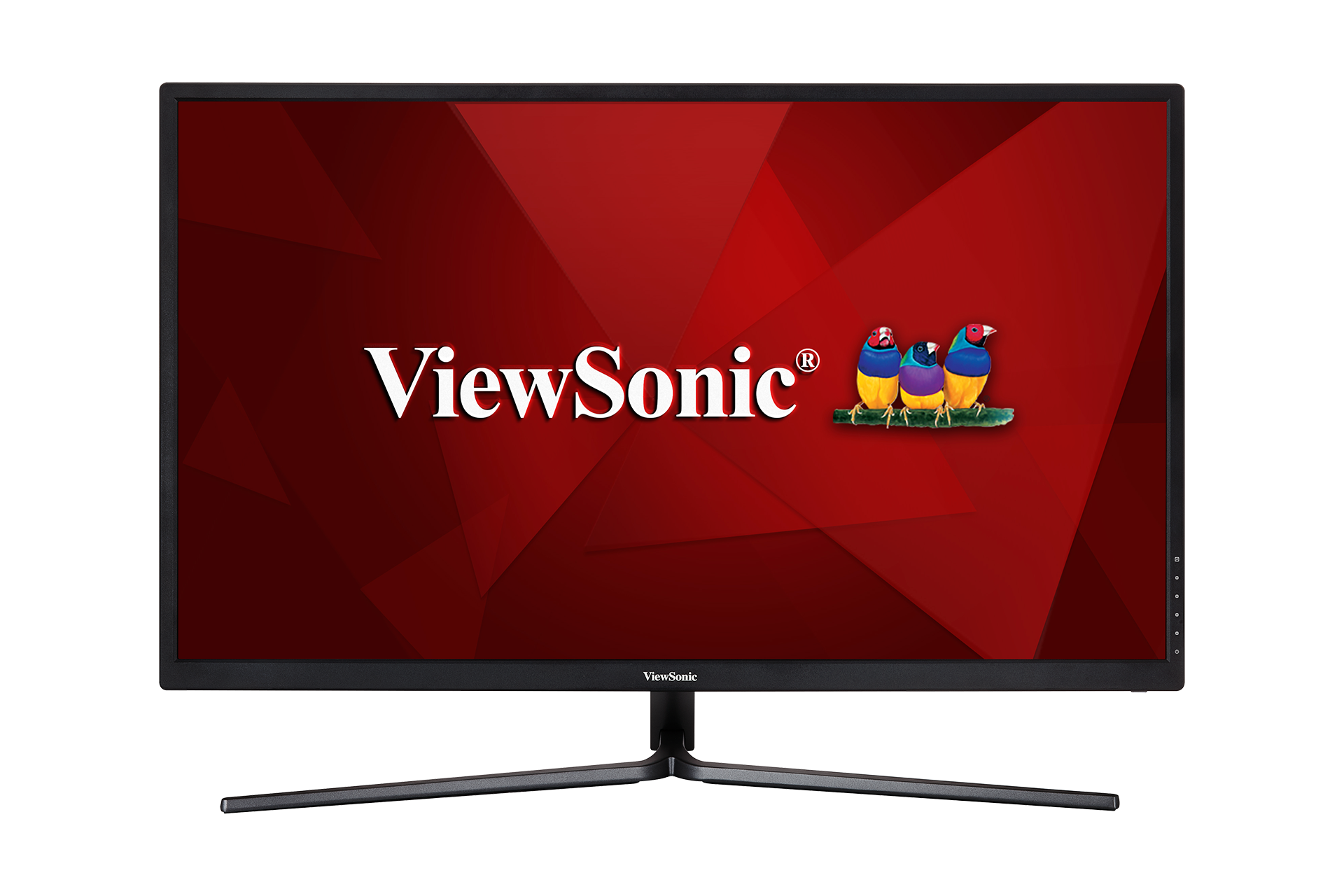
VX3211-4K-mhd
- Introduction
- Initial Setup
- Making Connections
- Using the Monitor
- Advanced Features and Settings
- Appendix
- Regulatory and Service Information
- [Full Guide Download]
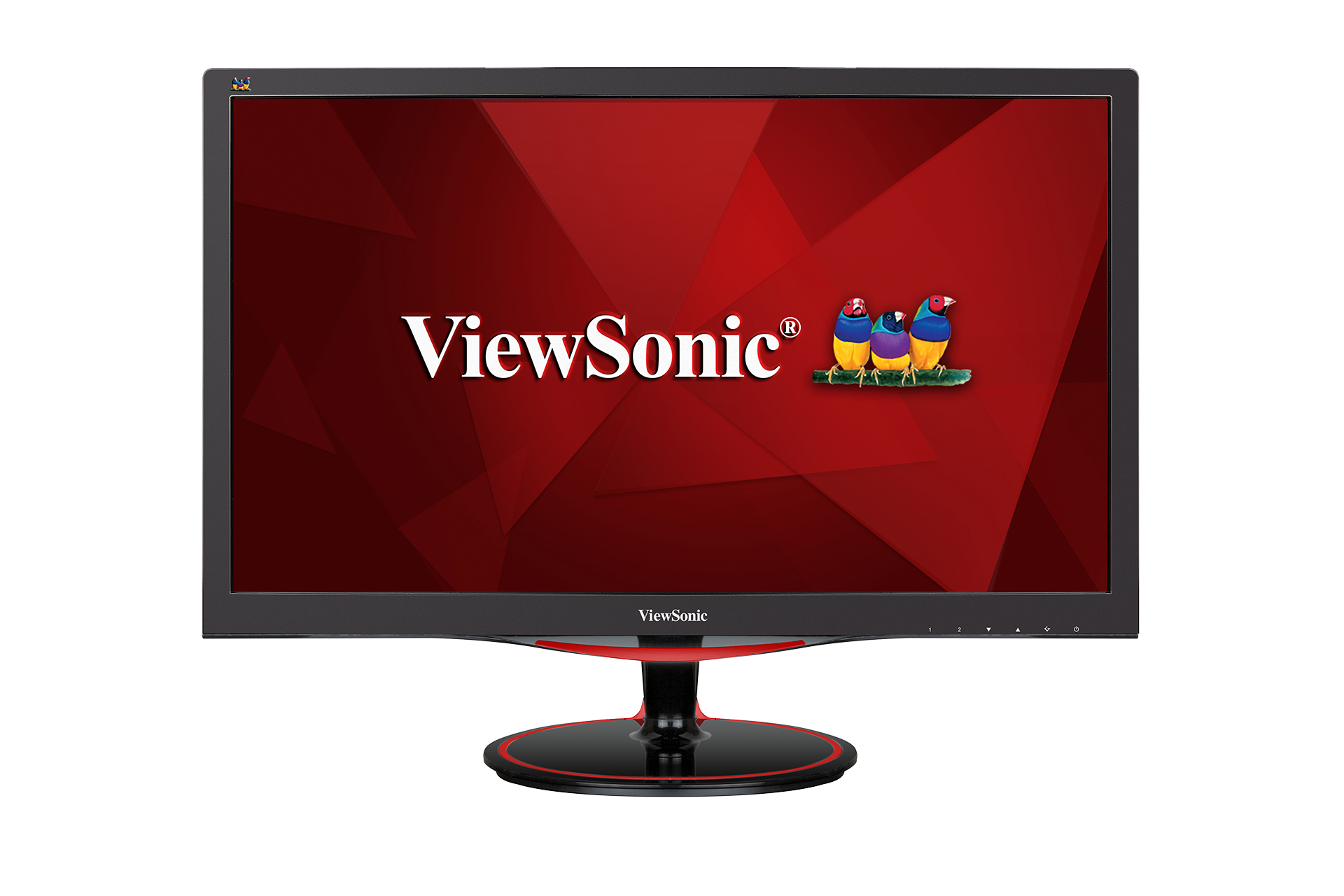
VX2458-mhd
- Introduction
- Initial Setup
- Making Connections
- Using the Monitor
- Advanced Features and Settings
- Appendix
- Regulatory and Service Information
- [Full Guide Download]
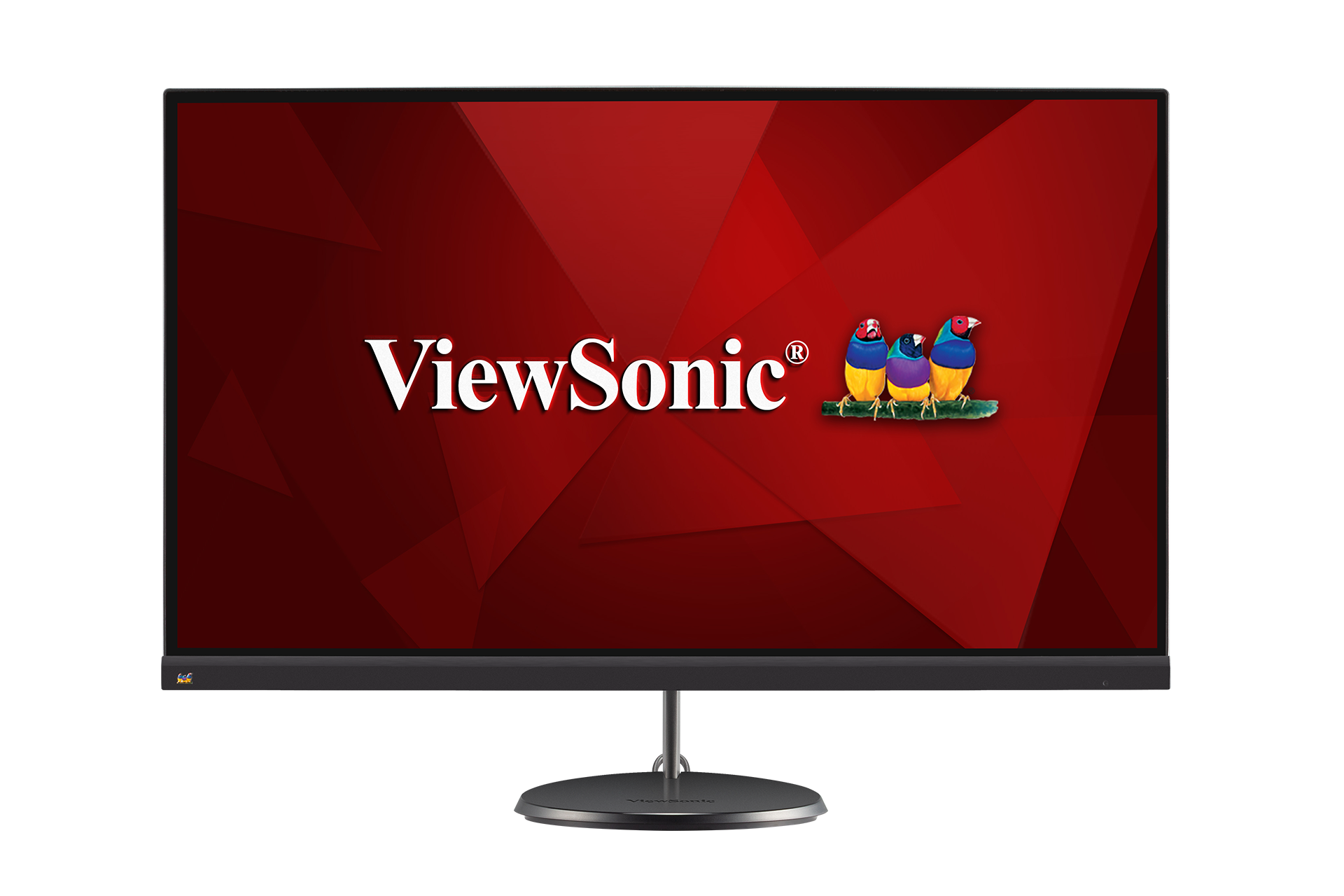
VX2485-mhu / VX2785-2K-mhdu
- Introduction
- Initial Setup
- Making Connections
- Using the Monitor
- Advanced Features and Settings
- Appendix
- Regulatory and Service Information
- [Full Guide Download]
If your device is not listed, please Search here