
VA Series: Difference between revisions
From ViewSonic Documentation
No edit summary |
No edit summary |
||
| Line 1: | Line 1: | ||
{{Product | {{Product | ||
|1=<div class="res-img">[[File: | |1=<div class="res-img">[[File:VA19-sh.jpg|center|link=]]</div> | ||
|2=<div><span style="color:#990000;">'''VA2419-sh'''</div> | |2=<div><span style="color:#990000;">'''VA2419-sh'''</div> | ||
|3=<ol style="list-style-type:square"> | |3=<ol style="list-style-type:square"> | ||
| Line 30: | Line 30: | ||
{{Product | {{Product | ||
|1=<div class="res-img">[[File: | |1=<div class="res-img">[[File:VA19-sh.jpg|center|link=]]</div> | ||
|2=<div><span style="color:#990000;">'''VA2719-sh'''</div> | |2=<div><span style="color:#990000;">'''VA2719-sh'''</div> | ||
|3=<ol style="list-style-type:square"> | |3=<ol style="list-style-type:square"> | ||
Revision as of 07:57, 29 May 2020
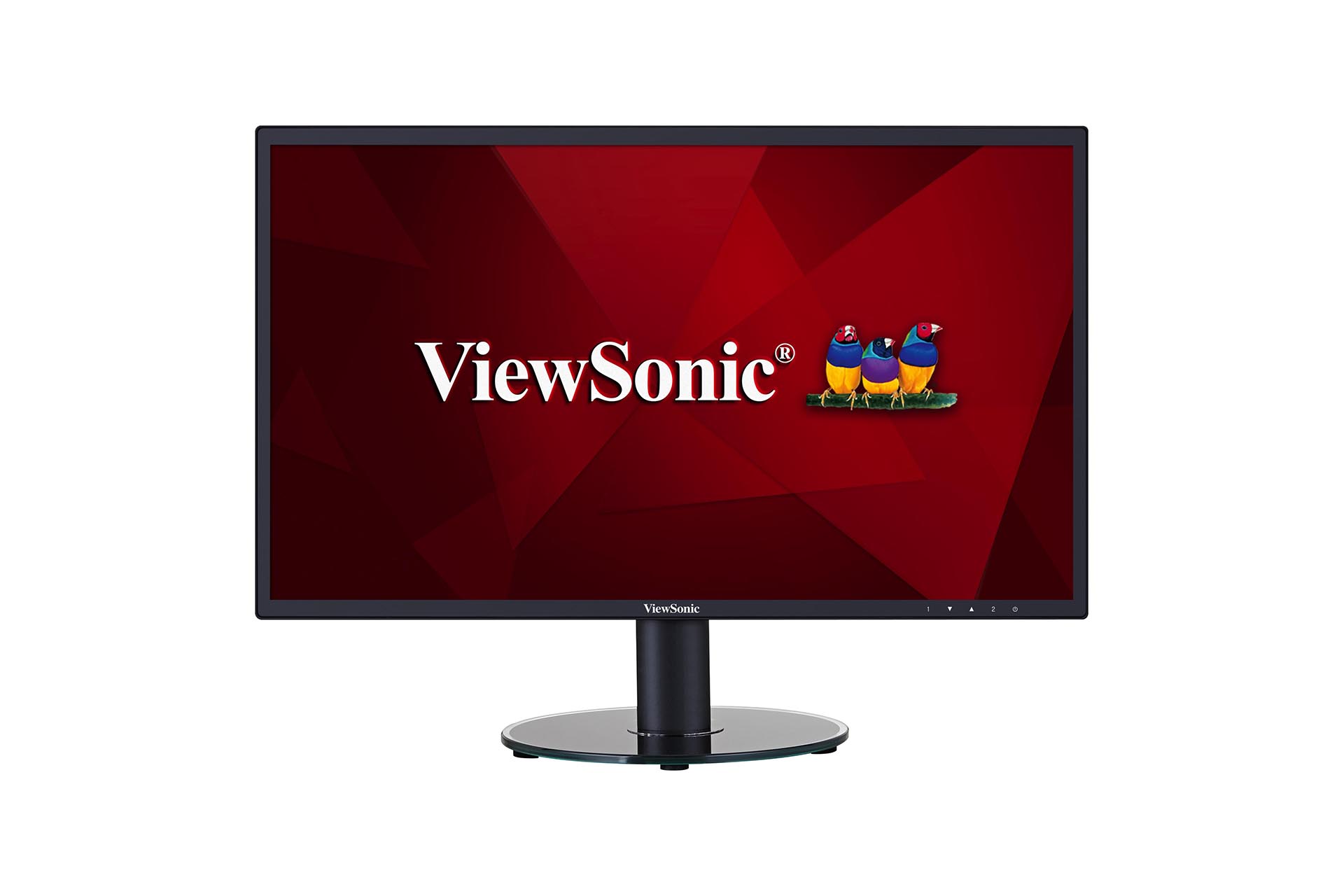
VA2419-sh
- Introduction
- Initial Setup
- Making Connections
- Using the Monitor
- Advanced Features and Settings
- Appendix
- Regulatory and Service Information
- [Full Guide Download]
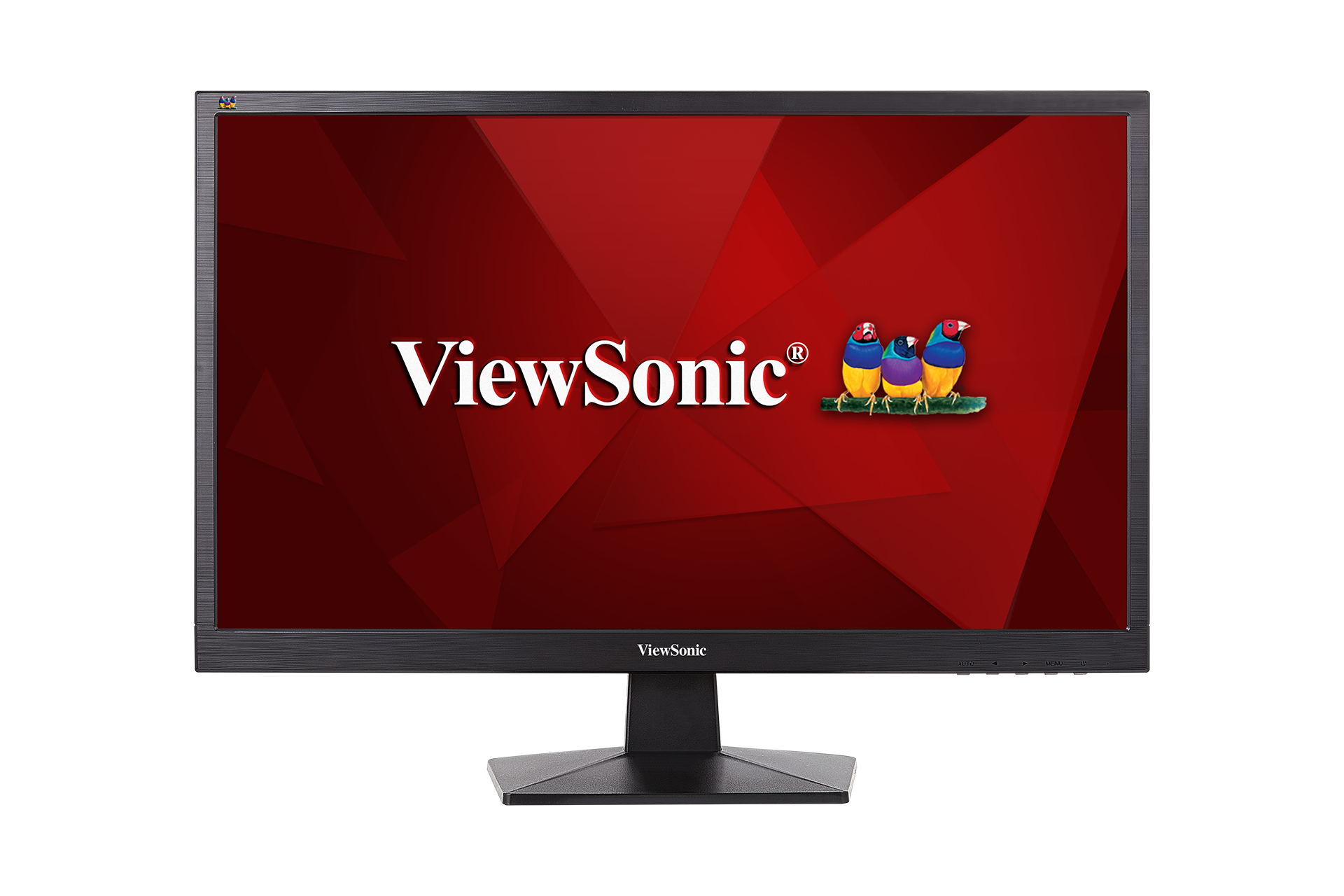
VA2407h
- Introduction
- Initial Setup
- Making Connections
- Using the Monitor
- Advanced Features and Settings
- Appendix
- Regulatory and Service Information
- [Full Guide Download]
VA2719-sh
- Introduction
- Initial Setup
- Making Connections
- Using the Monitor
- Advanced Features and Settings
- Appendix
- Regulatory and Service Information
- [Full Guide Download]
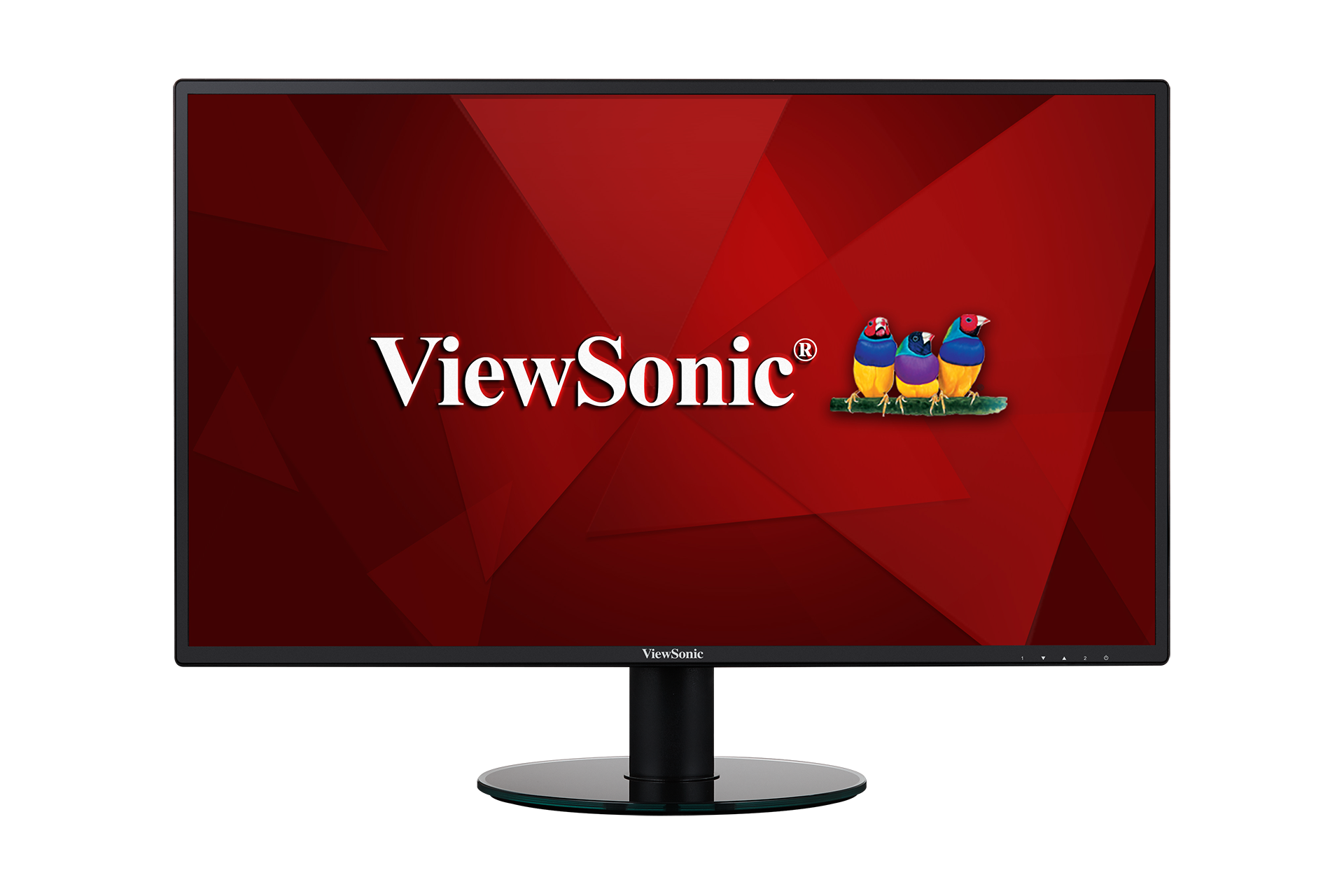
VA2719-2K-SMHD
- Introduction
- Initial Setup
- Making Connections
- Using the Monitor
- Advanced Features and Settings
- Appendix
- Regulatory and Service Information
- [Full Guide Download]
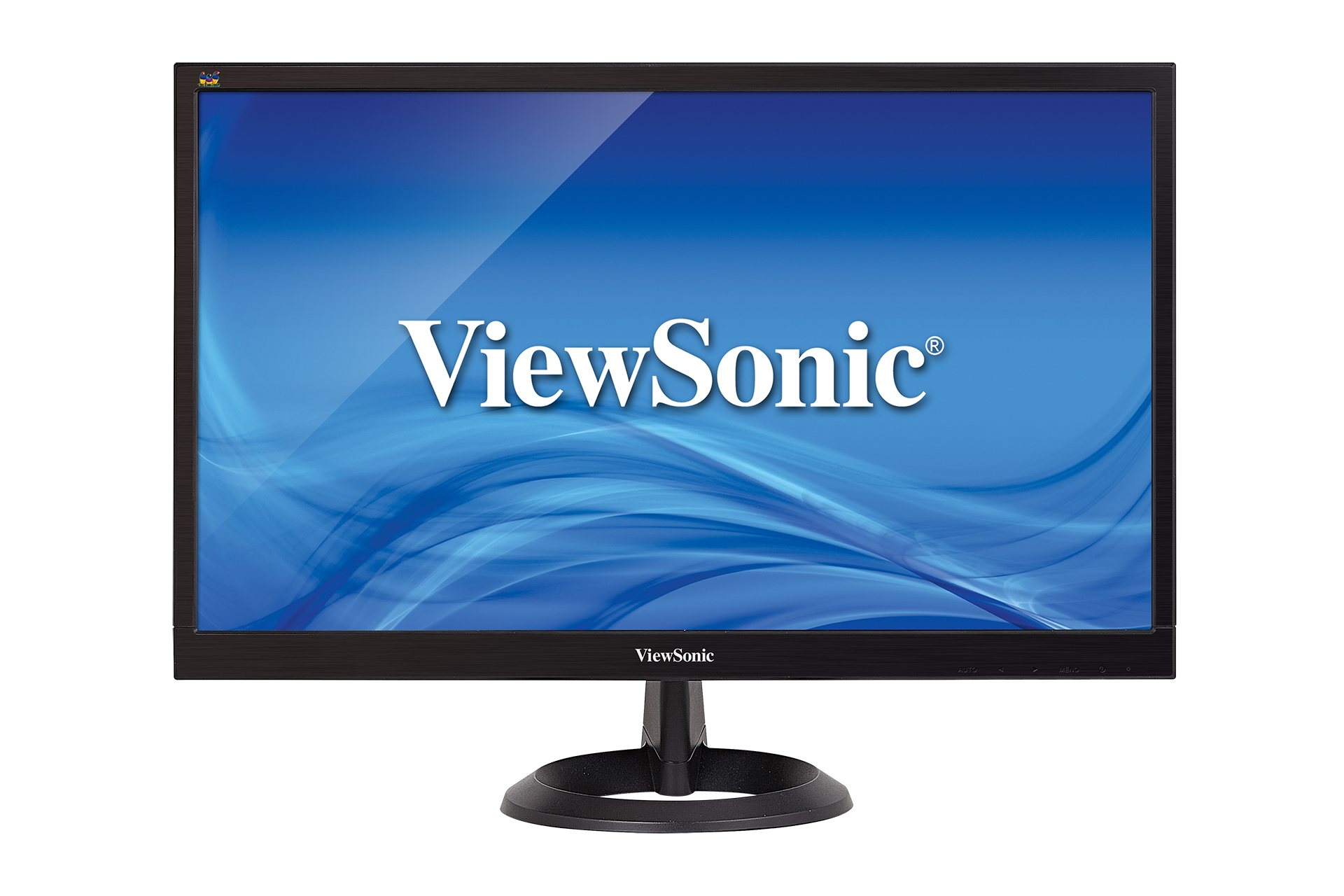
VA2261-2
- Introduction
- Initial Setup
- Making Connections
- Using the Monitor
- Advanced Features and Settings
- Appendix
- Regulatory and Service Information
- [Full Guide Download]
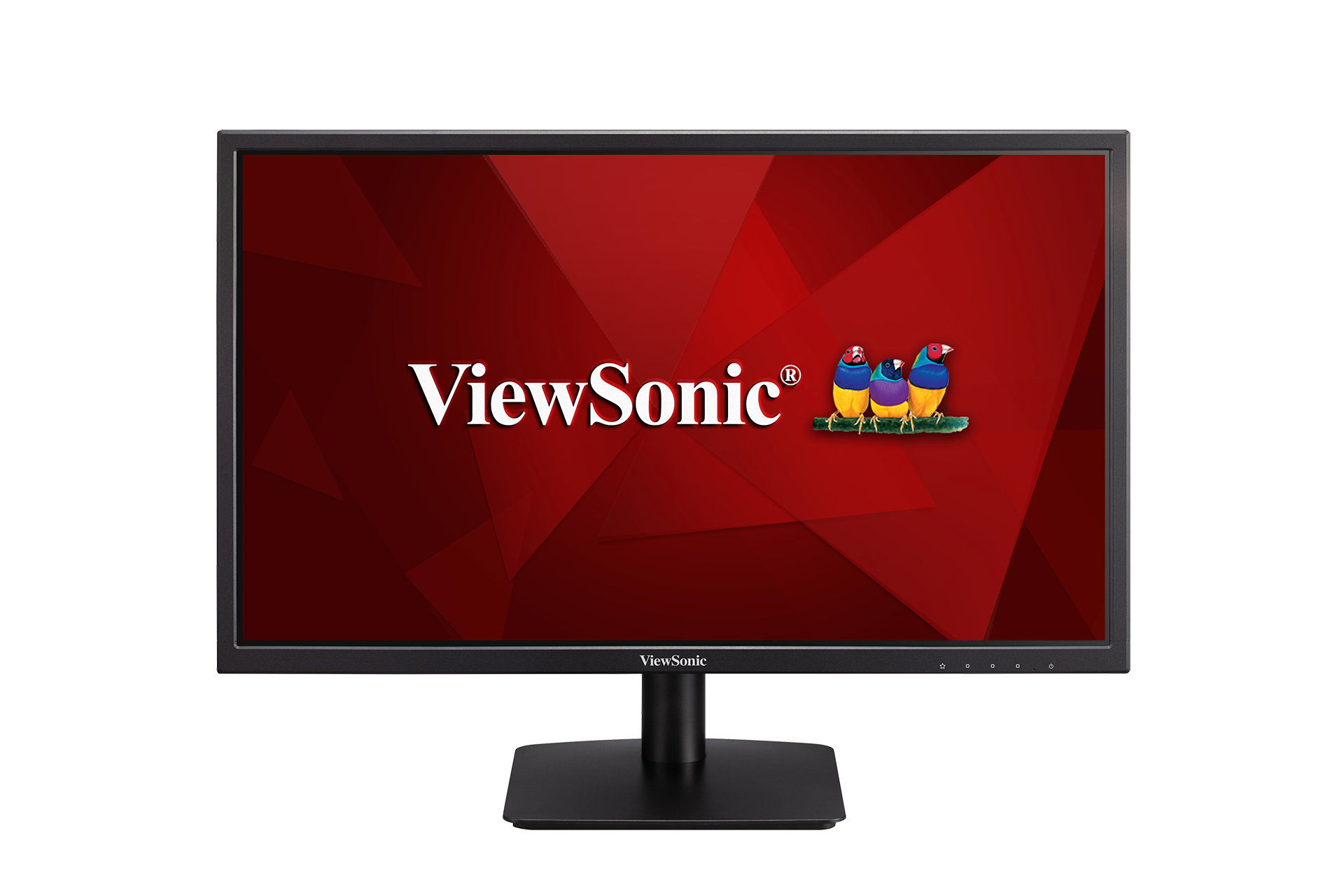
VA2405-h / VA2405-mh
- Introduction
- Initial Setup
- Making Connections
- Using the Monitor
- Advanced Features and Settings
- Appendix
- Regulatory and Service Information
- [Full Guide Download]